In recent years, e-commerce has become increasingly popular. To help online businesses like yours manage customer interactions more efficiently, Tidio offers a range of dedicated flows designed explicitly for use with Shopify.
In this article, you'll learn:
- What the Shopify-dedicated flow nodes are
- What special flow templates are available for Shopify users
- What flow Strategies are
Nodes dedicated for Shopify
Currently, we have seven Shopify-exclusive nodes available in the flows editor to help you manage the most important online store matters with automation: five actions, one condition and one trigger. You'll find the actions and the condition in the Shopify group of the Actions and Conditions menus:
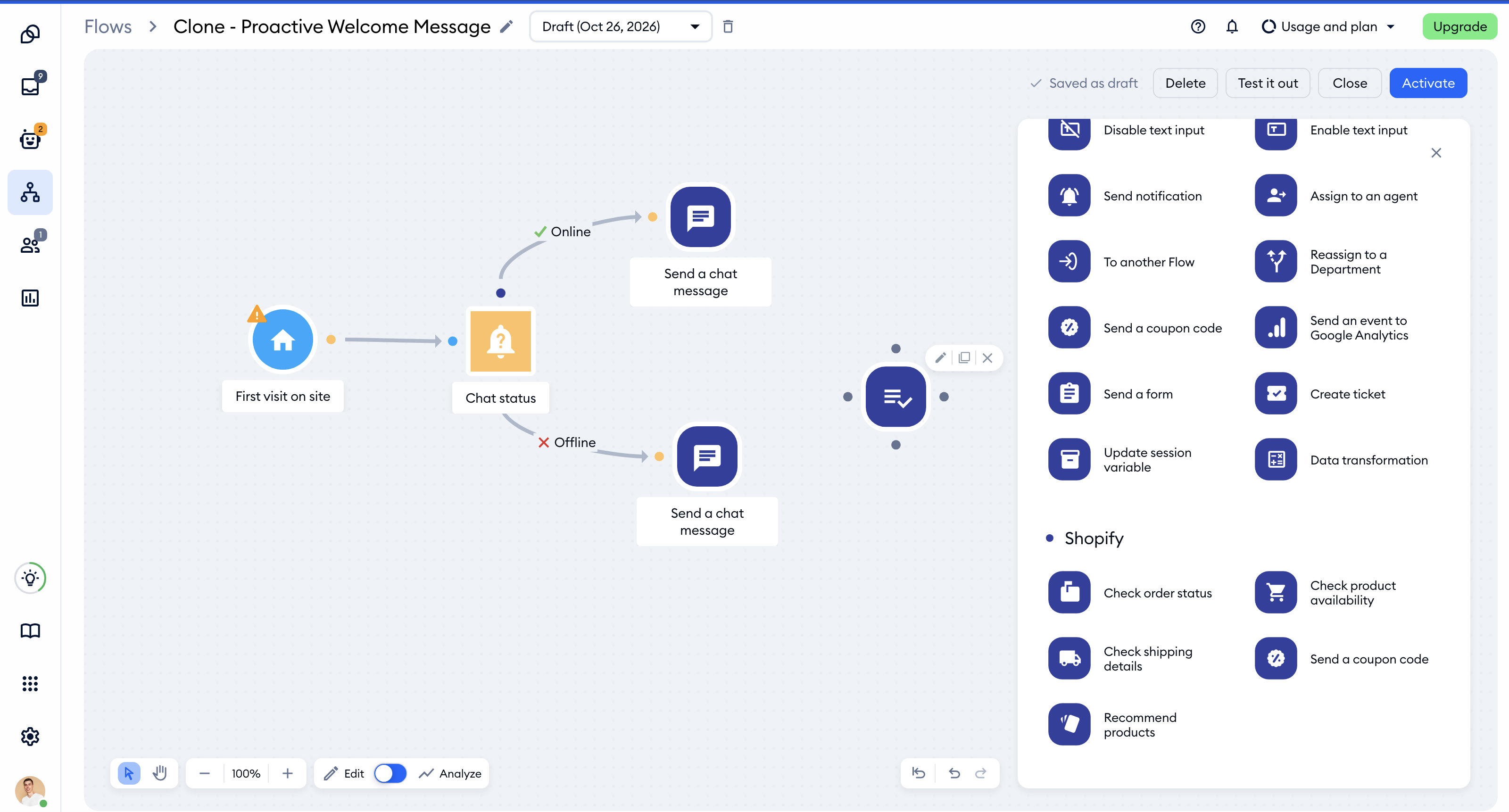
Each of these nodes works with the Shopify integration. If your store isn't connected yet, the node's settings will show a Shopify integration box with the Integrate with Shopify button - it only takes a couple of minutes.
Check order status
This node will answer your client's questions about their order status after providing their order number or e-mail.
The flow reads your statuses directly from your Shopify panel. If an order has not been shipped yet, the Transfer to agent message appears for the visitor, and the conversation is transferred to the unassigned section of the conversations panel. The Order Status node allows for looking up orders placed within the last 60 days.
If your store doesn't use delivery tracking numbers, select Non standard tracking in the node's settings. If the flow then detects a problem with the order, the conversation will be transferred to an agent.
Check product availability
This node will answer questions about the availability of particular products in your store. After providing the product name, the client will be informed whether that specific item is available.
Check shipping details
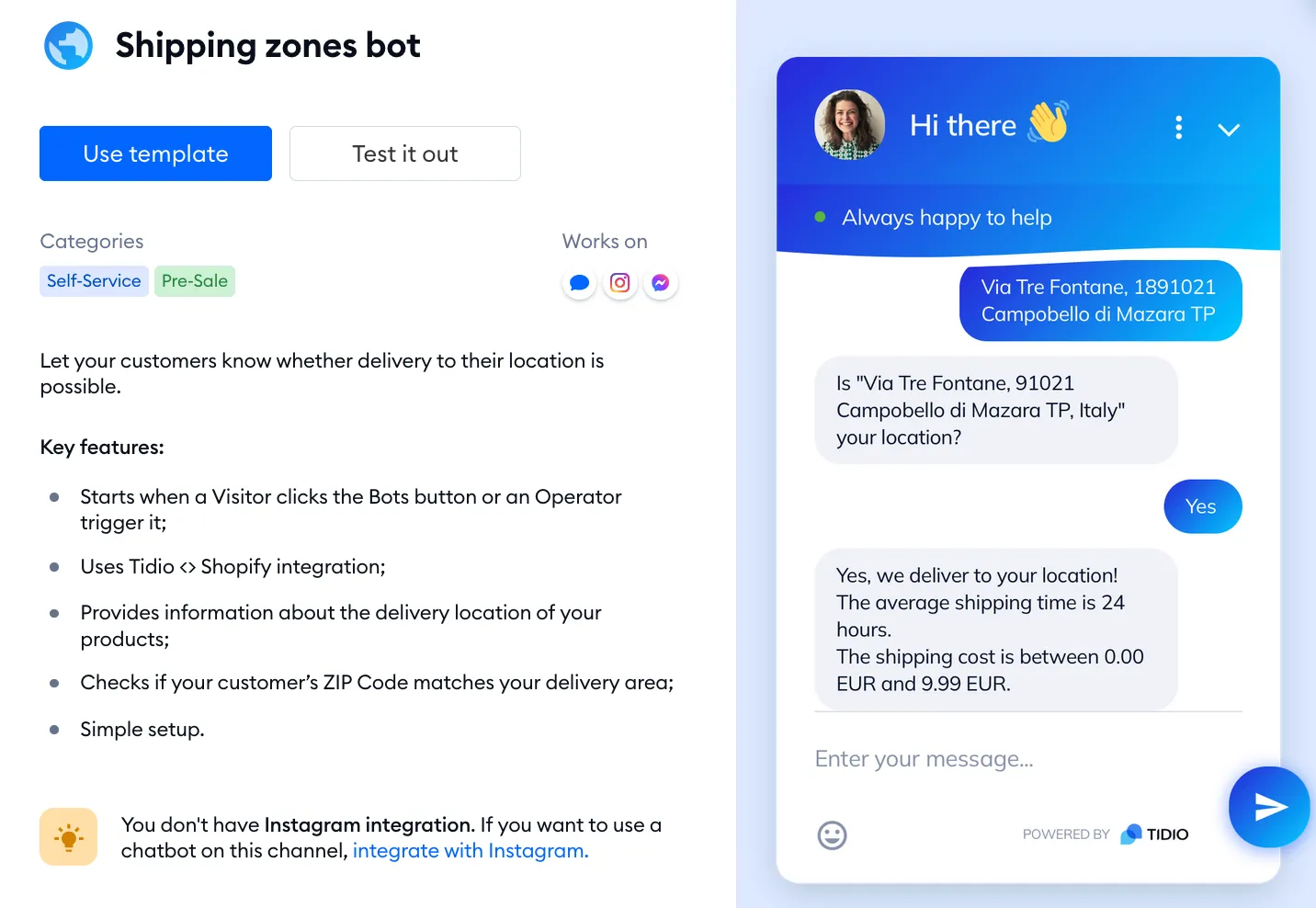
This node will allow your flow to answer your customer's inquiries about the delivery location of your products. First, the flow will ask about the area they would like to order from, and, they'll be informed whether the delivery to that area can take place.
Send a coupon code
This node allows you to send coupons to visitors. Coupon codes will automatically be synced with your Shopify store. To learn more, see our article about tracking the impact on your revenue with coupon codes.
Recommend products
This node will automatically offer your visitors a set of products similar to those they interacted with in your store previously (they've added a certain product to their cart). You can choose how many products should be displayed, and visitors can add the recommended products to their carts directly from the widget.
You can learn more about setting up this feature in this guide.

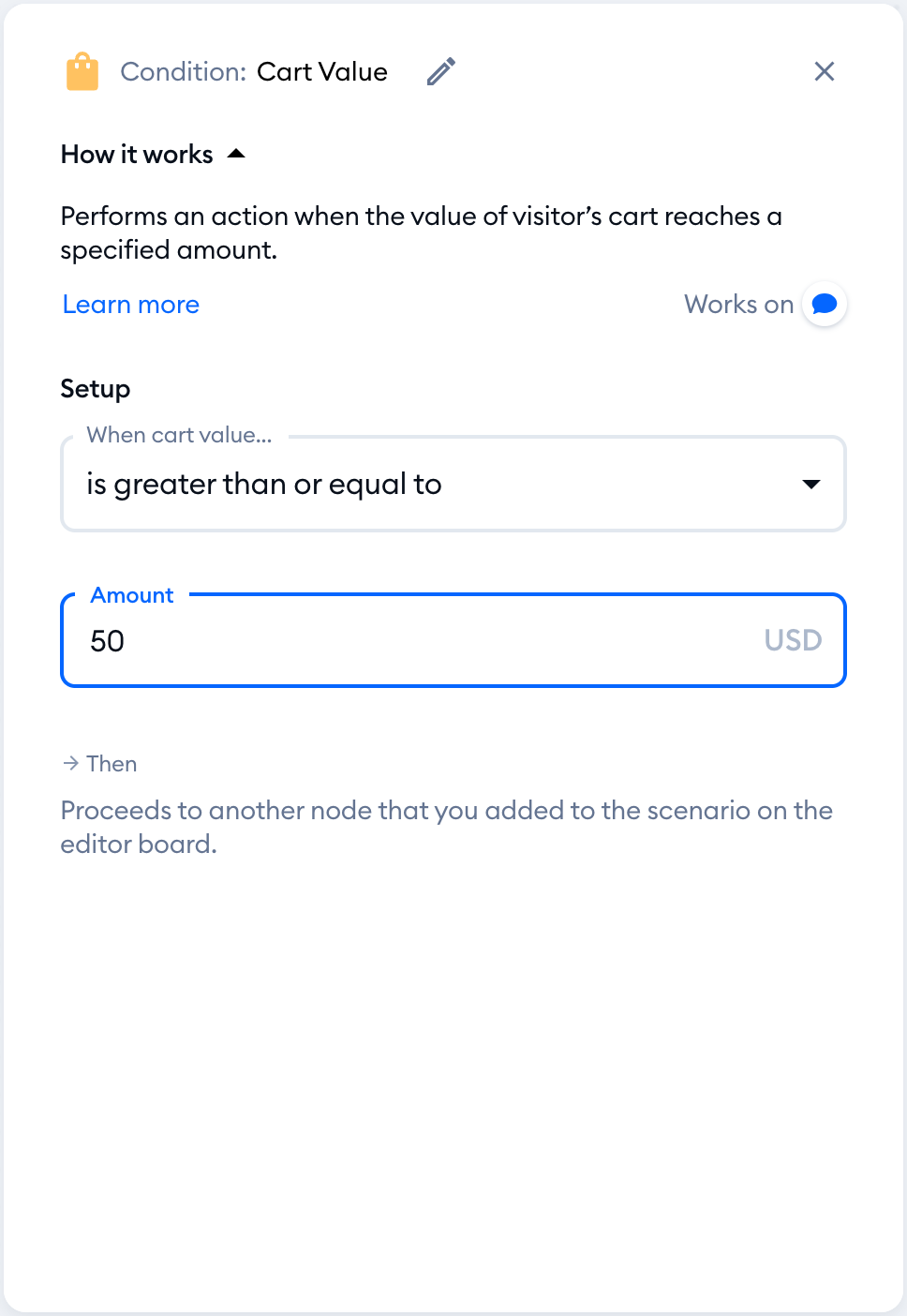
Cart Value
This condition lets your flow take a different path when the value of the visitor's cart reaches the amount you set - for example, to offer free shipping only above a certain order value. You'll find it in the Shopify group of the Conditions menu.
Shopify - Visitor adds to a cart
This trigger allows you to trigger a flow when a visitor adds an item to their shopping cart. You'll find it in the Triggers menu, under Based on visitor's actions on page. Please keep in mind that this trigger only works with the Shopify integration.
Flows templates
Tidio provides over 35 expertly crafted templates, each designed to boost your revenue by leveraging effective e-commerce tactics, including enticing discounts, timely alerts on hot deals, and personalized product suggestions. You'll find them in the Flows section, in the Sales Flows, Leads Flows and Support Flows lists in the menu on the left.
Here are just a few examples of them:
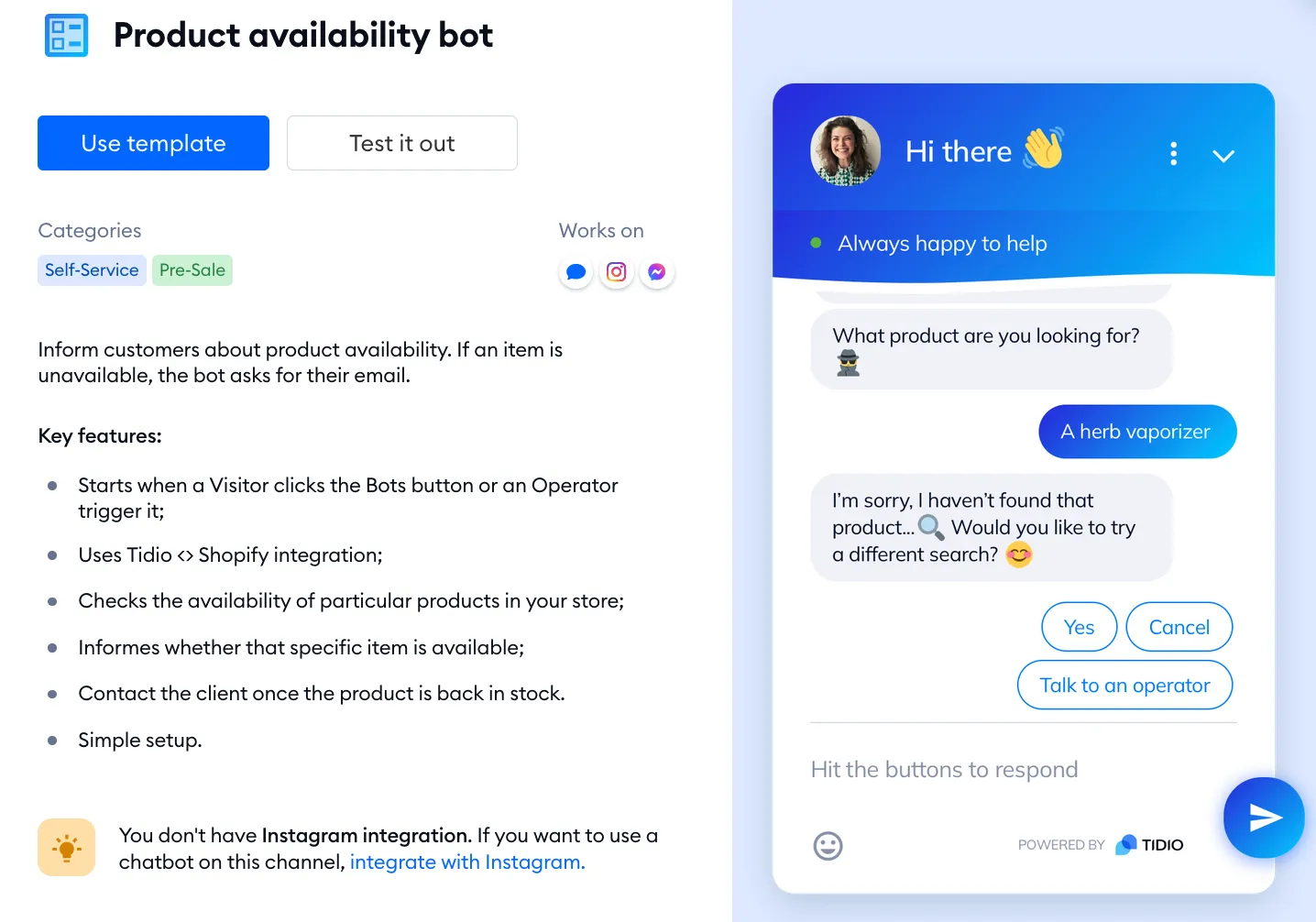
Product Availability Flow
You can find this flow inside the Support Flows list. This flow includes the Check product availability node that we described above. It will help your visitors check whether the item they're interested in is available. This way, you can use this ready-to-use scenario without crafting your own flow.
Shipping Zones flow
You can find this flow inside the Support Flows list. This flow includes the Check shipping details node that we described above. This flow will help your customers to find information about the shipping options & locations to which their orders can be sent to.
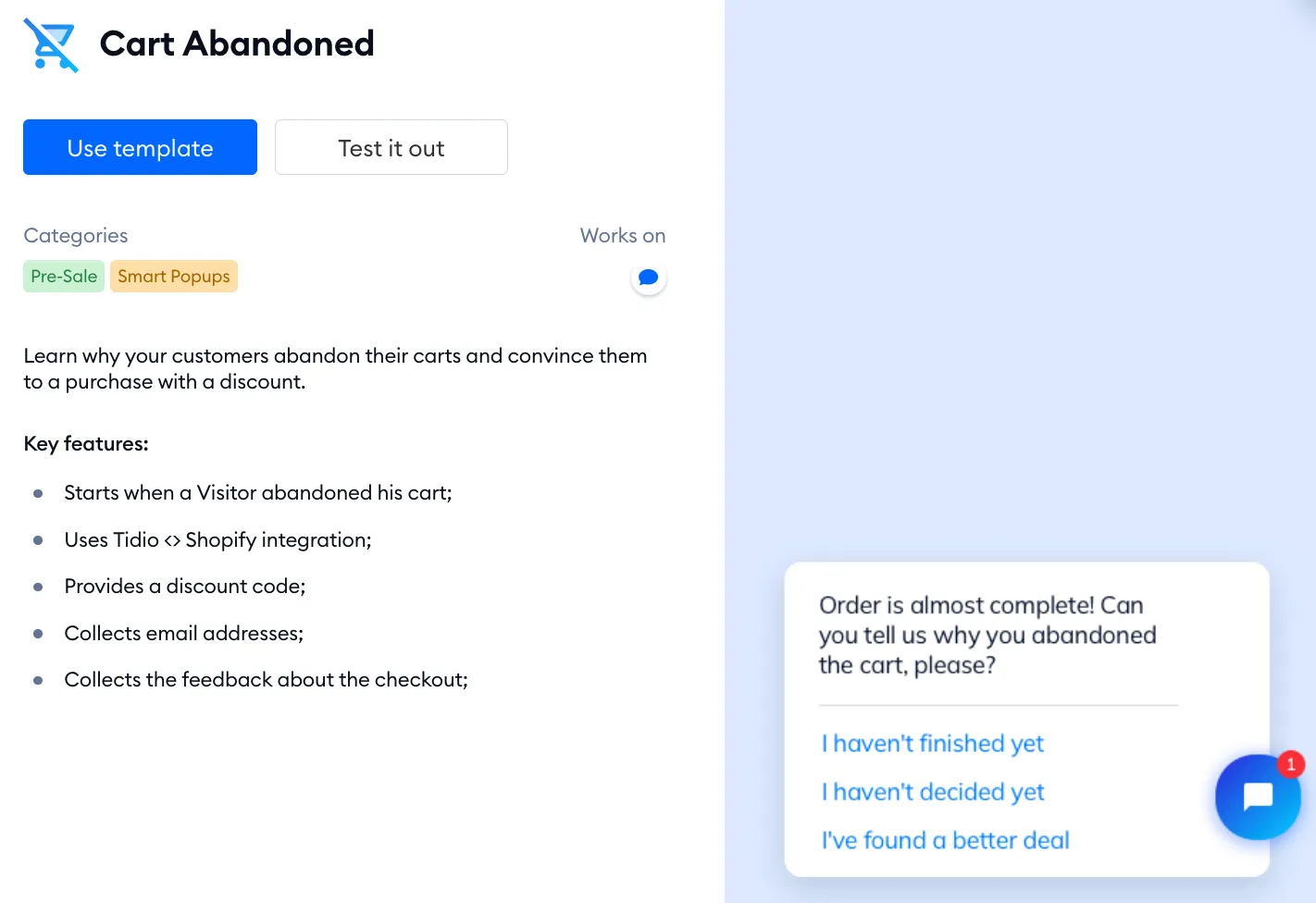
Cart Abandoned
You can find this flow inside the Sales Flows list. With this flow, you'll gain valuable insights into why customers abandon their carts and convince them to return to the checkout and purchase your products with a discount. To learn how to set up abandoned cart tracking, see Tracking an Abandoned Cart using Tidio.
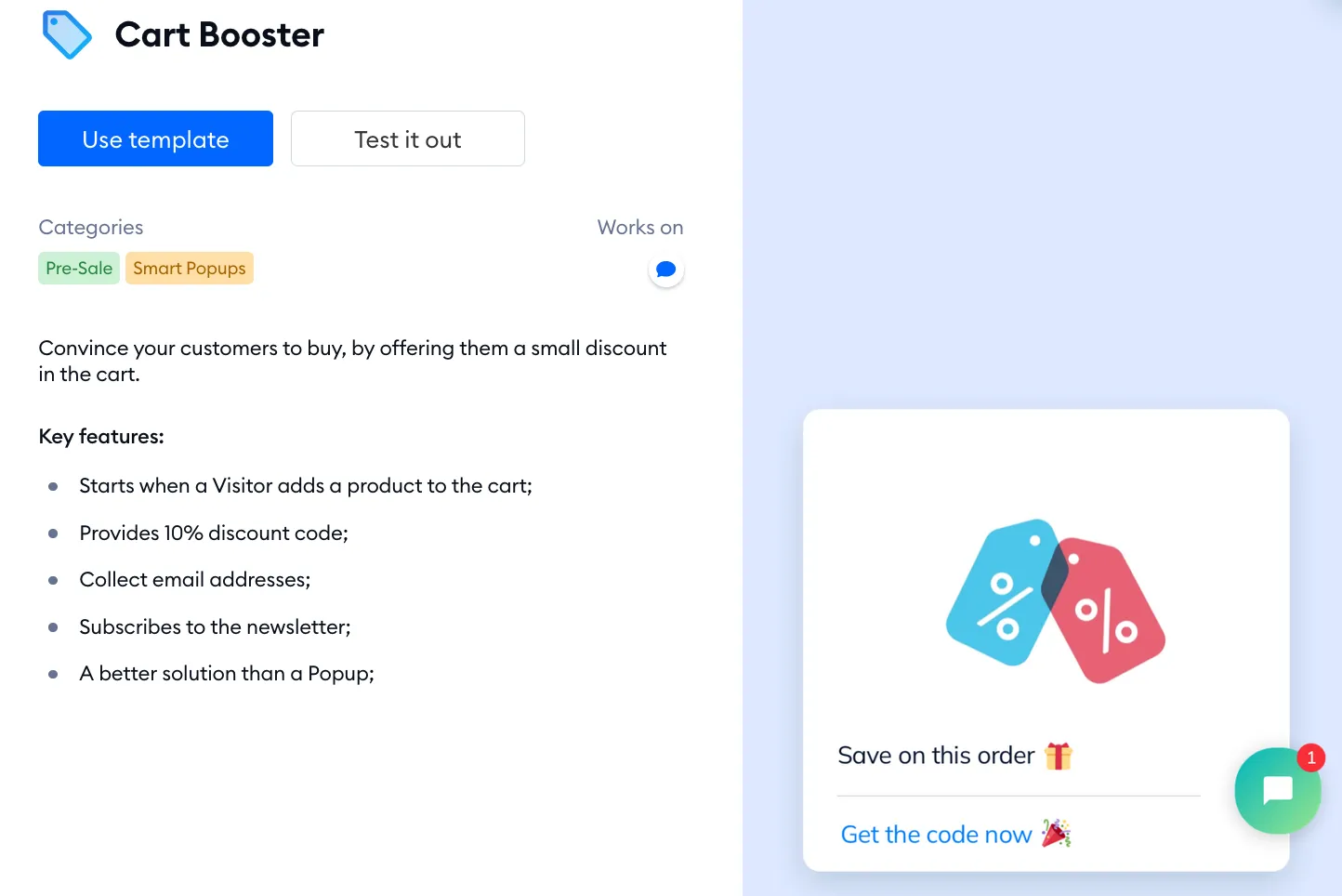
Cart Booster
You can find this flow inside the Sales Flows list. With this flow, you can convince your customers to buy by offering them a small discount when visitors add a product to the cart.
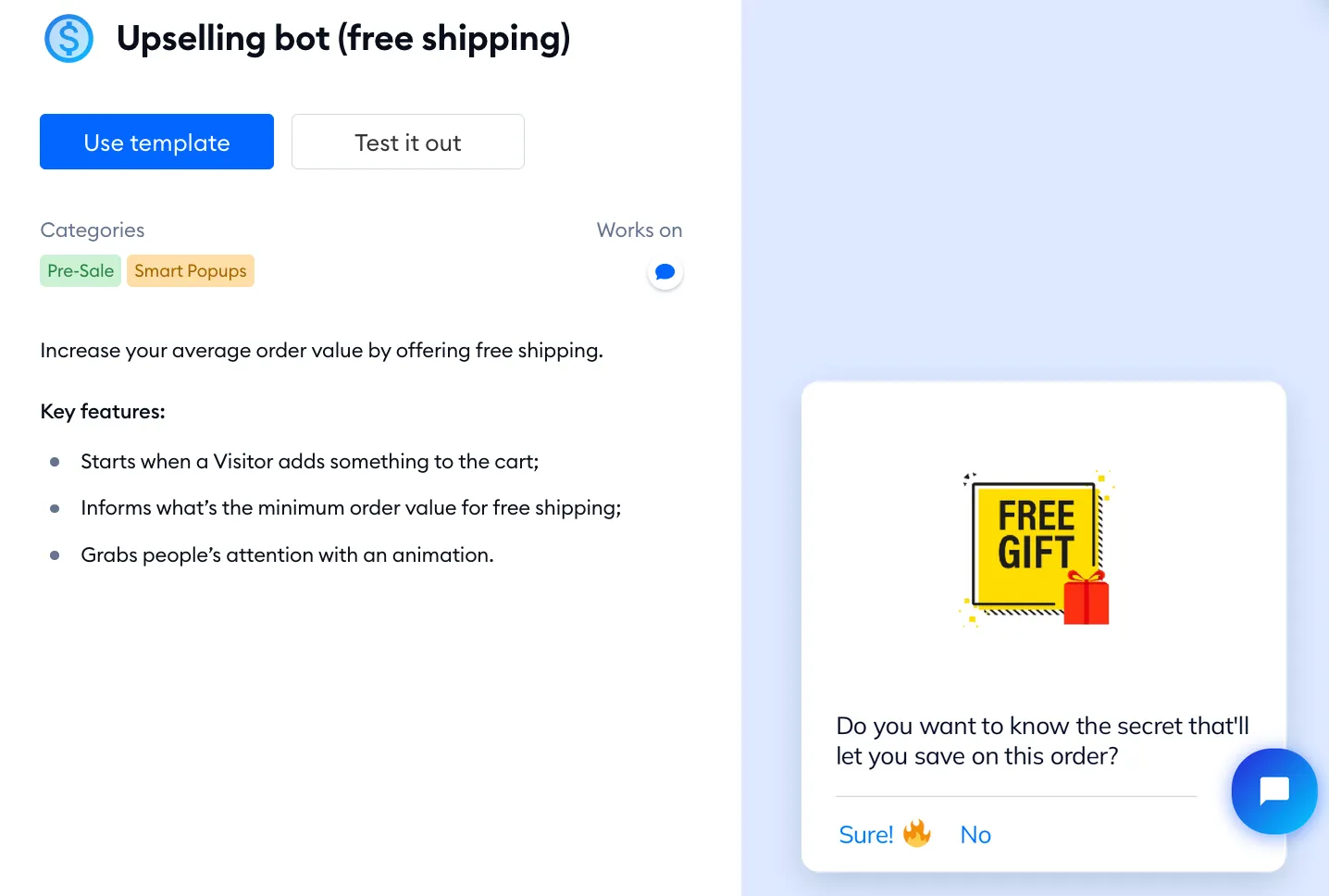
Upselling flow (free shipping)
You can find this flow inside the Sales Flows list. With this flow, you can increase your average order value by offering your visitors a free shipping option. The message is sent when a visitor adds something to the cart.
Flows strategies
As you already have multiple things in your head around your business, coming out with another strategy may be time-consuming and not always effective. Perhaps you've already tried many tactics that haven't worked and don't have the expertise to build a better plan.
For all the users who value their time even more, we prepared whole flows strategies which you can enable with just a few clicks. When strategies are available for your project, you'll find them under Strategies in the Flows menu. Click on View strategy to see What’s inside?, and hit Use Strategy to add its flows.
At this moment, you can choose between two strategies:
- Increase sales - Automate a buyer journey and sell more
- Solve problems - Keep in touch with your visitors when you are offline.
Increase sales - Automate a buyer journey and sell more
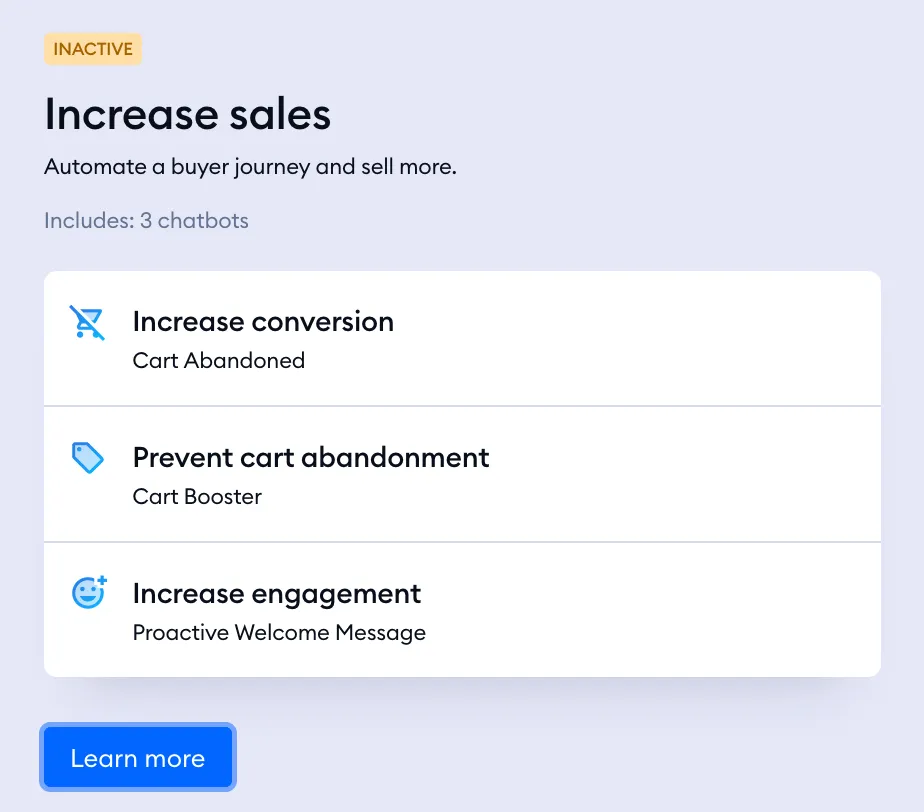
This strategy will help you automate the buyer's journey to start selling more. The strategy consists of three flows:
- Cart abandoned - to stop your visitors from abandoning their carts by offering them a small discount.
- Cart Booster - to convince customers to buy by offering them a small discount.
- Proactive Welcome Message - to make the visitors feel valued and welcomed on your page.
Solve problems - Keep in touch with your visitors when you are offline
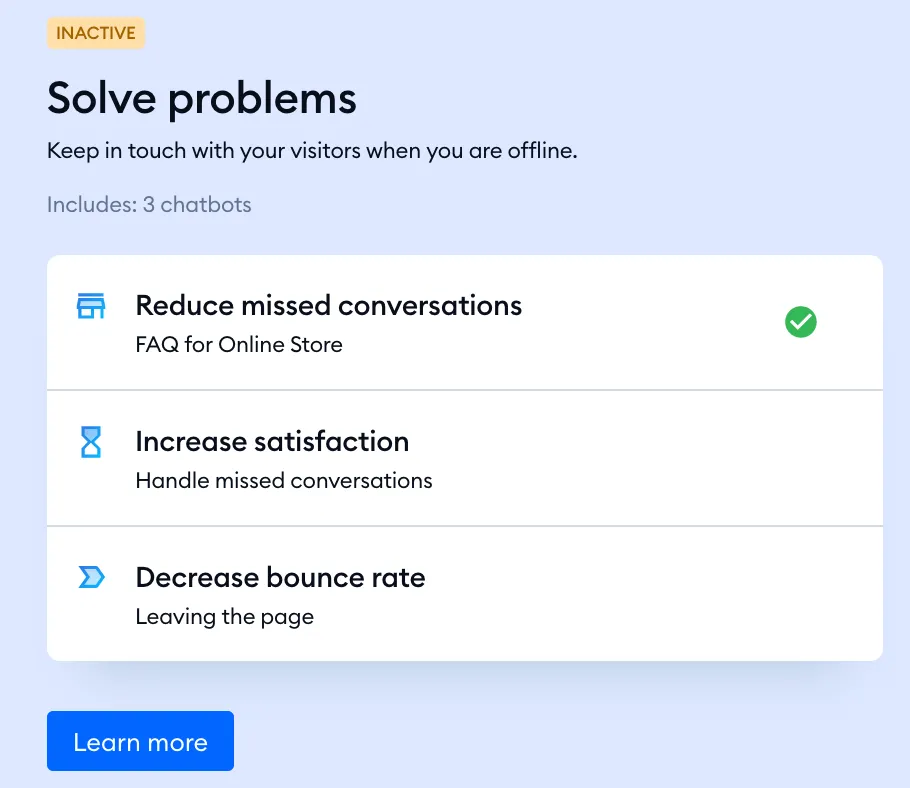
This strategy will help you communicate and keep in touch with your visitors when you are offline. The strategy consists of three flows:
- FAQ for Online Stores - to provide answers to frequently asked questions when you are offline.
- Handled missed conversations - to never leave anyone without a reply. Build trust and your mailing list.
- Leaving the page - to decrease the bounce rate by messaging every visitor about leaving your page.
We hope you found the above information helpful. We wish you all the best with your business and Tidio's usage. Flows high five!
Further reading
- Coupon Code (flow action)
- Recommend Products (flow action for Shopify)
- Tracking an Abandoned Cart using Tidio
- Flow editor: Actions
- Flow Strategies
- Manage Shopify orders
