Live chat allows you to communicate with your customers in real-time and vice versa. In this article , we'll explain to you the main advantages of live chat support and how to effectively use the Tidio app with some examples!
In this article, you'll learn:
Benefits of having a chat app
Cost Reduction
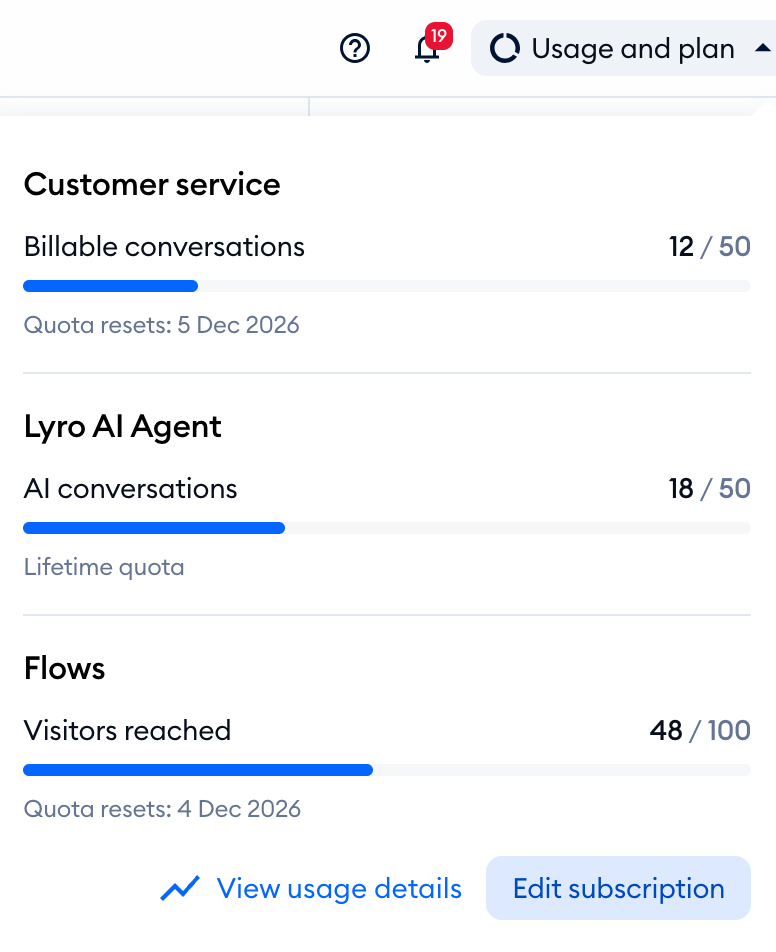
Live chat reduces the expenses of your running business. Unlike others, we target small and midsize businesses - which means you don't need to invest money in expanding your customer service and hiring a dedicated support team. All you need is our chat app, which you can manage yourself! Every new project starts with a 7-day full-featured trial, and after that you can keep using Tidio on the Free plan - with 10 agent seats and 50 conversations a month - without putting up any money. For an overview of our features and paid plans, check our pricing page.
Improve the Support Experience
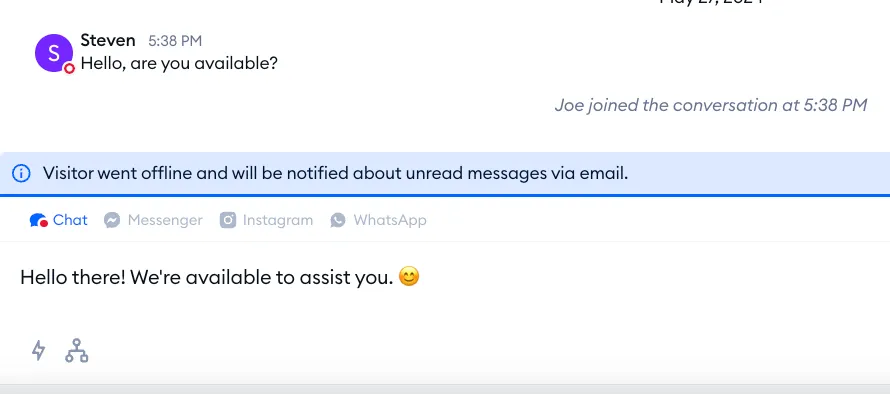
Whenever your customer has a question or runs into an issue, you need to be there for them to make the purchase process as quick and easy as possible. Make yourself available 24/7 and see the sales go up! Your customers will be amazed by the chat experience and will surely prefer it over spending hours 'on hold' over the phone or waiting for an email response.
Collect the Leads
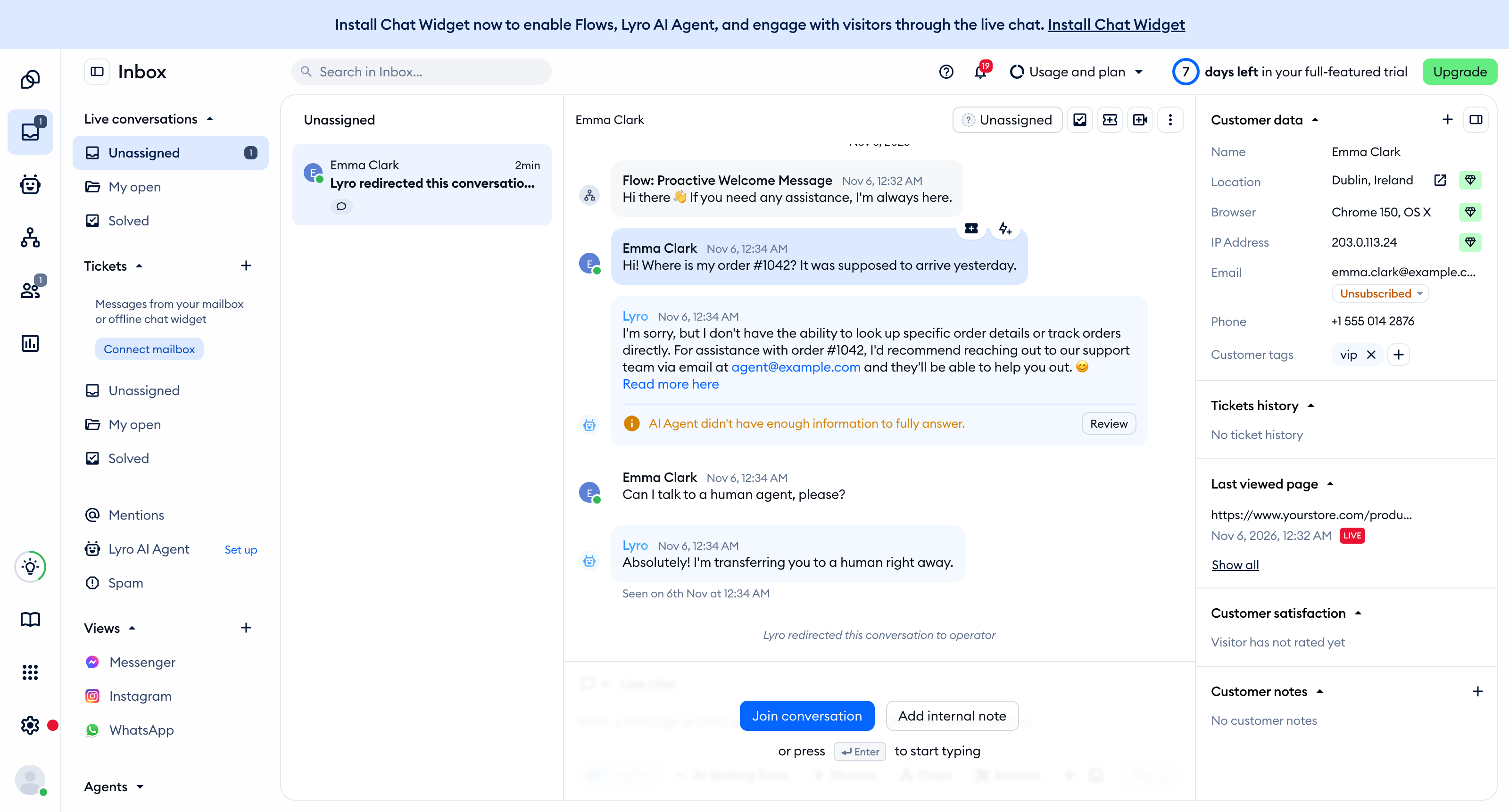
You can see plenty of details such as a customer's location, IP address, operating system, device, browser, and the URL of the site they're currently looking at. All this to give you an idea of what they might be looking for even before you start talking to them!
Please note: the location, browser and IP address (visitor info) and the pages your visitors have viewed are available on the Growth plan and above. On other plans, these details are blurred - clicking them opens the upgrade window. See Which upgrades do I need?
Learn more by taking a look at our Start collecting the Leads article.
Develop & Expand
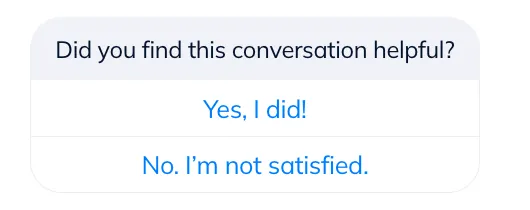
Get feedback about your products to develop and expand! Nothing helps better than learning the preferences of your customers. Are people asking for things you don't have on offer? Consider making those available. You've received several requests for a particular T-shirt model or color? Maybe it's a good time to start supplying it!
And most importantly...
Increase Sales
Remember that each visitor on your website is a potential buyer! Approaching your visitors through live chat can easily turn them into customers. Be there for your visitors. Engage them proactively to resolve their doubts and concerns, communicate with them; let them feel there's a real person who can help them choose the right product and assist with the entire process. Now you can let your sales skills shine - offer a better product or an accessory matching the customer's choice and seize the opportunity to upsell and increase your profit.
Mobile App
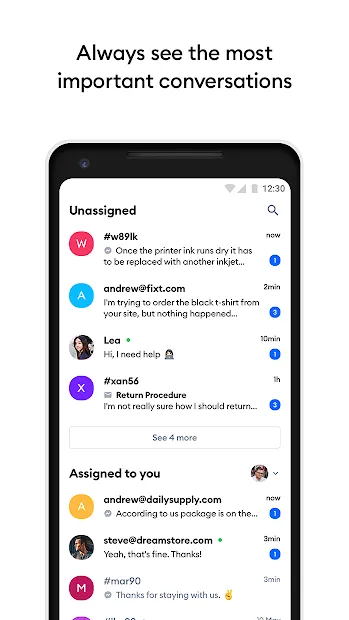
Get yourself a mobile app to be always available and never miss a potential sale! You'll be able to answer incoming chats on the go. No matter if you're in the park, subway, or having lunch - grab your phone and close some sales! (But don't text & drive!)
You can download the mobile apps directly from the chat panel in the Settings > Download apps section or from the respective App stores:
Android
iOS
Email & Messenger & Instagram & WhatsApp Integration
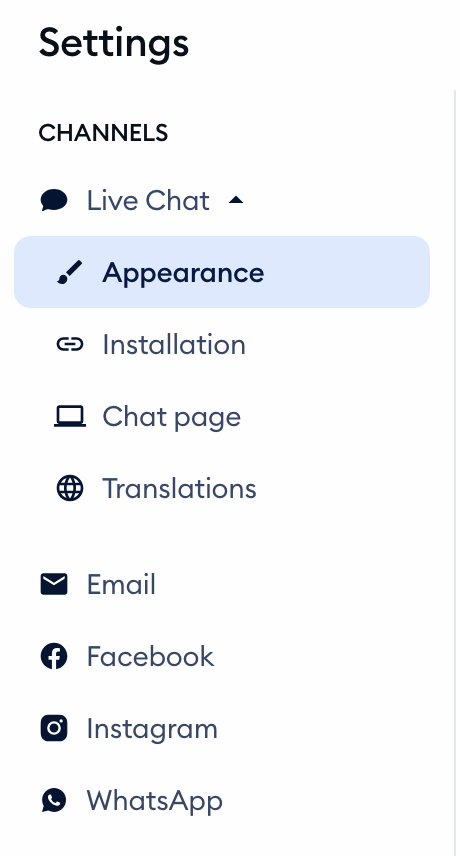
Now you can be even closer to your clients and create a stronger bond with them. Manage all your communication in one place - answer chats, respond to Facebook, Instagram & WhatsApp messages and emails... all this from one Tidio chat panel! Simply connect your channels in Settings, under Channels.
Once you connect your mailbox, the emails your customers send come into your Inbox as tickets, so your team can track, reply to and solve them right next to your chats. Learn more in Ticketing - a quick setup.
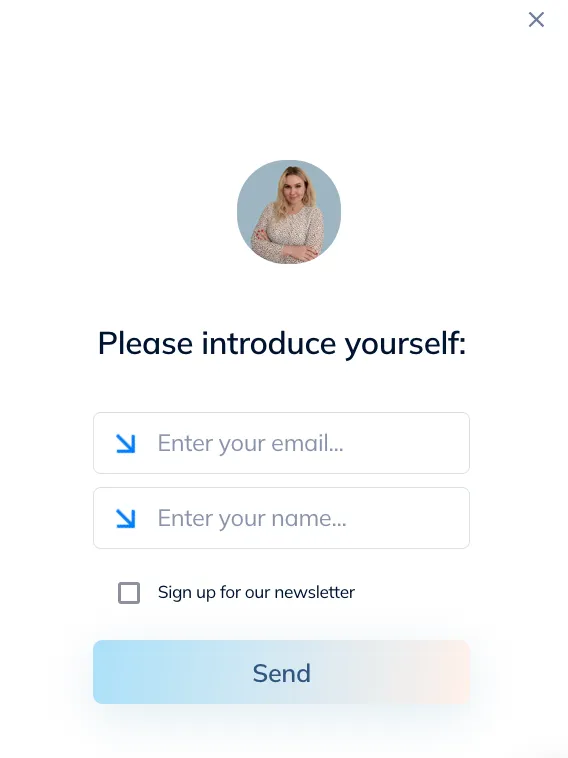
Go ahead and create your client base: get your customers' details like email and phone number to let them know about special offers and events! Send them a quick email and start a long-term conversation. You can even have those details before your visitor starts to chat! Learn more about the Pre-Chat Survey feature.
Automated Messages - Flows
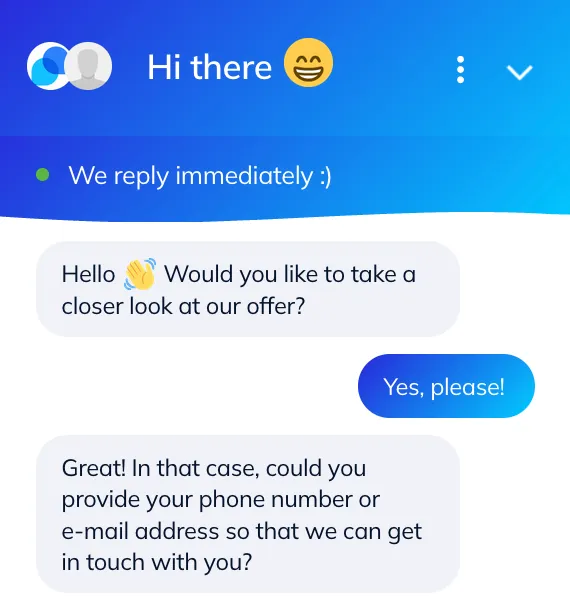
Help your business grow even without engaging your customers yourself - set up automatic messages and flows triggered by specific actions. Our own developed flows are capable of handling simple conversations for you without your direct interaction. This way you'll be able to provide even better and faster customer service! How cool is that? Start with Flows.
Lyro AI Agent
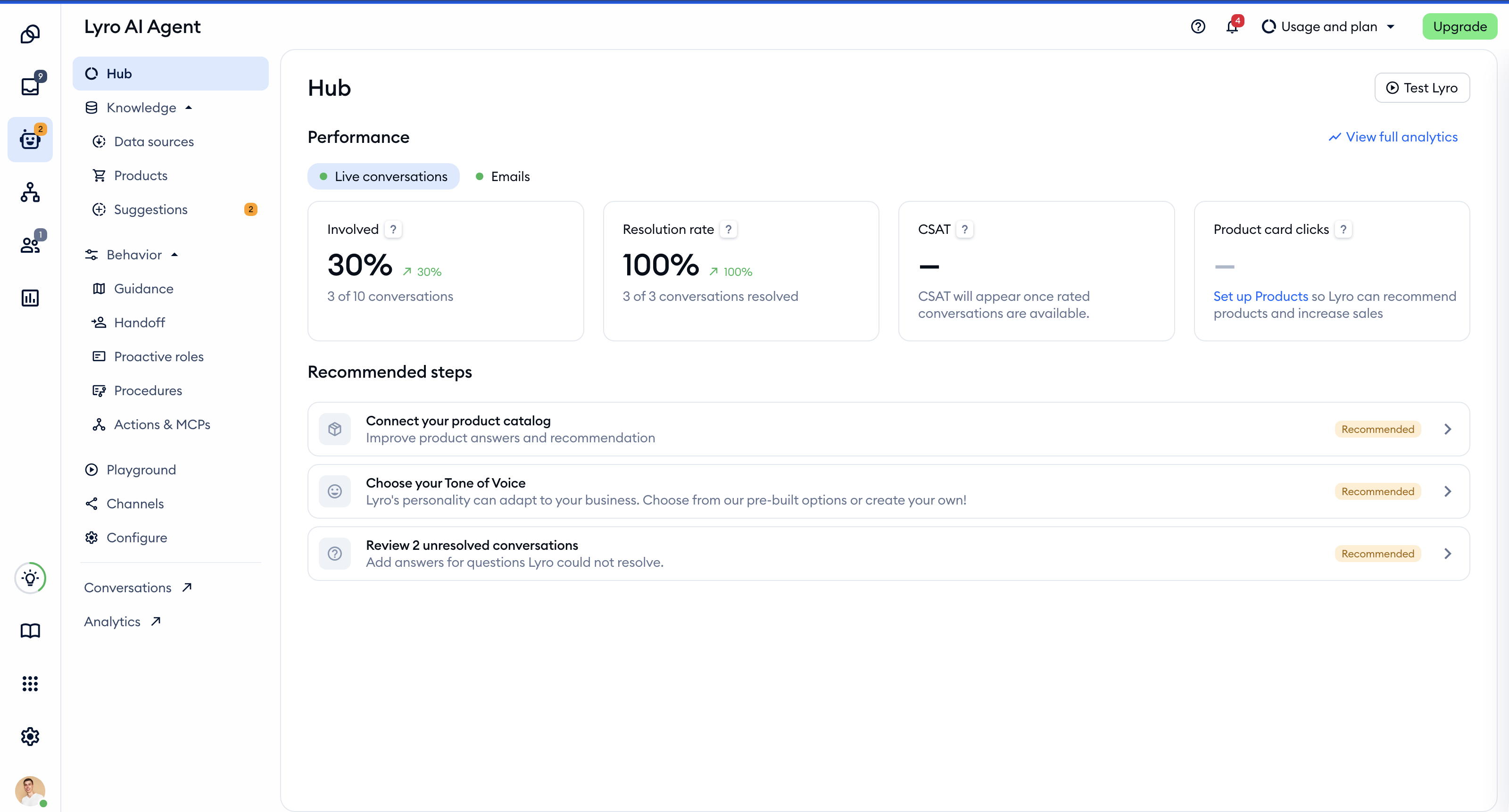
Want to go one step further? Let Lyro, Tidio's conversational AI agent, answer your customers' questions for you - day and night. Lyro learns from your website and the knowledge you add, replies in a natural, human way, and hands the conversation over to your team when it can't help. You'll find it in the Lyro AI Agent section of your Tidio panel.
The free version of Lyro includes 50 conversations - a lifetime quota, so you can see how it works before choosing a Lyro AI Agent package. Learn more in Lyro - the conversational AI agent.
Further reading
- Which upgrades do I need?
- Lyro - the conversational AI agent
- Download Tidio Desktop App
- Download the Tidio mobile app
- Start collecting leads
