You can bring conversations and help center articles from another support platform into Lyro. Public Zendesk articles can be imported directly in Tidio; custom imports from other systems are arranged with our team.
Please note: The Add more knowledge window offers custom training using any source with the Plus plan. Contact our team to confirm your import before collecting or sharing credentials.
In this article, you'll learn:
- How to import knowledge from Intercom
- How to import knowledge from Gorgias
- How to import knowledge from Zendesk
- How to share data with us securely
Importing knowledge from Intercom
Types of data available for import:
- Conversations
- Help Center articles
Required data:
- An export or an approved connection method agreed with Tidio support, not your private access token
Preparing access safely
Intercom access tokens are for private apps in your own workspace. Intercom explicitly says not to share them with third-party providers. Contact Tidio support to agree on an export or an OAuth-based import before proceeding. The images below show the older token workflow, not instructions to share a token.
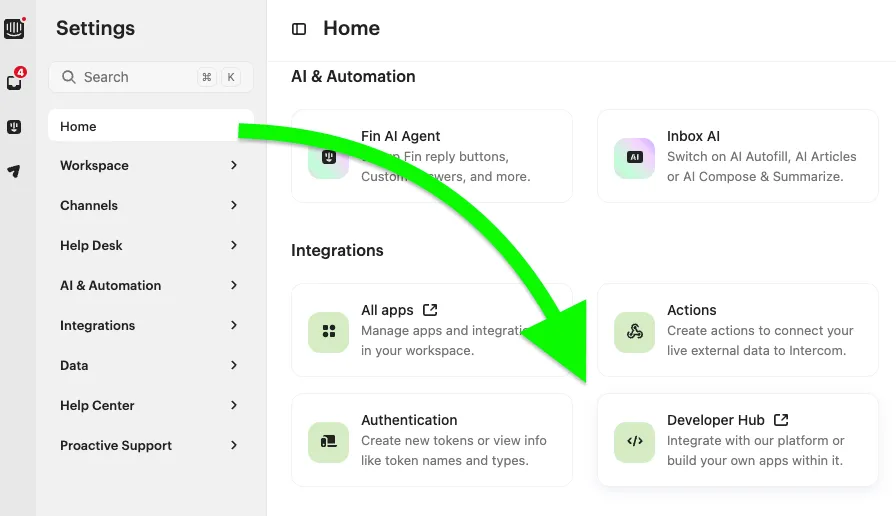
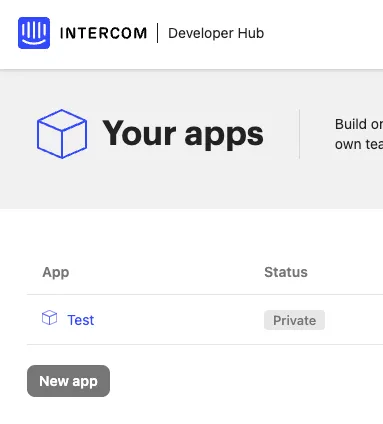
For your own internal export, an app can be managed in Intercom's Developer Hub:
Your private app's token is under Configure > Authentication. Keep it private:
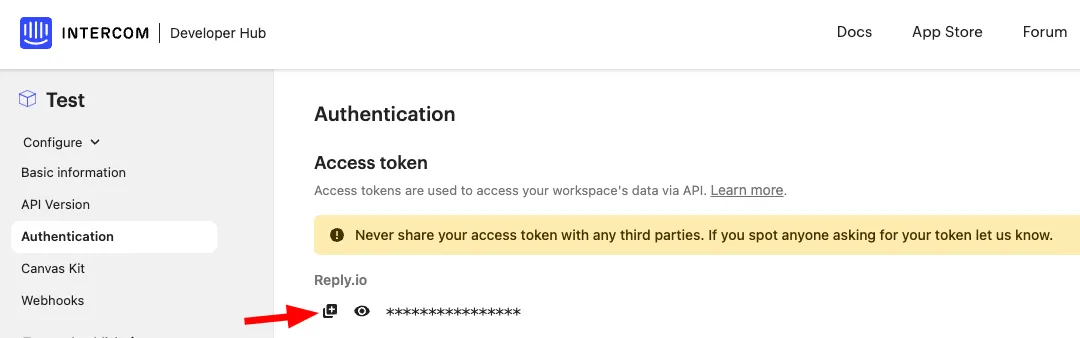
Share only the agreed export through the channel confirmed by Tidio support. Do not send your Intercom access token.
Importing knowledge from Gorgias
Types of data available for import:
- Tickets
- Help Center articles (via crawler only)
Required data:
- Tickets:
- base API URL
- username
- API key
- Help Center:
- main page URL
How to obtain the API key and other data
1. While logged into Gorgias, go to your profile and select the REST API option:
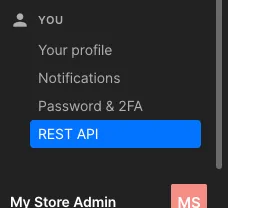
Alternatively, use this direct link in your browser (make sure to modify it with your Gorgias subdomain):
https://YOUR-SUBDOMAIN.gorgias.com/app/settings/api
2. Copy all the necessary data from the REST API page:
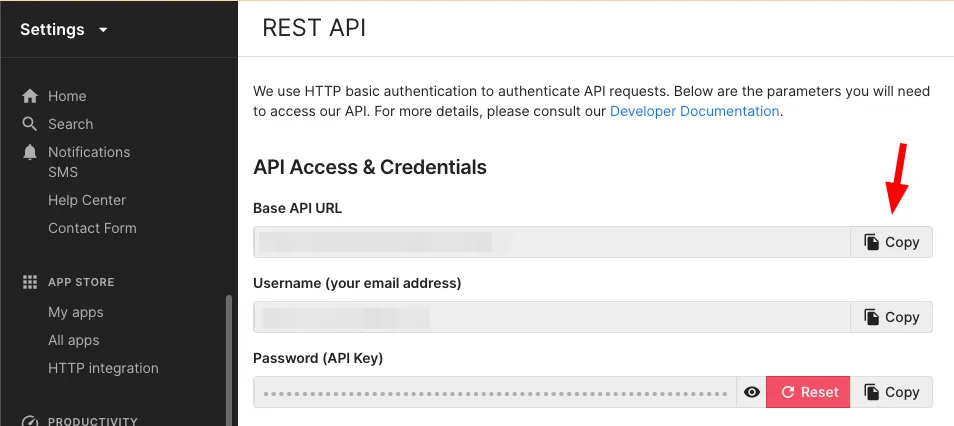
3. Share the data with us. See how to share data in a safe manner.
Importing knowledge from Zendesk
Types of data available for import:
- Tickets
Discuss these details with Tidio support:
- subdomain
- username
- A supported export or OAuth connection method for your account
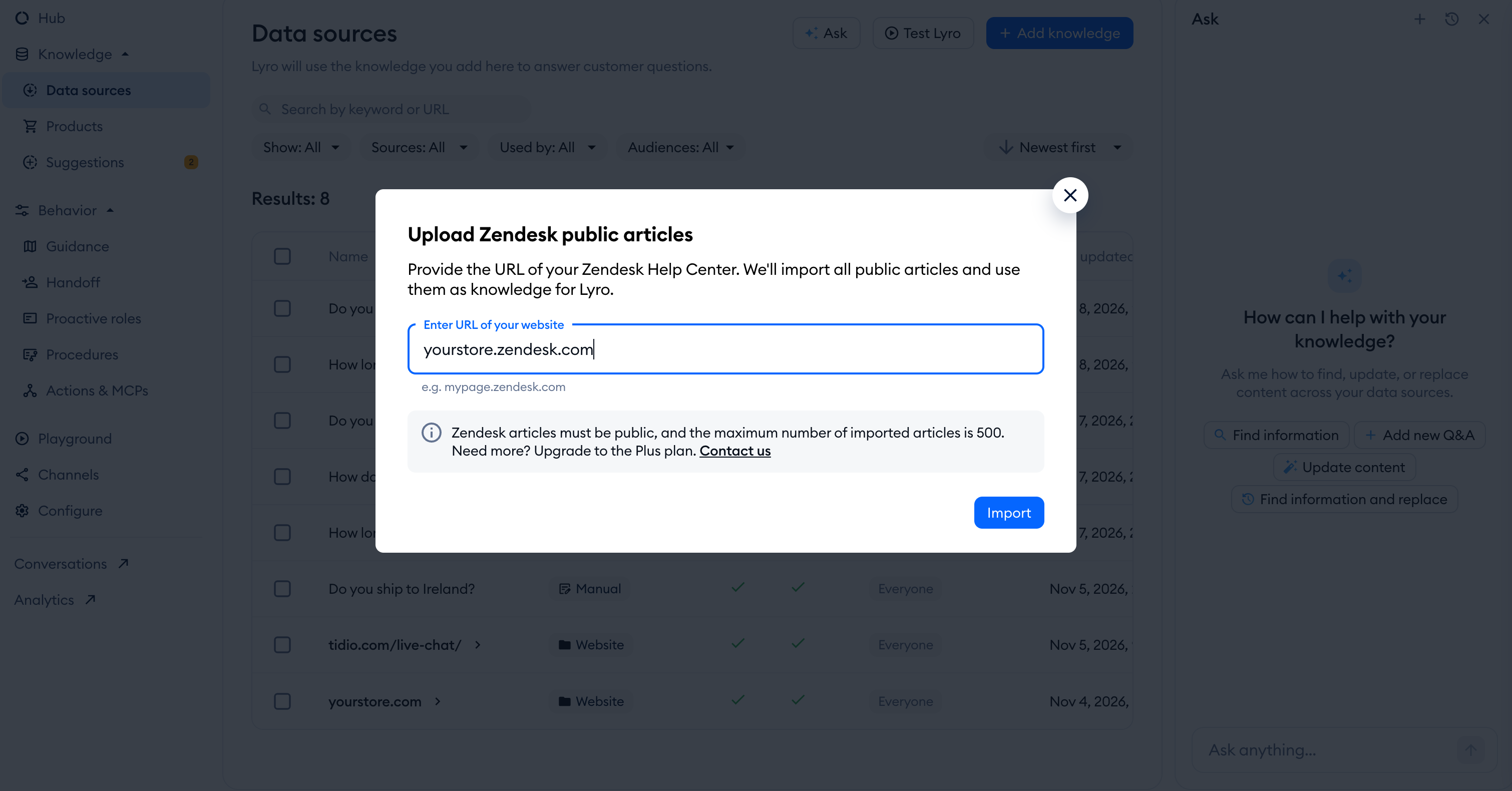
To import public Zendesk Help Center articles yourself, open Lyro AI Agent > Data sources, click Add more knowledge, then Upload Zendesk articles. Enter your Help Center URL in the Upload Zendesk public articles window and click Import. Articles must be public. If your window shows a 500-article limit, contact our team if you need to import more.
You can learn more about that feature in this guide.
Arranging access to Zendesk tickets
Zendesk no longer allows new API tokens to be created as of October 27, 2026. Contact Tidio support to agree on a supported export or OAuth connection for your ticket import. Public Help Center imports above do not need an API token.
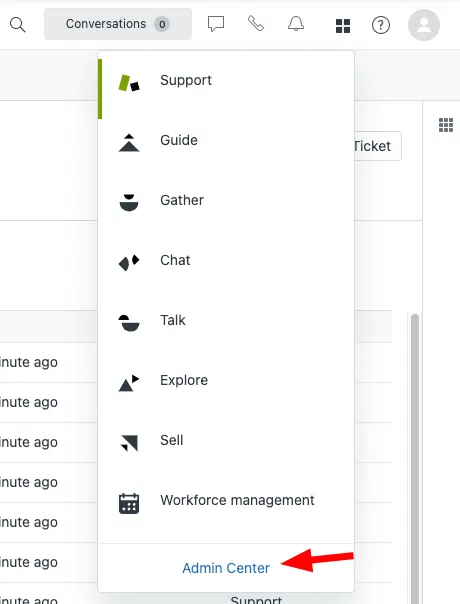
Existing token management is under Admin Center > Apps and integrations > APIs > API tokens. The following images show the previous setup screens:
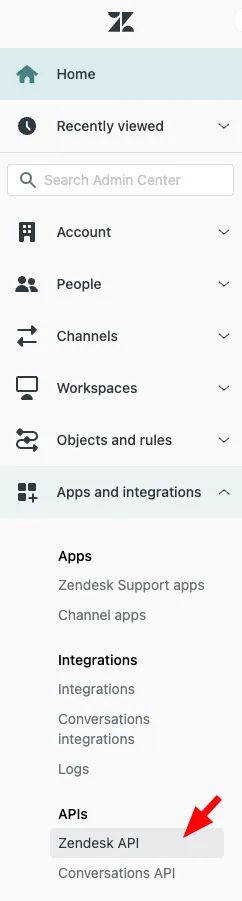
The previous API setup screen:
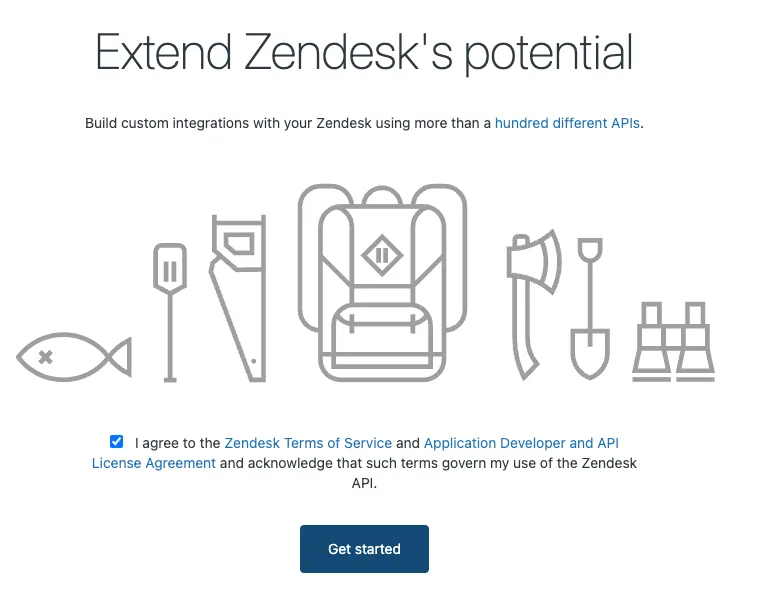
The previous token creation controls are no longer a supported way to create a new token:
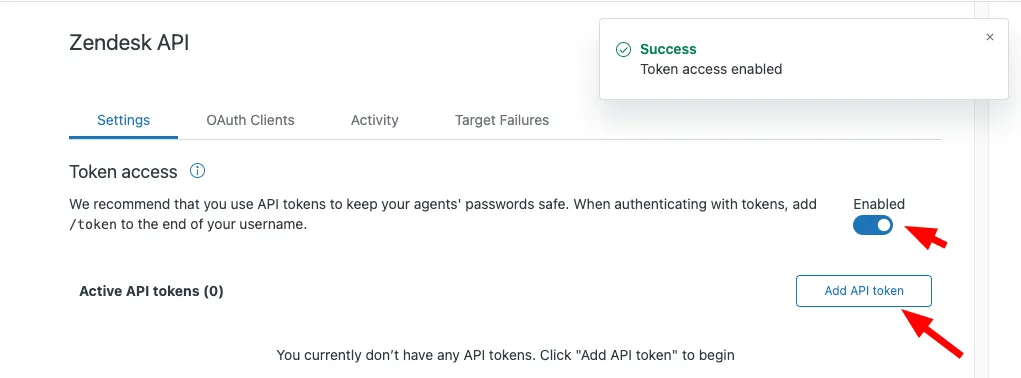
Existing active API tokens are scheduled for deactivation on April 30, 2027, and may be deactivated sooner after inactivity. Do not rely on the old token workflow for a new import:
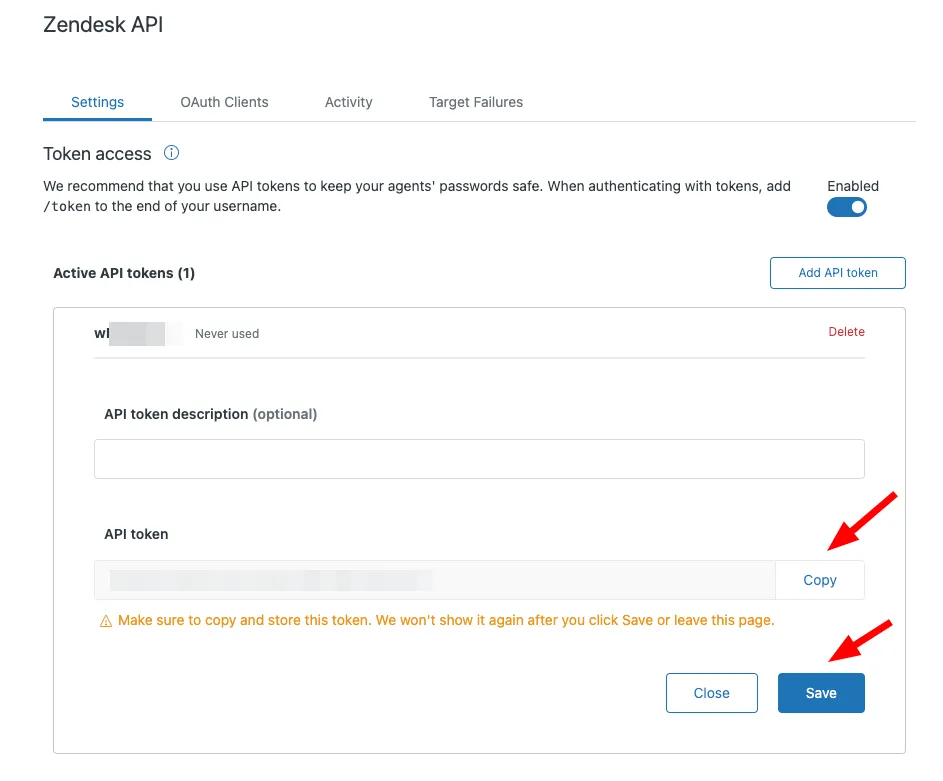
Confirm the import method with Tidio support before sharing any data.
Sharing data with us in a safe manner
First ask Tidio support to confirm the transfer method and recipient. If support confirms Keybase encryption, use:
1. Select only the recipient confirmed by Tidio support. Do not rely on a display name alone:
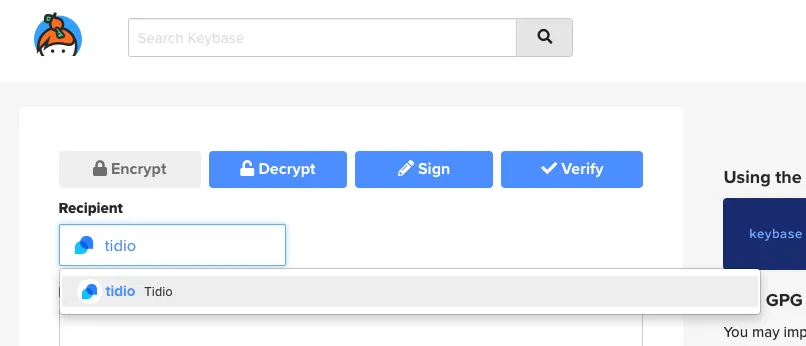
2. Enter the data that you want to share into the Message to encrypt box, and click Encrypt.
The result will be something similar to this:
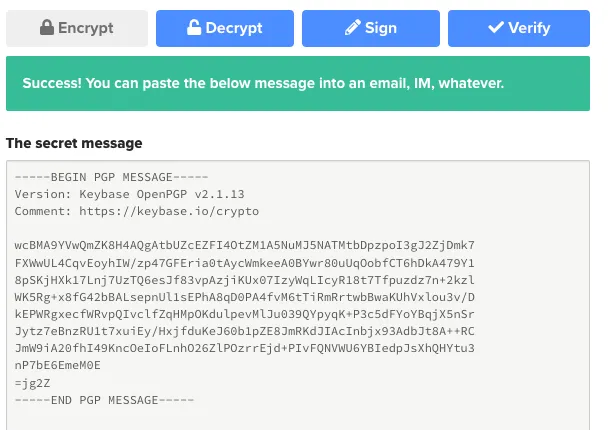
3. Copy the complete encrypted message and send it through the private channel agreed with Tidio support. Do not post credentials or customer data in public channels.
Further reading
Learn how to create a good FAQ for Lyro and how to resolve a Cloudflare scanner block.
