The Widget SDK is a collection of front-end scripts that can force certain behavior on the Tidio widget (the front end). You can see these commands in our documentation here.
Please keep in mind that due to each website's specific design, we cannot assist with customizing the API commands or implementing them on your website. These methods will be helpful for developers only.
In this article, you'll learn:
- How to find your project keys and documentation
- How the Widget SDK works (and the available commands)
Finding your project keys and documentation
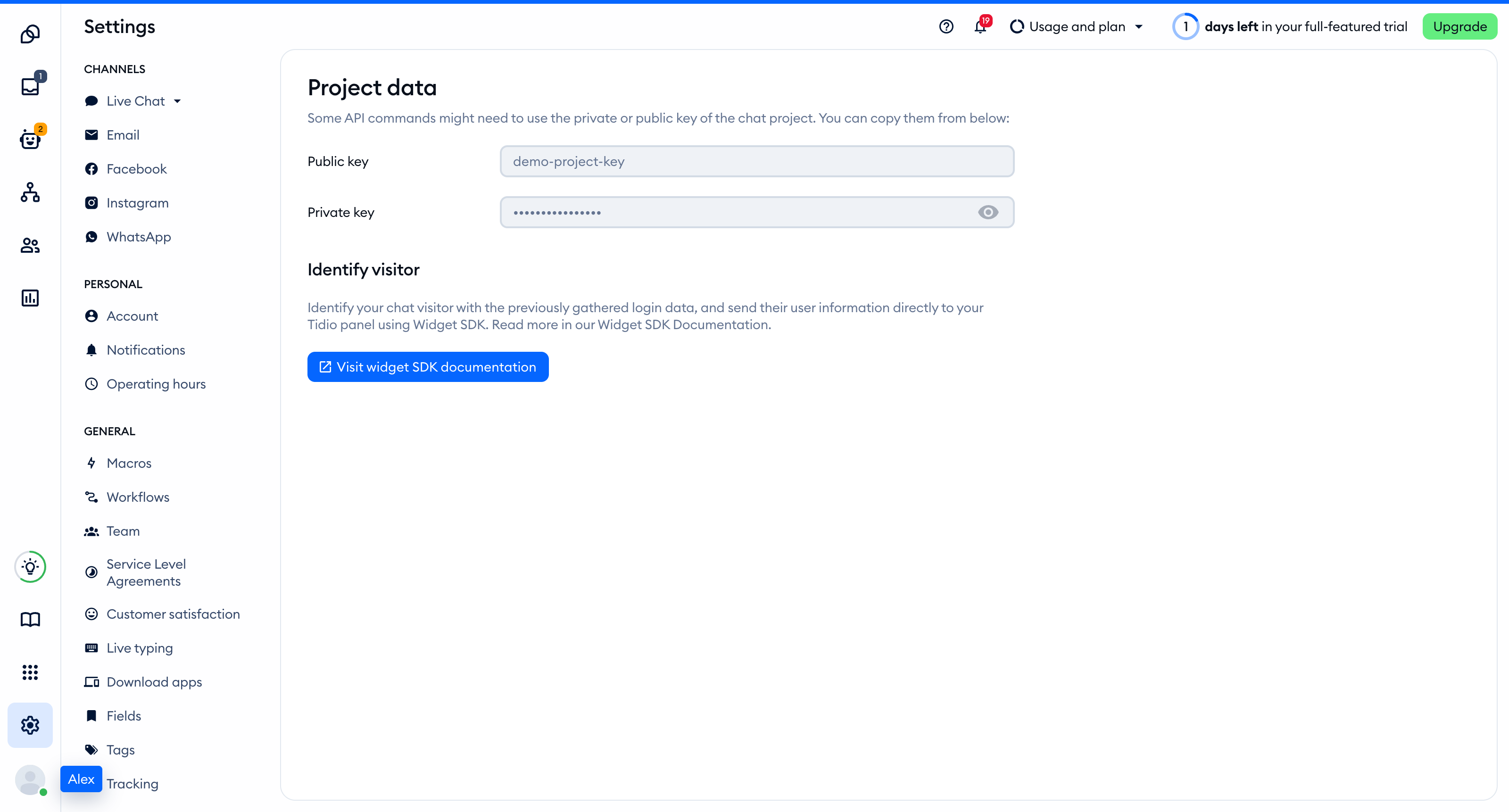
Head over to Settings > Developer > Project data. Click the Public key field to select its value, then copy it. Only the project owner can reveal the private key; do not paste that private key into your website.
The Identify visitor section explains how to pass visitor details to Tidio. Click Visit widget SDK documentation to open the developer documentation:
Available API commands
To use the Widget SDK, you need to insert the Tidio chat code into your website. Below, you can see our list with the available commands that you can implement on your website.
Tidio's Widget SDK allows developers to:
- Define visitors' data such as user ID, email, name, and phone
- Update visitors' data
- Update contact properties after defining them in the panel
- Run code after the Tidio widget has fully loaded
- Set custom automation events
- Open the chat widget as if a user would click on the chat icon
- Close the chat widget
- Set the widget color
- Open the chat widget by clicking a link
- Load the chat widget with a delay
- Open the chat widget after load
- Set the language based on HTML attribute or other variable
You can find the most recent API in our documentation and custom scripts in our Support codepen.
