At Tidio, we use Google reCAPTCHA on our sign-up and login pages (including Log in with SSO) to protect your account against bots. It helps us prevent spam and automated sign-ups.
In this article, you will learn:
What is reCAPTCHA?
As a fraud detection service, reCAPTCHA utilizes behavioral analysis to verify whether you are a human. In areas protected against automation, you will see a logo saying 'protected by reCAPTCHA.' On Tidio's login page, you'll find it in the bottom-left corner.
However, reCAPTCHA can get disabled and its services become inactive. Various browser plugins that block ads and scripts (like uBlock and Ghostery, to name a couple), as well as certain privacy-focused browsers (such as Brave) may block the script responsible for loading reCAPTCHA. As a result, verification may not be possible, leading to an error during login or registration.
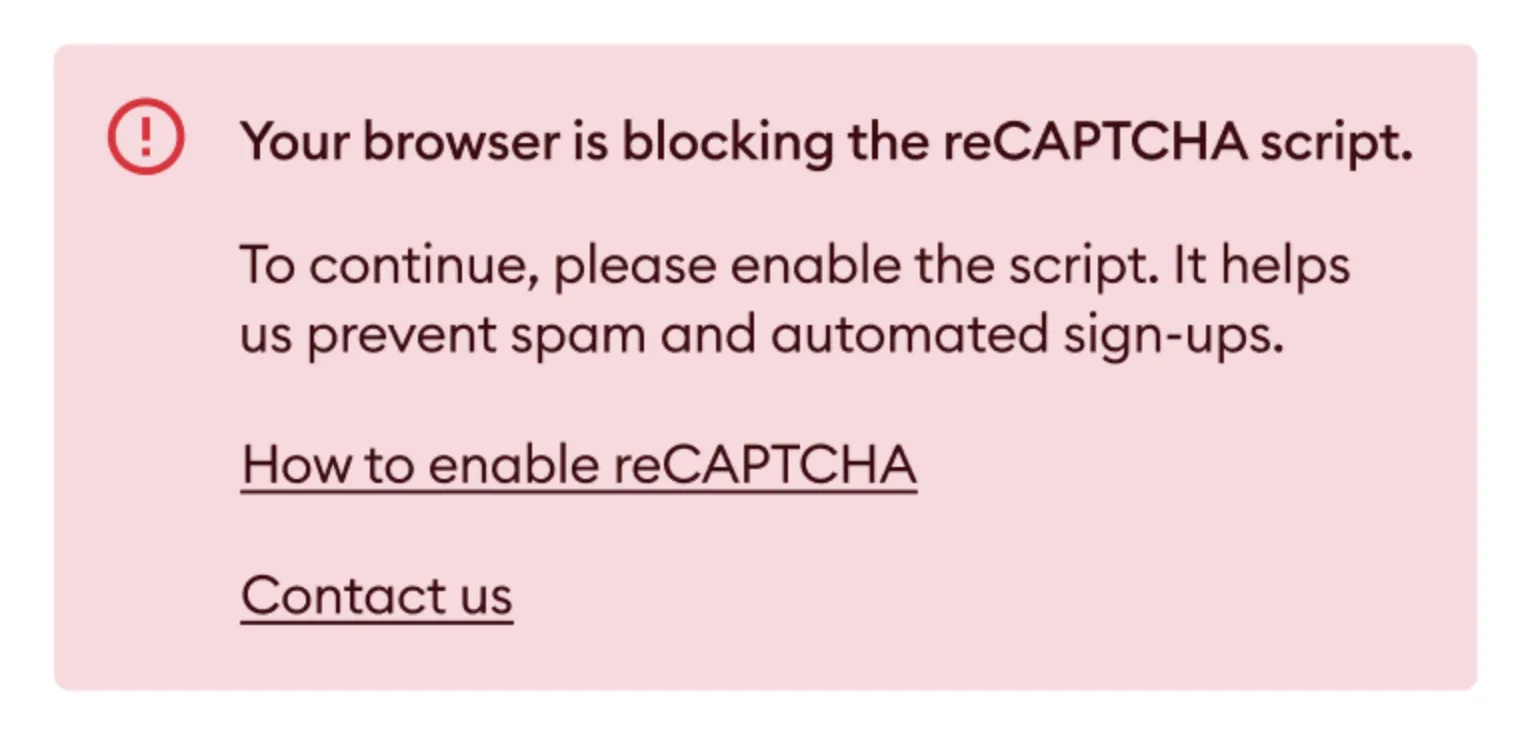
In that case, you'll see the message "Your browser is blocking the reCAPTCHA script. To continue, please enable the script." above the button that logs you in or creates your account, and the button stays greyed out until reCAPTCHA can load. Click How to enable reCAPTCHA to open this article, or Contact us to chat with our Support team:
Luckily, there are methods to make sure nothing is keeping reCAPTCHA from working properly in the browser you use to log in to Tidio. Below are several of the most common possible issues as well as ways to troubleshoot them.
Avoid blocking reCAPTCHA
Brave
The Brave browser automatically blocks reCAPTCHA's script, through use of the Brave Shield feature. To ensure proper functionality of Tidio, you can disable this block by following these steps:
- Click on Brave logo next to address bar;
- Disable the Shield for Tidio.
That way, the Brave Shield will be disabled only for Tidio, allowing you to use the application smoothly for all other purposes.
Ad-blocking plugins (uBlock, Ghostery)
The majority of popular anti-ad and anti-tracking plugins typically do not block reCAPTCHA mechanisms in their default configurations. However, if you encounter an error, please review the configuration of your browser plugin filters.
Look for any filters that use the following URL:
www.google.com/recaptcha/
For example, in uBlock's configuration, the following rule will cause the blocking of reCAPTCHA:
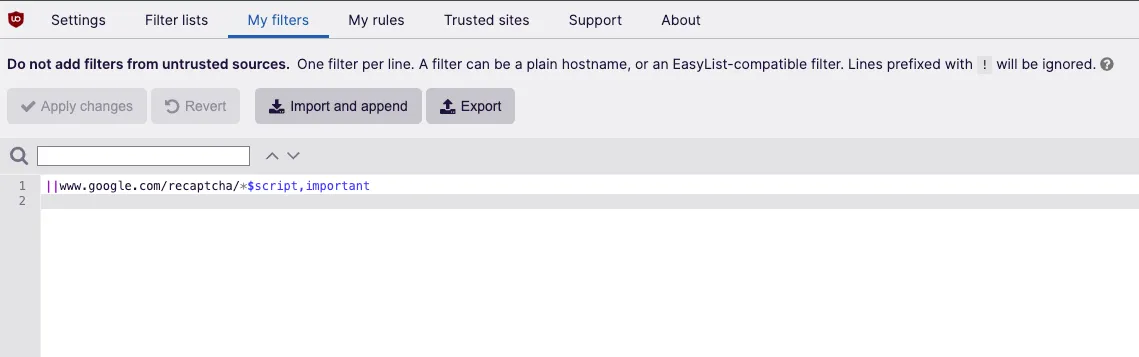
Your browser plugin setup may be different, as it is specific to each developer and browser. Nevertheless, the general rule is the same: if Google's reCAPTCHA address is being filtered, you may experience issues with having the service disabled.
You should always be able to locate this setting and modify your filters or whitelist, and allow reCAPTCHA to function properly with Tidio.
