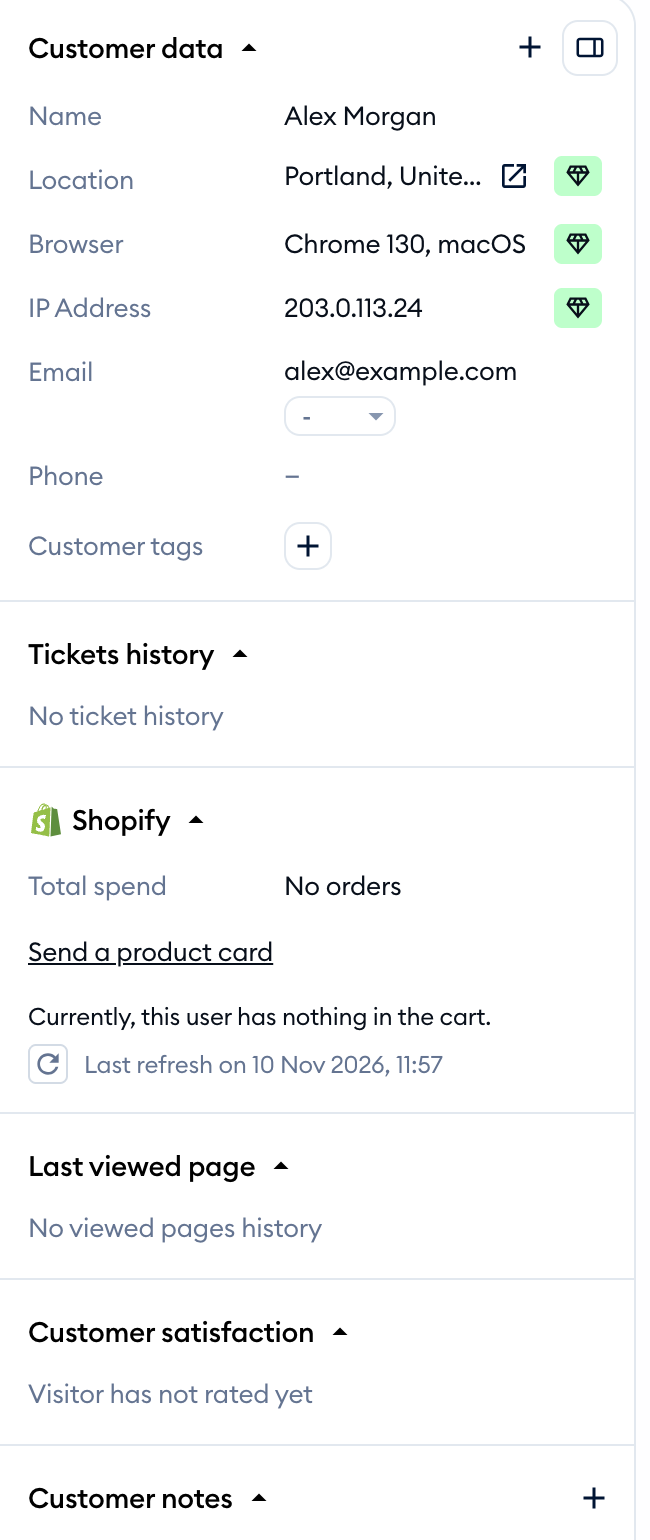
The Tidio panel brings your conversations, customer details, and tools into one workspace. This overview explains the layout and where to find everyday actions in the Inbox.
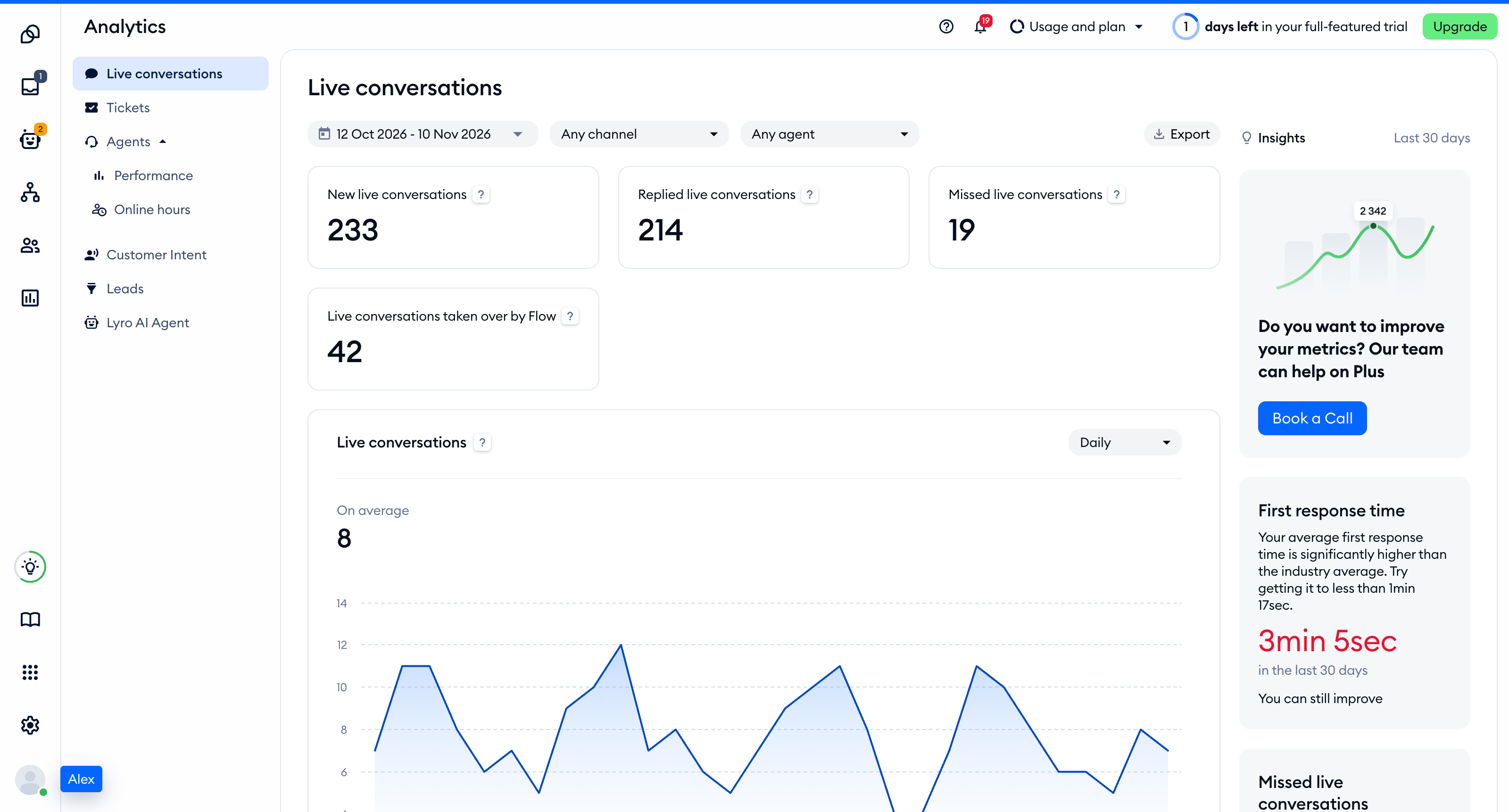
In this article, you'll learn:
A fresh new look with improved hierarchy
Use the main navigation to move between Tidio tools.
The tools available to you depend on your project and permissions.
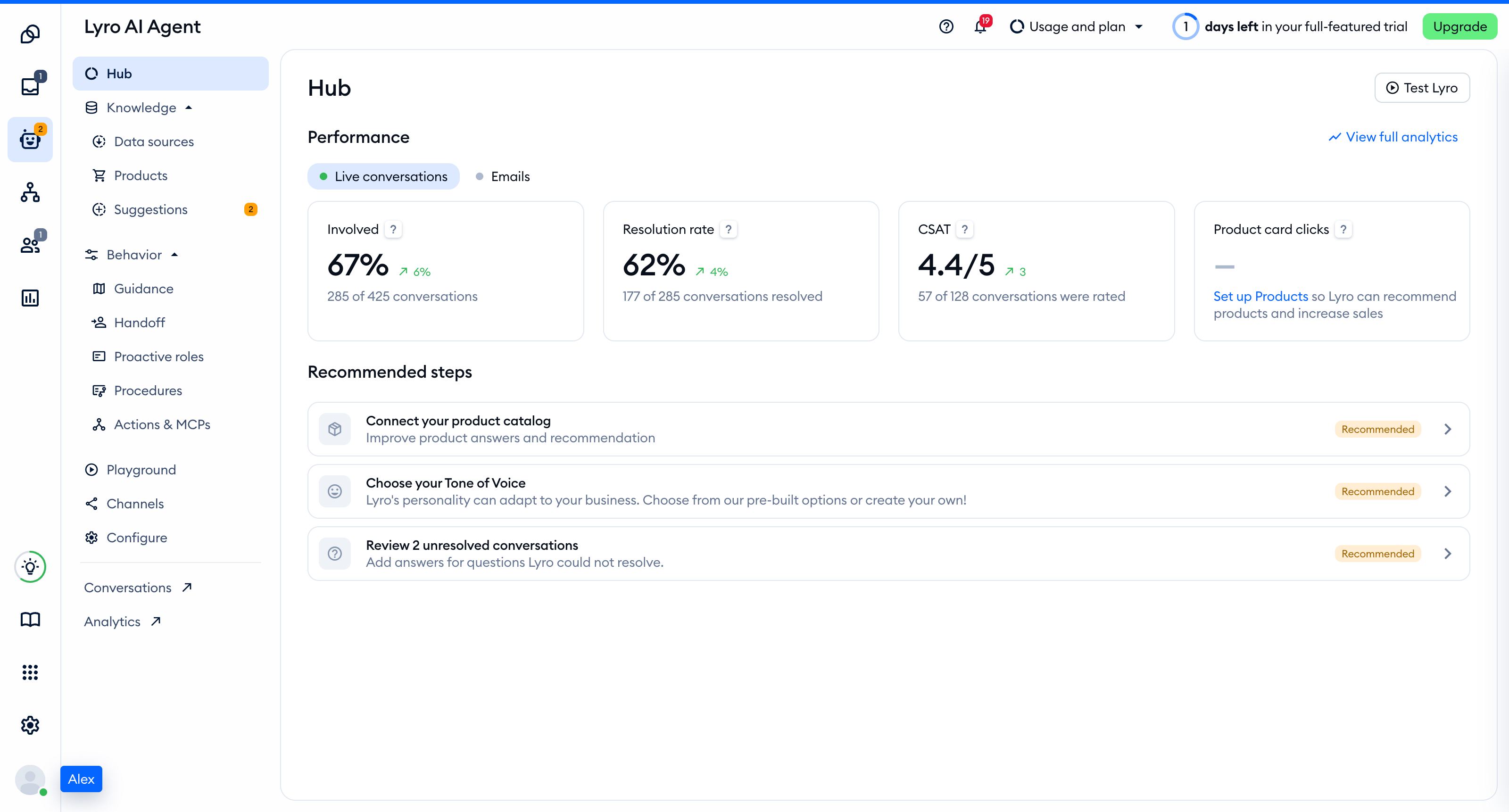
Restructured main navigation
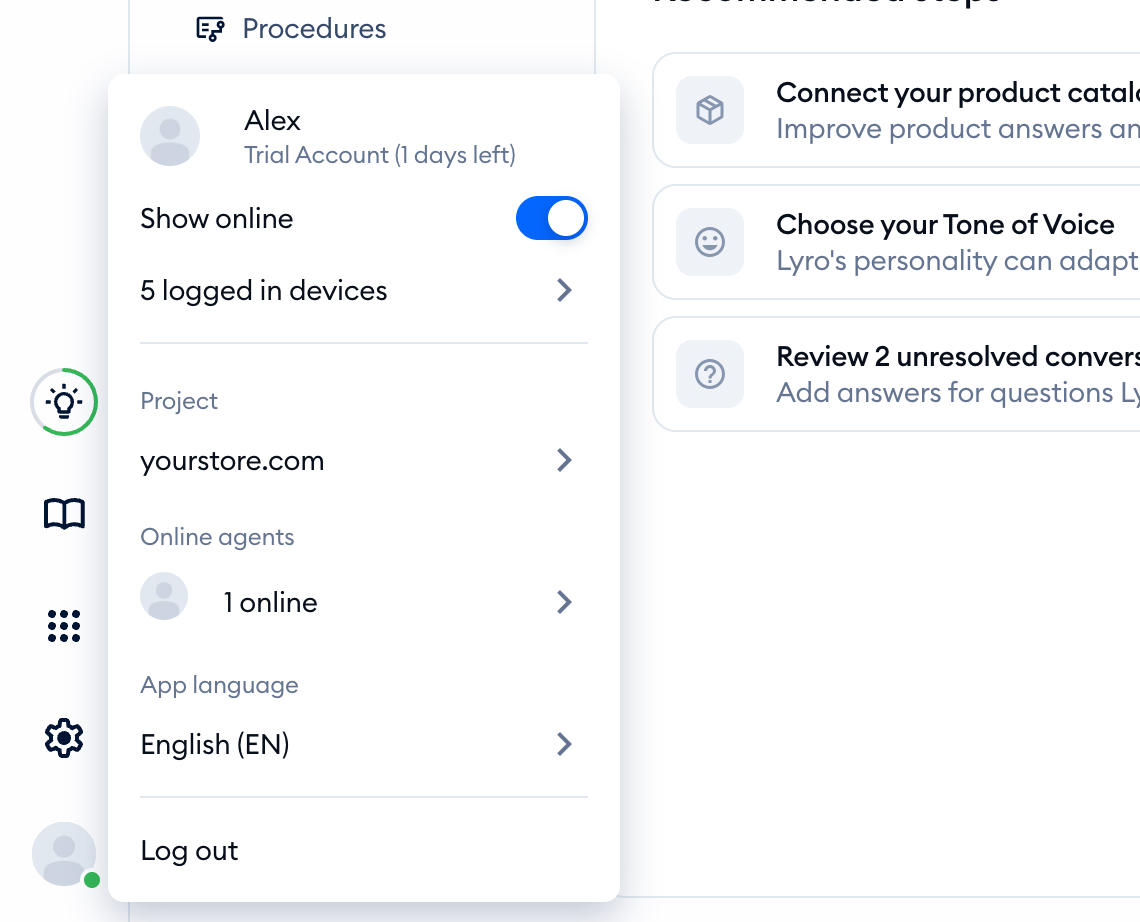
The main navigation starts with Dashboard. Your user menu is at the bottom of the navigation on the left:
A more intuitive Inbox
The Inbox keeps your conversation list, messages, and customer information together.
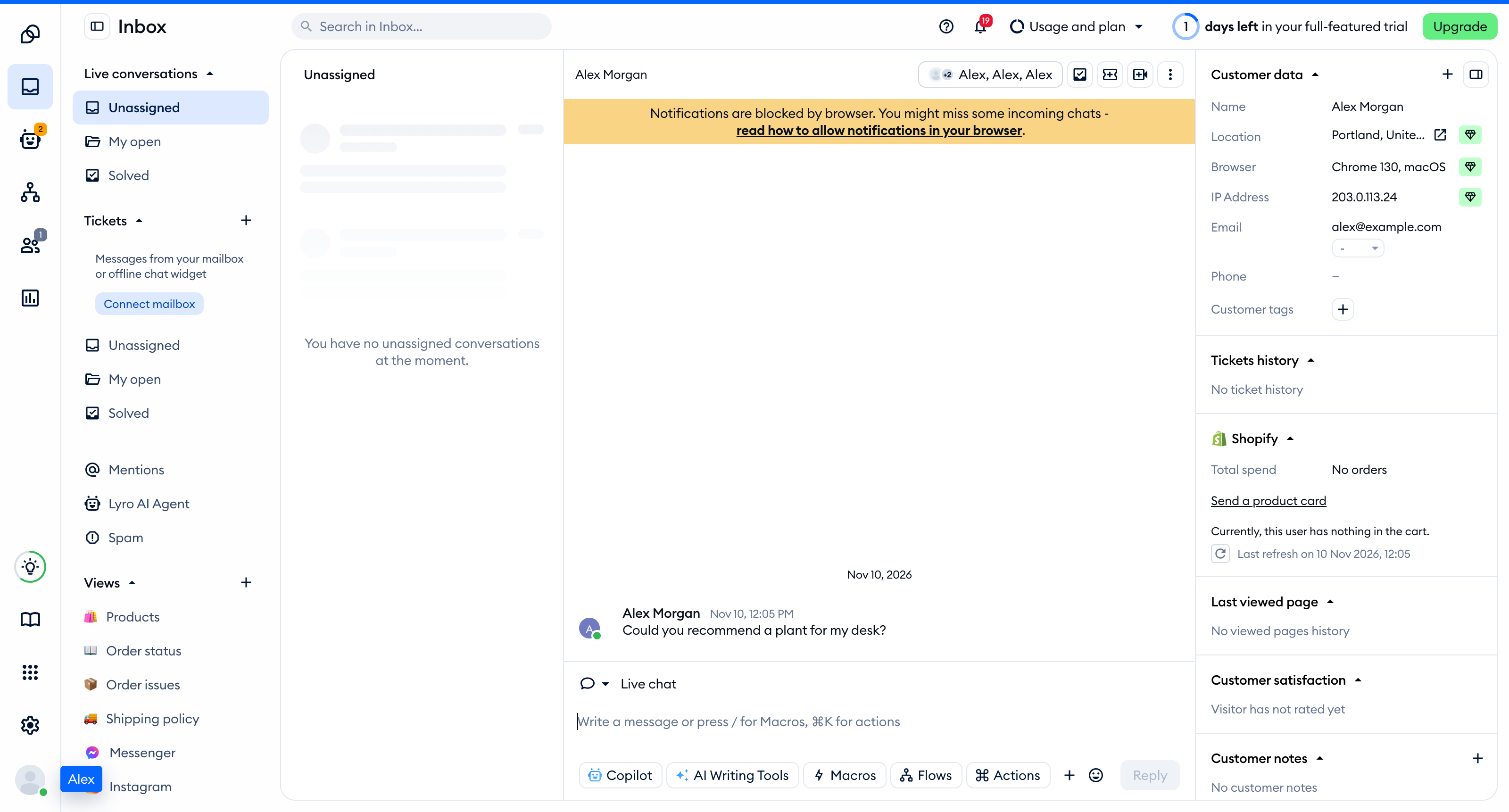
Everyday actions for managing conversations and tickets are now placed at the top panel of the new Inbox interface, directly above the given conversation (or ticket):

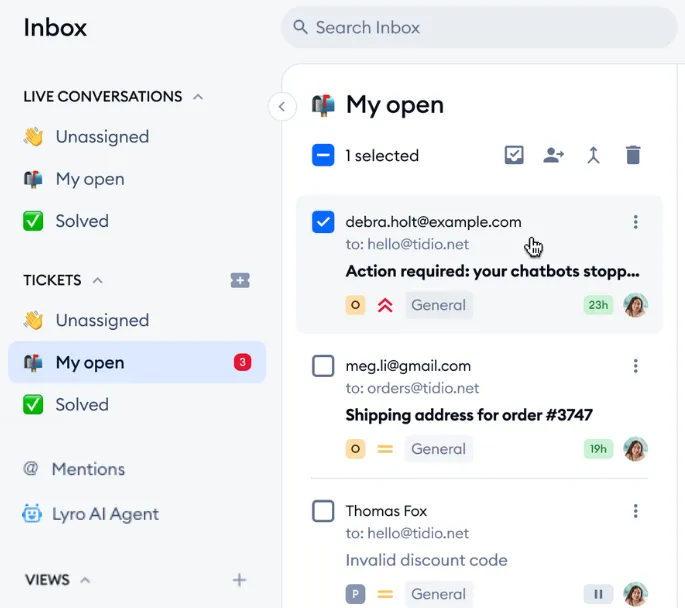
You can also use bulk actions. Select multiple tickets to change their status or assignment. Deleting selected tickets requires permission.
The panel on the right displays the information available about your customer: