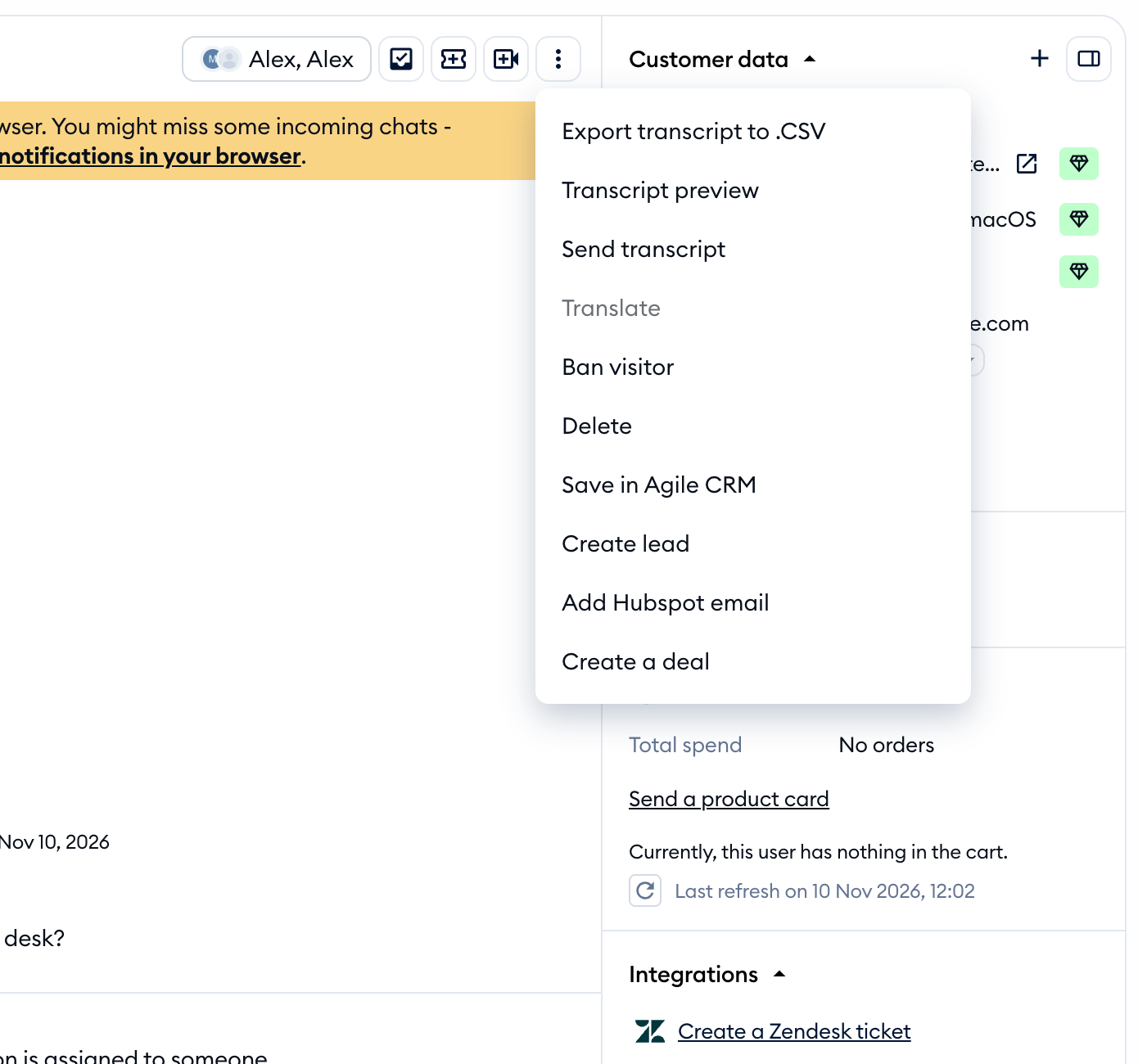
See how to integrate Tidio with the Pipedrive account to create new deals straight from the conversations.
In this article, you'll learn:
Integrate Tidio with Pipedrive
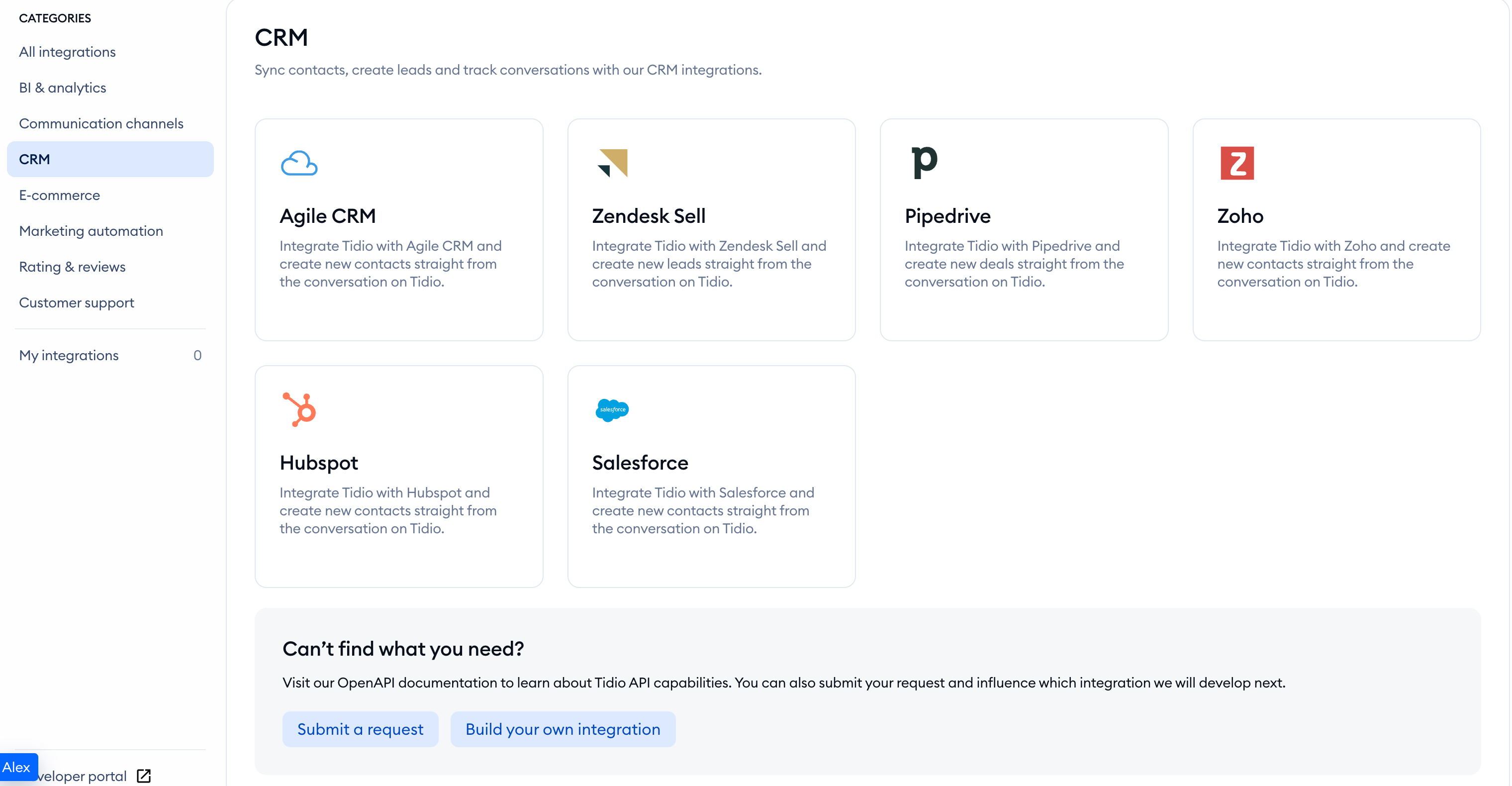
Open your Tidio admin panel and navigate to the Integrations section in the left sidebar. Then, click on the Pipedrive tile.
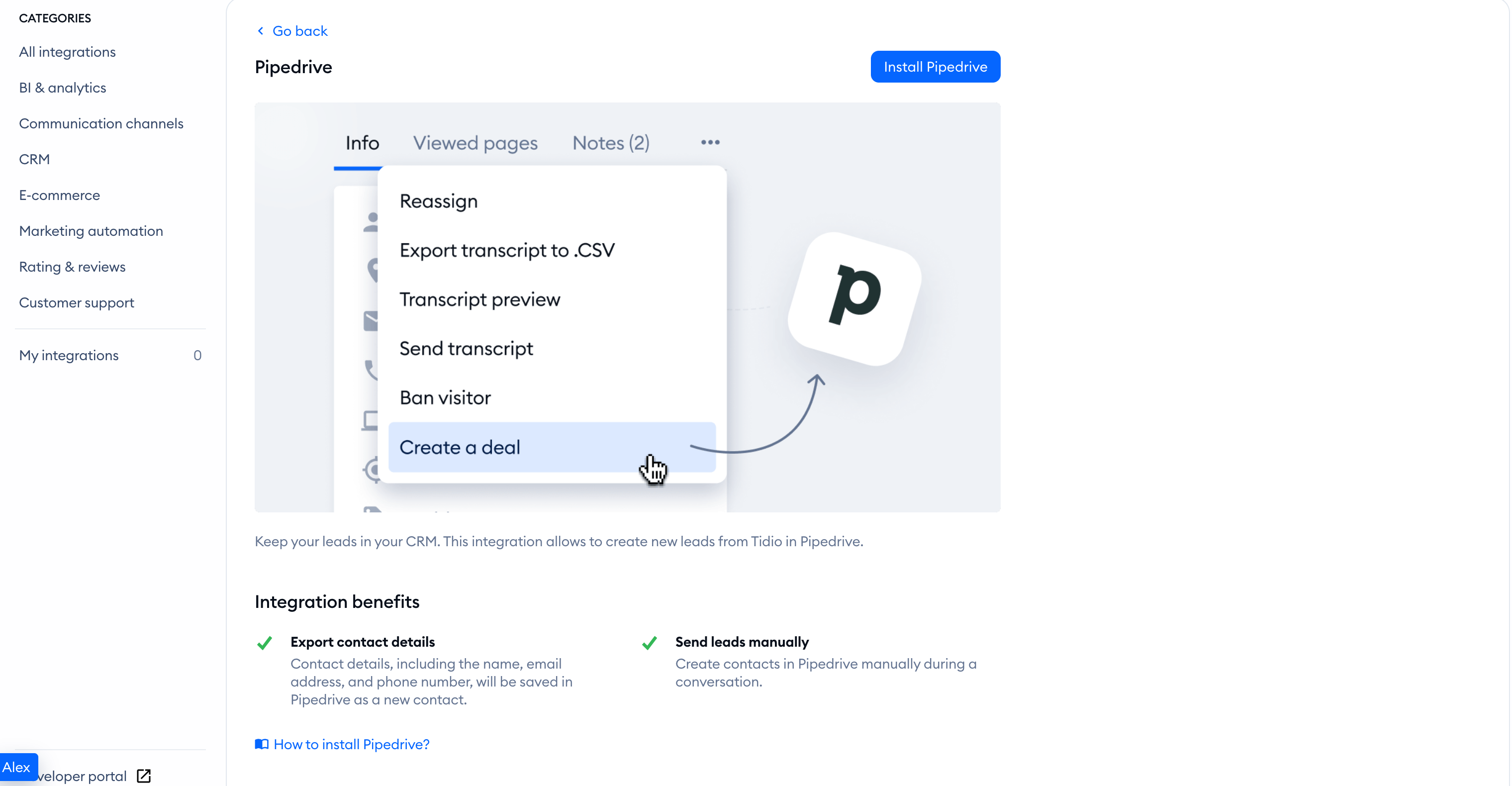
After you've selected it, click on Install Pipedrive.
To fully integrate Tidio with Pipedrive, you need your API token. To get this data, please log into your Pipedrive account. Return to Integrations > Pipedrive in Tidio and paste the token into Access token:.
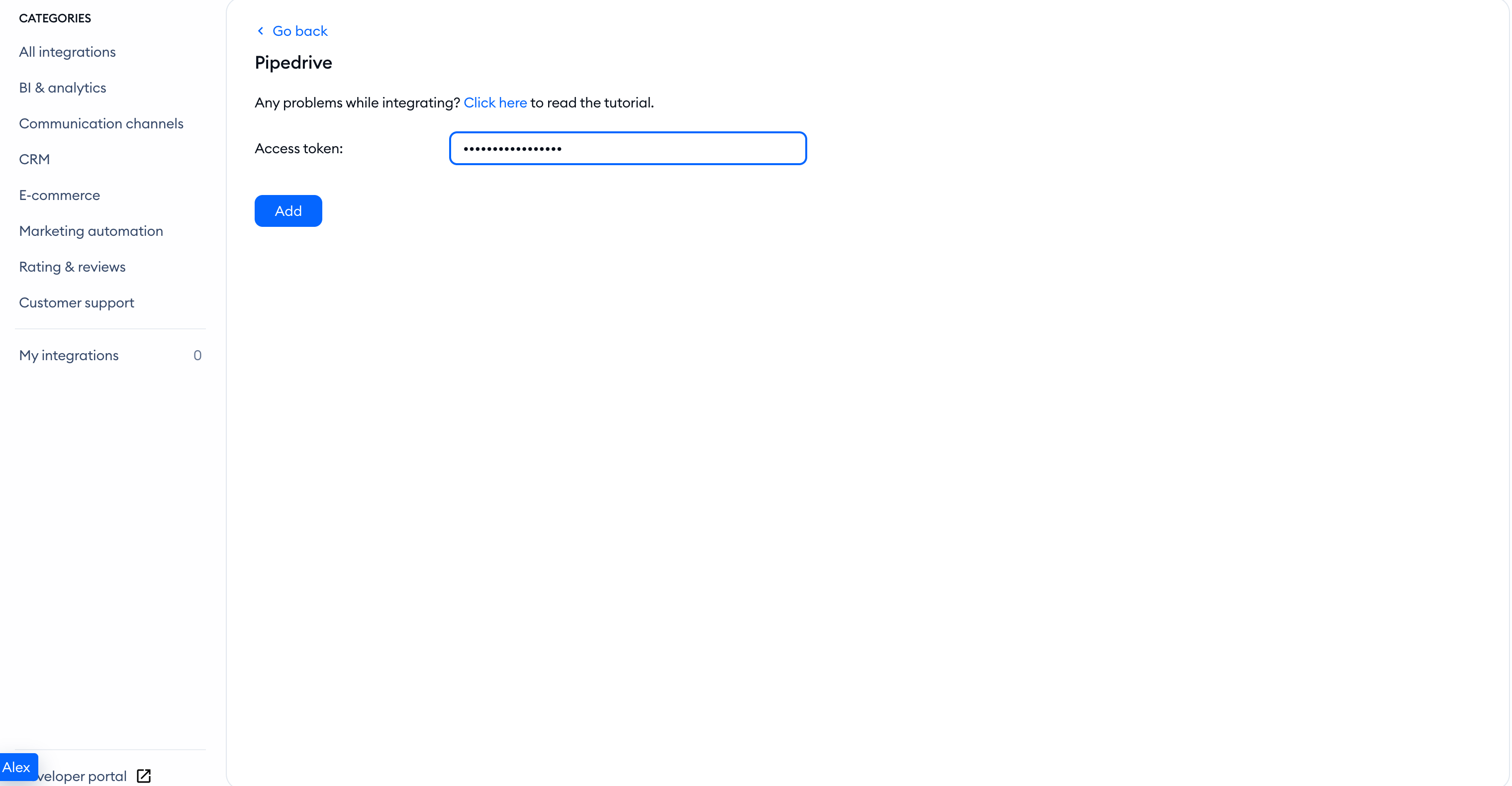
Click the Add button, and you're done! Your chat is now fully integrated with Pipedrive.
Make sure the contact has an email address in Tidio, or the integration action will be unavailable. To create a deal, click on the three-dot menu in the upper right corner of the conversations panel and choose Create a deal.