With Tidio's integration with Agile CRM, you can create contacts from your conversations without leaving the Tidio panel.
In this article, you'll learn:
Integration process
Open your Tidio admin panel and navigate to the Integrations section in the left sidebar. Then, click on the Agile CRM tile.
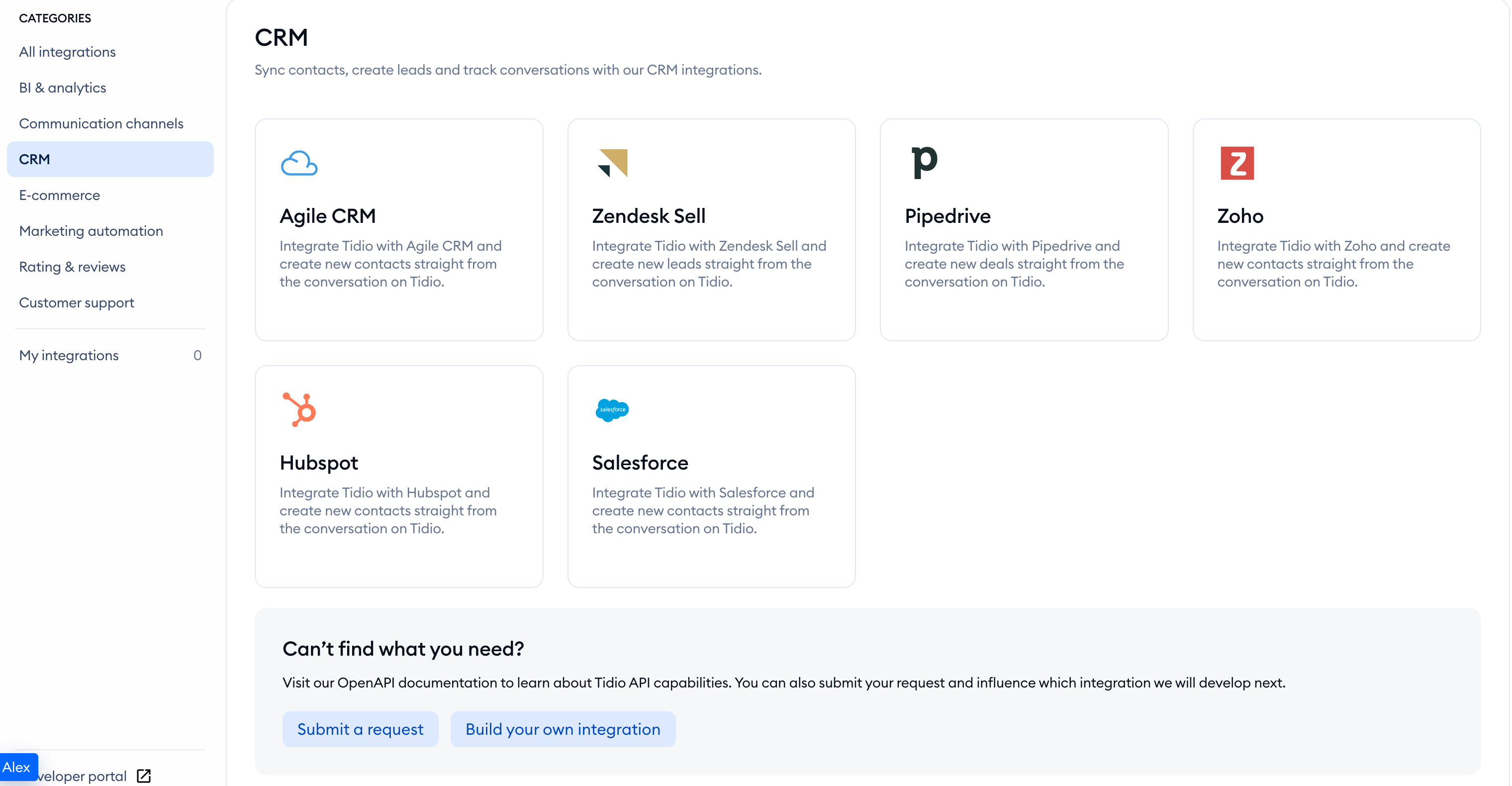
Once you've selected Agile CRM, click on Install Agile CRM.
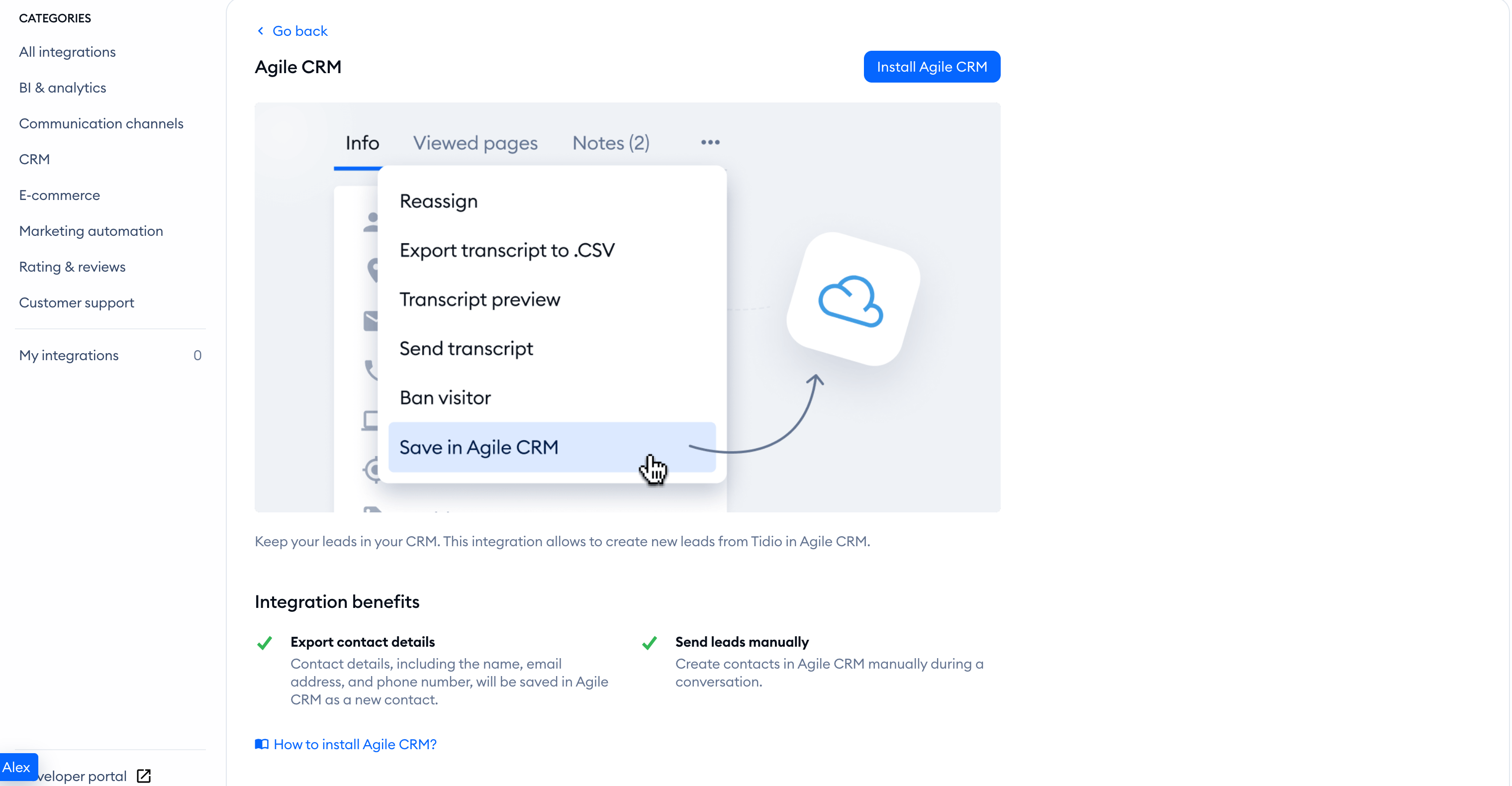
To complete the integration, you'll need three pieces of information: your Agile CRM login email, your Agile CRM subdomain and a REST API key.
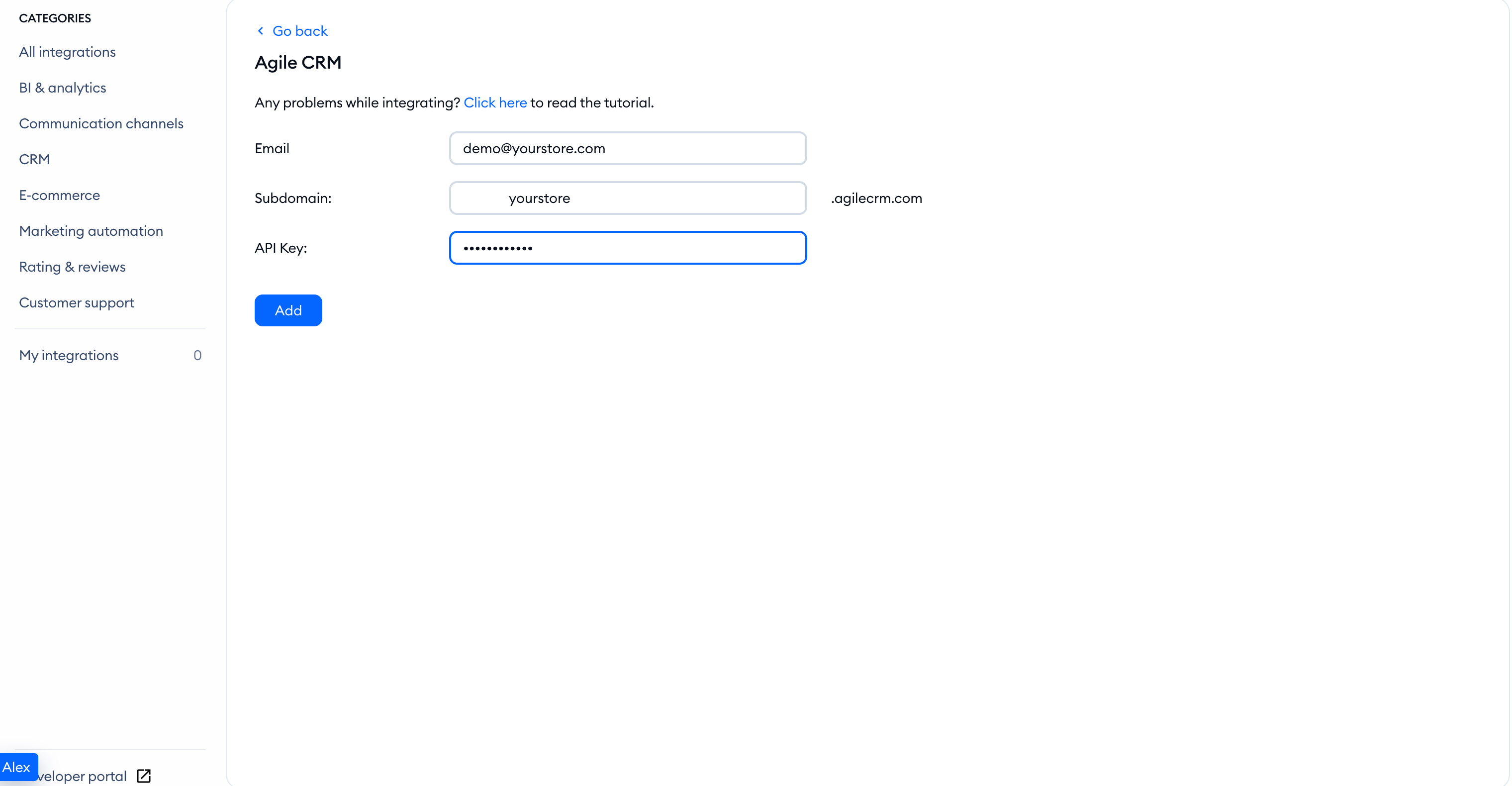
Fill in Email, Subdomain:, and API Key:, and click the Add button.
How integration with Agile CRM works
Once Tidio is integrated with Agile CRM, you can send the conversation transcript and the visitor's email to Agile CRM.
Make sure the contact has an email address in Tidio, or the integration action will be unavailable. During an active chat, you'll find a list of actions in the three-dots menu at the upper-right corner of the chat window. Choose Save in Agile CRM from the options available.
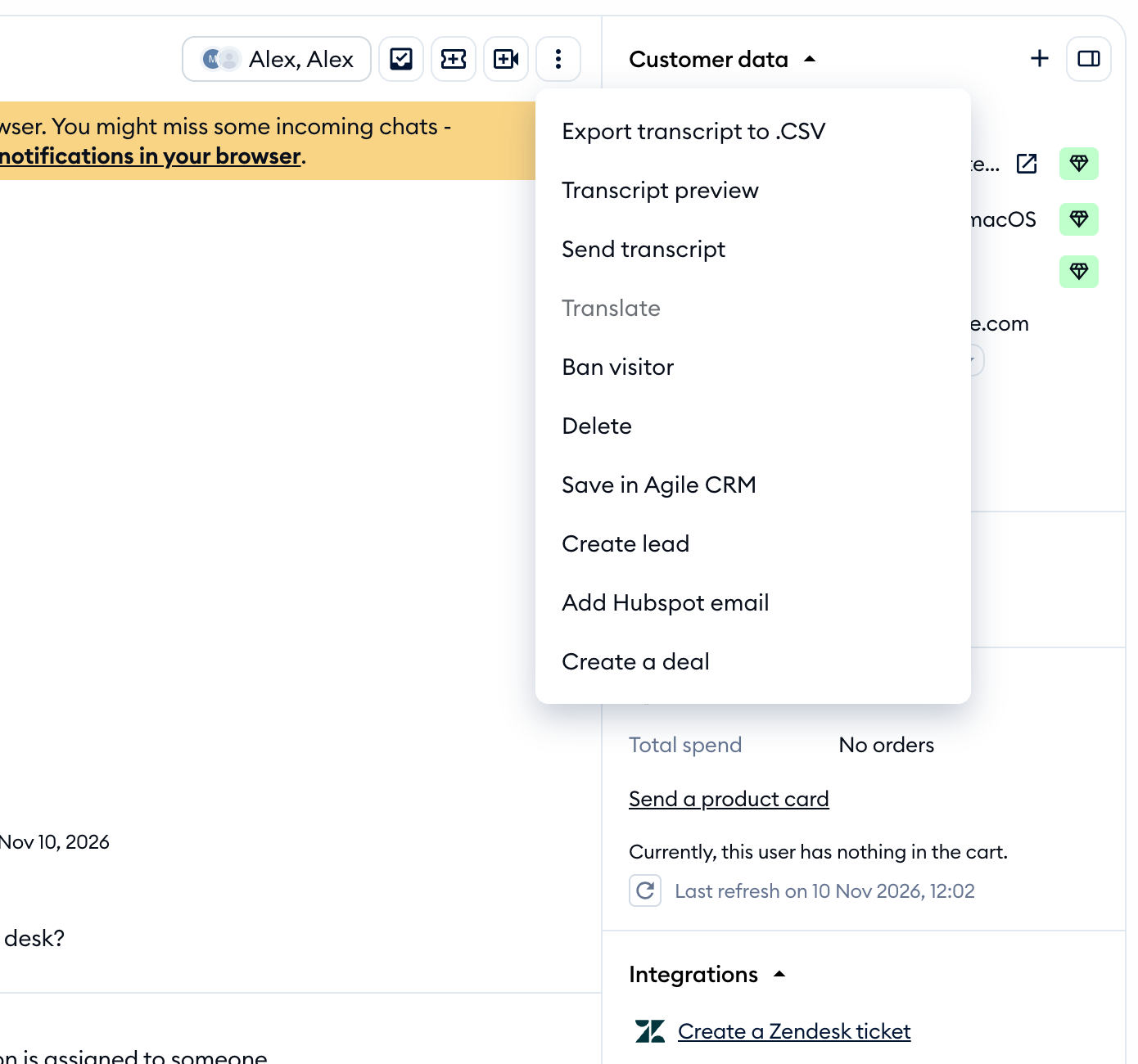
Select Save in Agile CRM to send the conversation transcript and the visitor's email to Agile CRM.
Before connecting, make sure your Agile CRM subdomain and API key are correct.
