If you're not receiving any notifications for new conversations or messages, please check if you have notifications enabled on your Android device.
Android menu names vary by manufacturer and OS version. The device-specific examples below include older versions. If a path does not match your phone, use its current notification and app battery settings instead. Changing battery optimization can increase battery use.
In this article, you'll learn:
- How to run the notification checks in Tidio
- How to ensure Tidio notifications are enabled on Android devices
- What to do when you can't hear the incoming notifications
Android Notifications
For Android devices, you will need to go to the Settings > Apps & Notifications section.
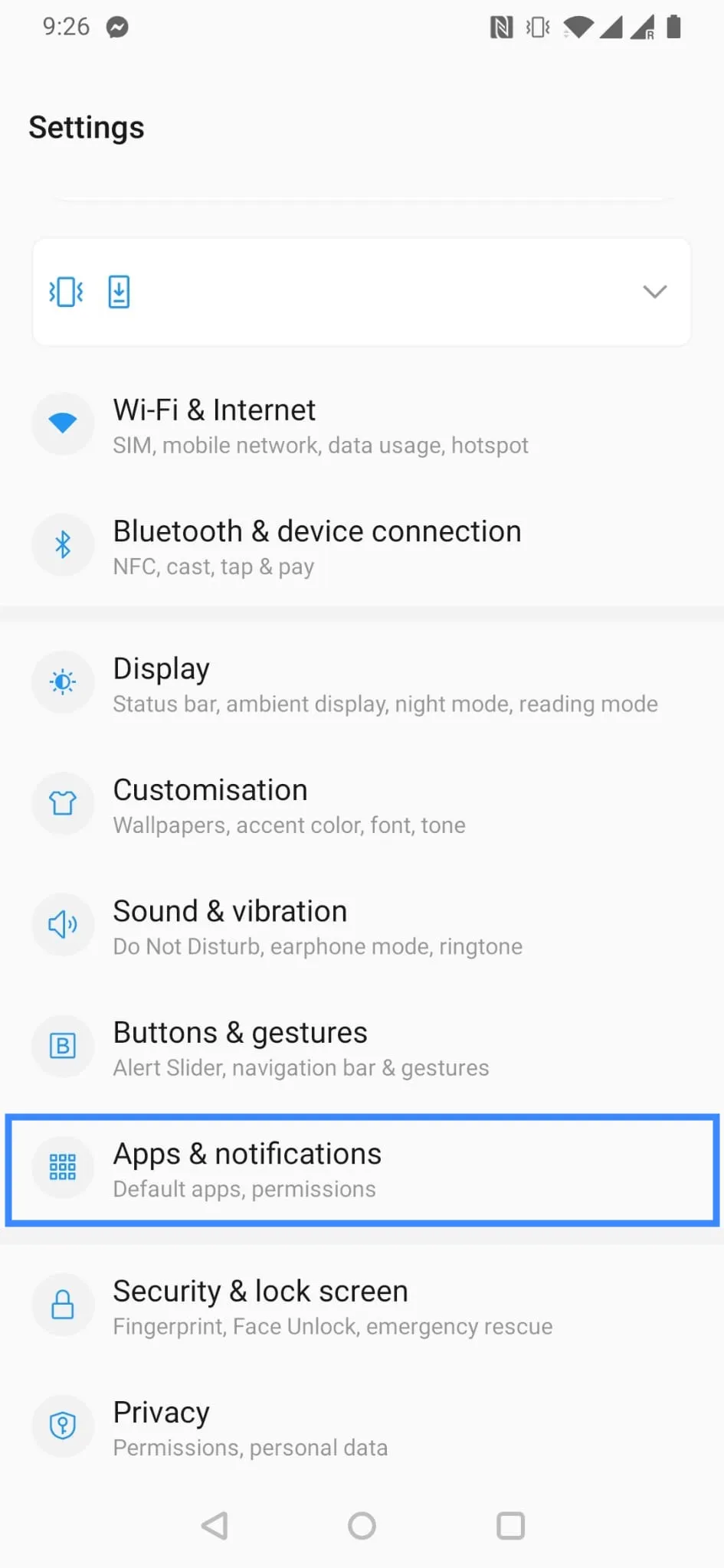
Choose See all apps if necessary and locate Tidio on the list.
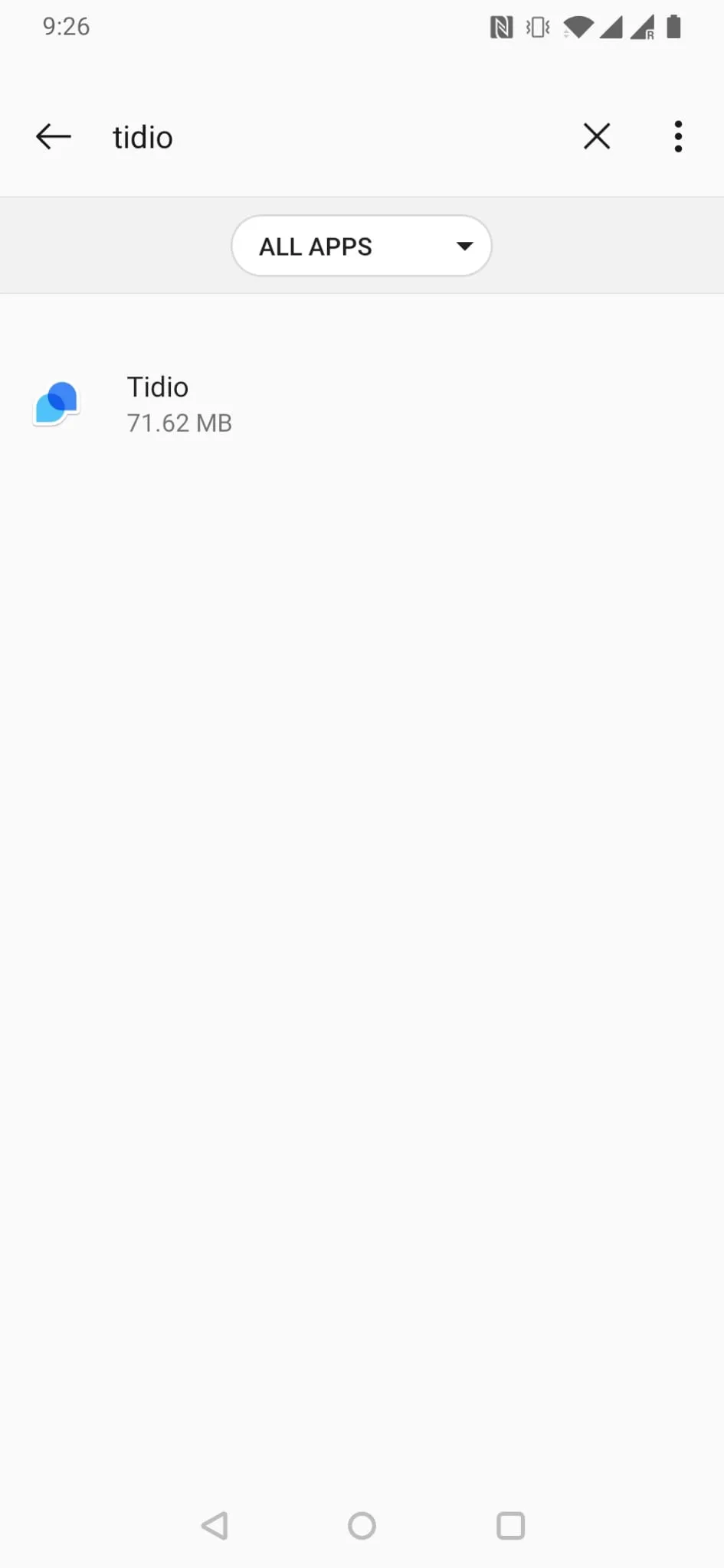
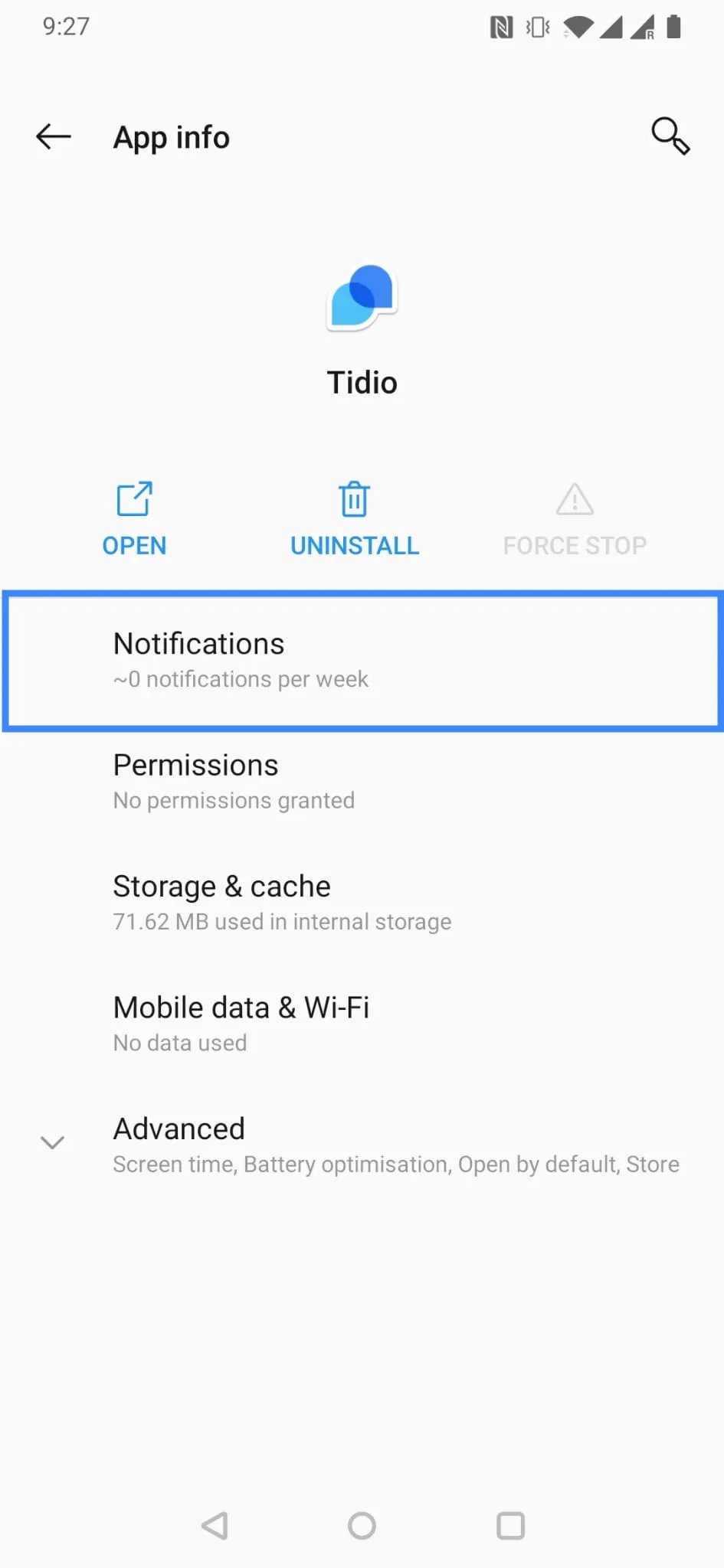
Open Tidio Settings and head into the Notifications:
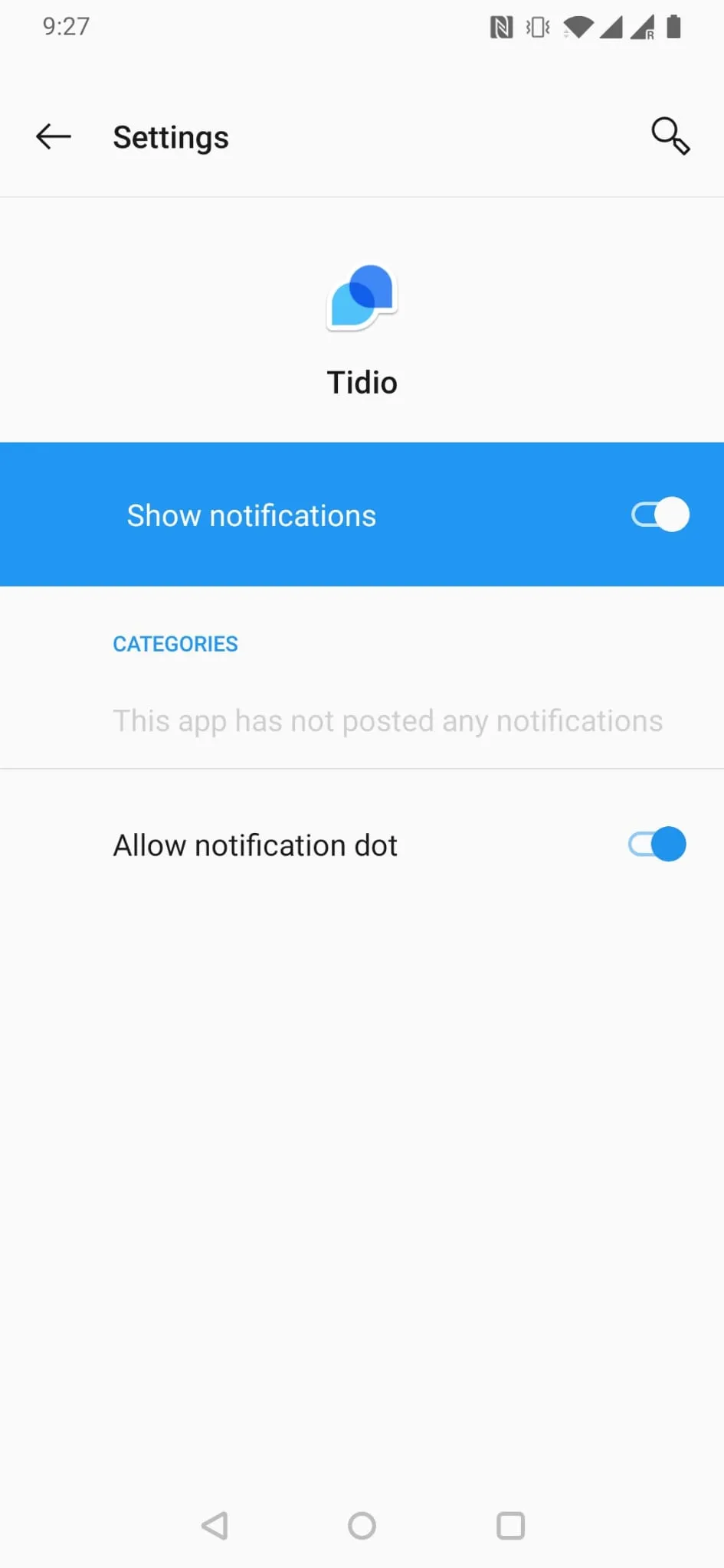
Make sure the Show notifications option is enabled. If not, please use the switch next to it to enable them. You can also choose the Allow notification dot to display the badge next to the app's icon whenever a message is waiting for you.
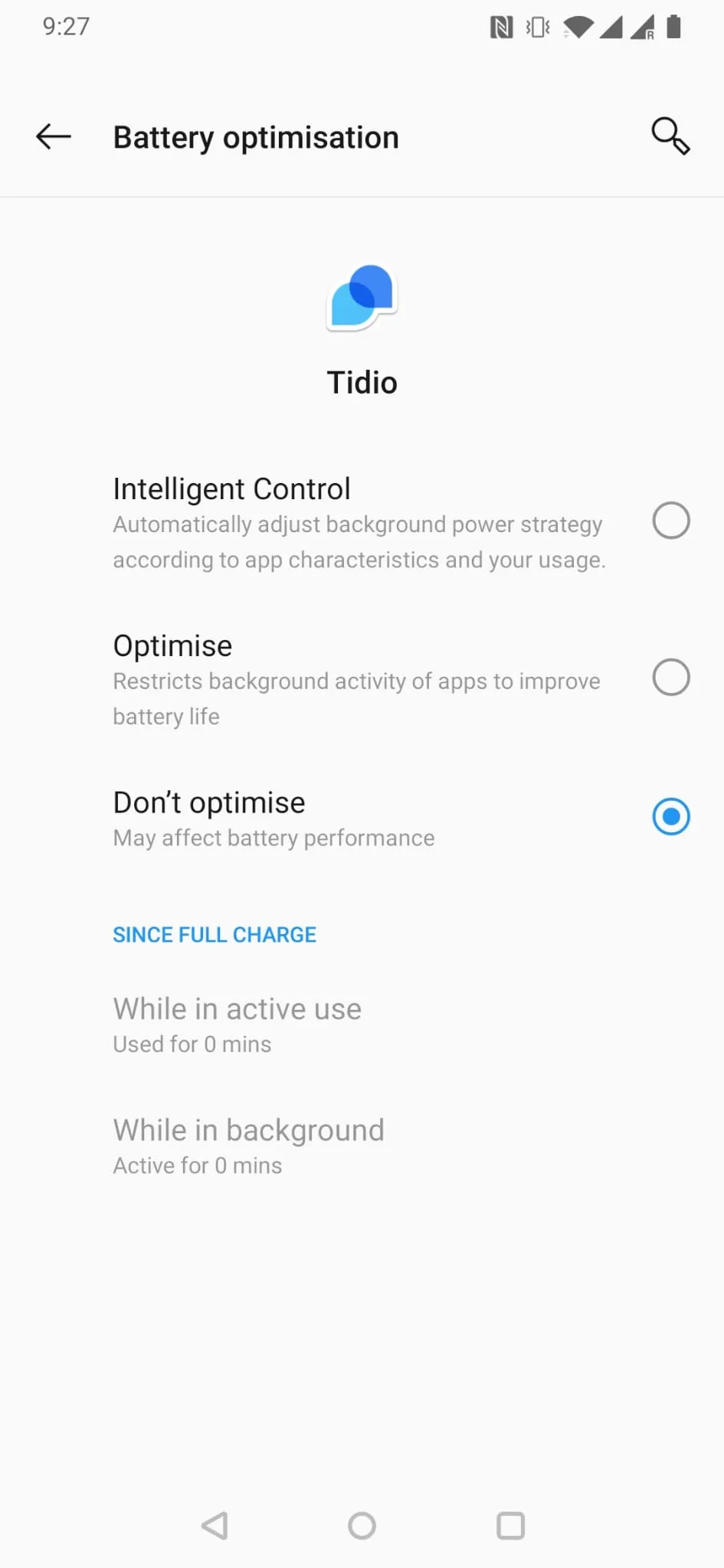
Next, you may also need to change your battery optimization settings. Please go back to the App info screen, expand the Advanced settings and go to Battery optimization
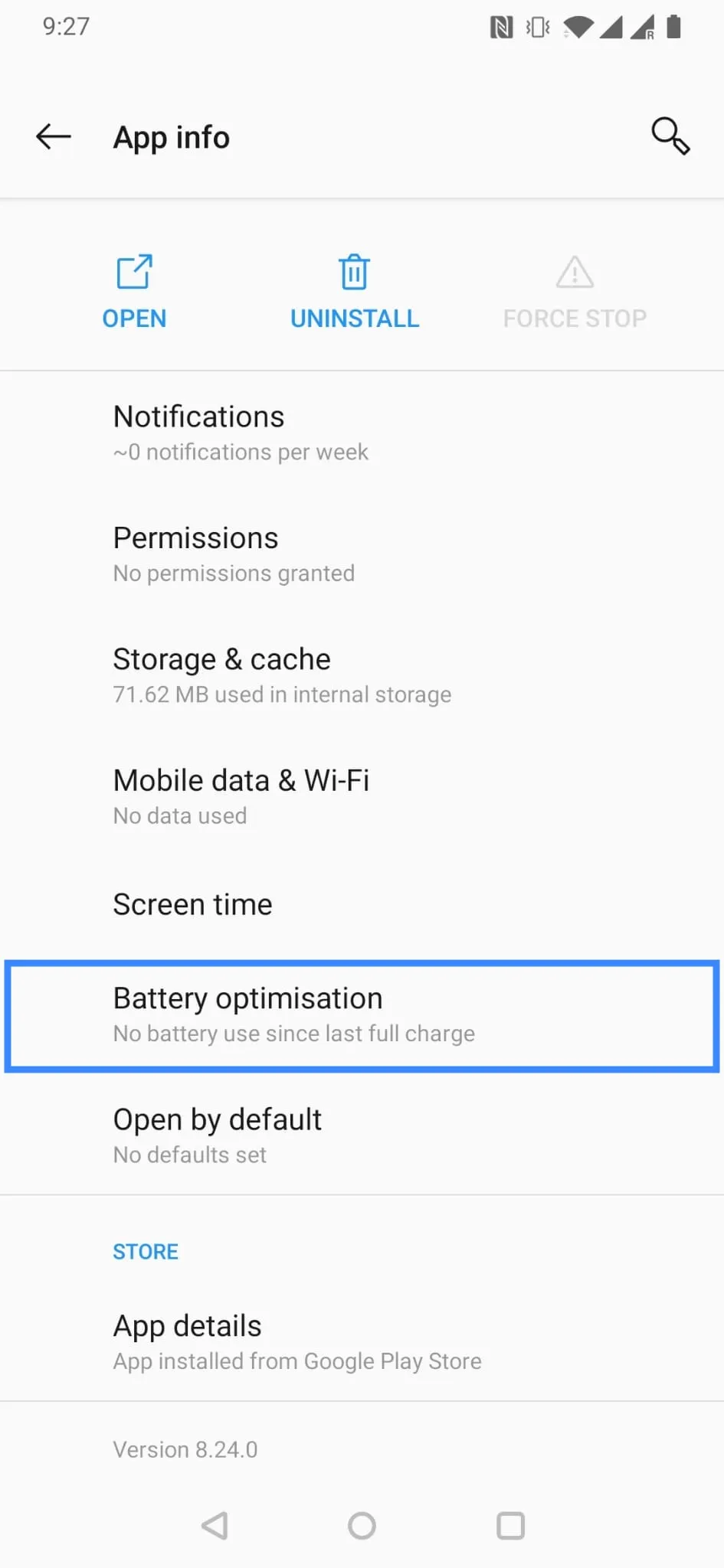
Make sure the settings are set to Don't optimize.
Can't hear the incoming notifications
Please check if your device isn't muted (swipe your finger down from the upper edge of the screen). If it is muted, you will need to turn the sound back on. Another reason for this may be that you have the notifications turned off in the app. Please go to the Tidio app, open Settings > Notifications, and enable the notification types you need. Check the Sound setting for each type.
Troubleshooting in Tidio
Start in the Tidio mobile app. Open Settings > Notifications > Notification Troubleshooting. If the check reports battery optimization, tap Open Battery Settings, then Go to battery settings. Follow the prompt to set Tidio to Don't optimize.
After changing the setting, return to troubleshooting and tap Run again. You can also tap Send a Test Message to test your settings.
