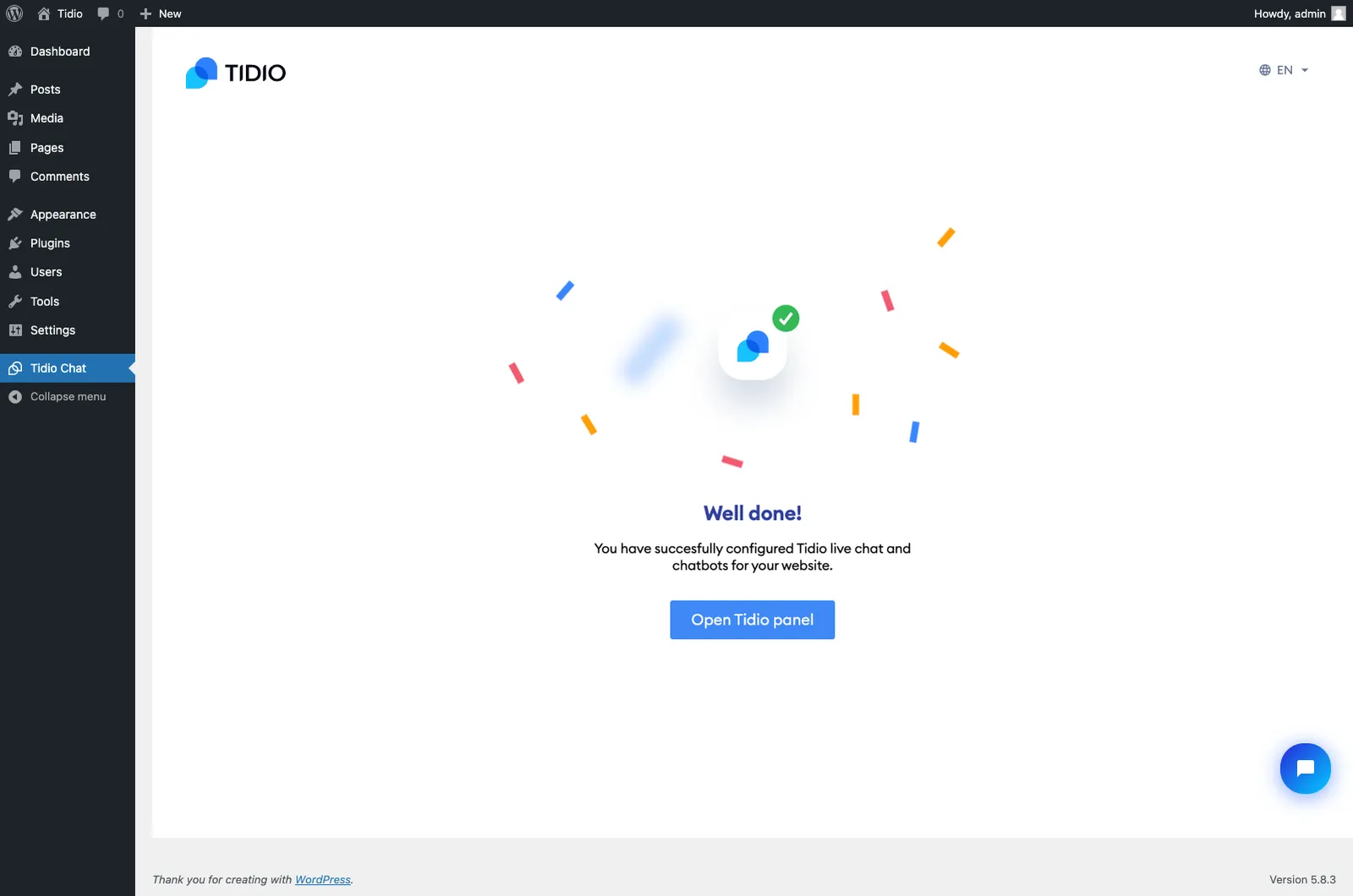
If you are a WordPress user and already have a Tidio account, this article provides a step-by-step guide on how to log in to your WordPress Tidio plugin using your existing account.
In this article, you'll learn:
Log in to an existing account
If you have an existing Tidio account and wish to log in to your WordPress Tidio plugin without creating a completely new Tidio account, you may need to clean the Tidio plugin's cache.
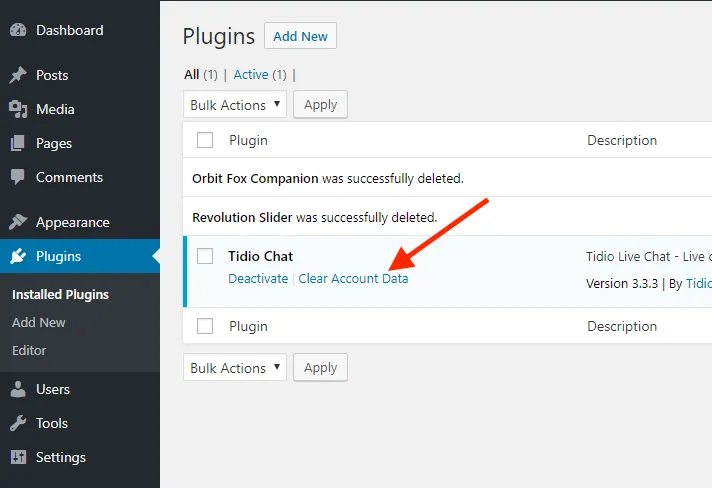
To clean the Tidio plugin's cache, please close all the Tidio pages in your browser, then - go to your WordPress admin panel, open the Plugins section, and click on Clear account data under the Tidio plugin.
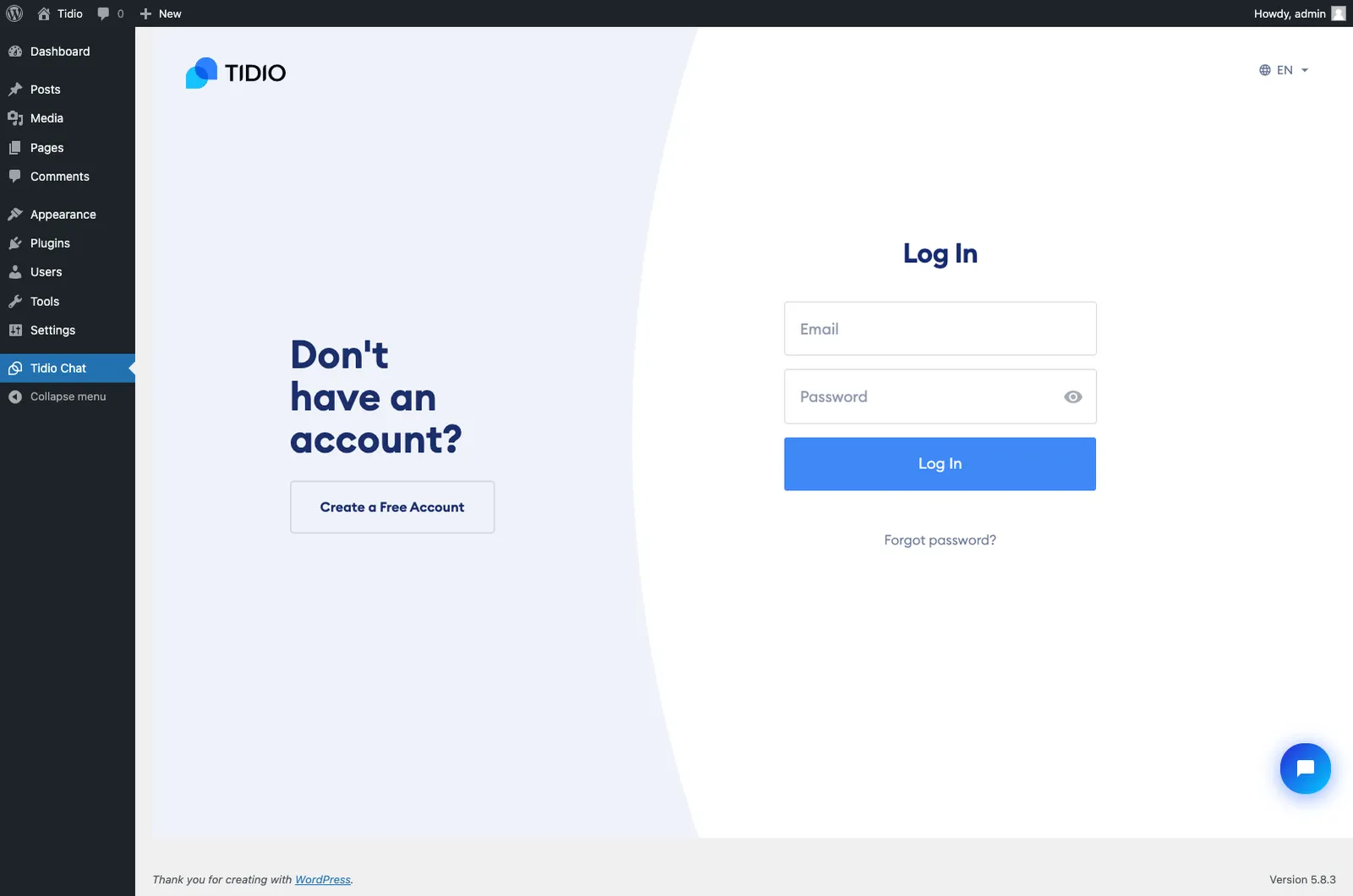
Later, locate Tidio Chat on the menu on your left hand-site and click it. Now, please click Log in.
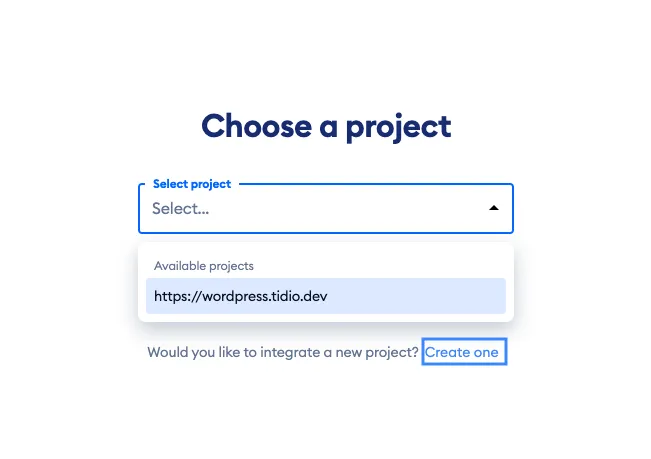
After providing your Tidio account information, you will see Choose a project. Select your project under Available projects, then click Integrate selected project:
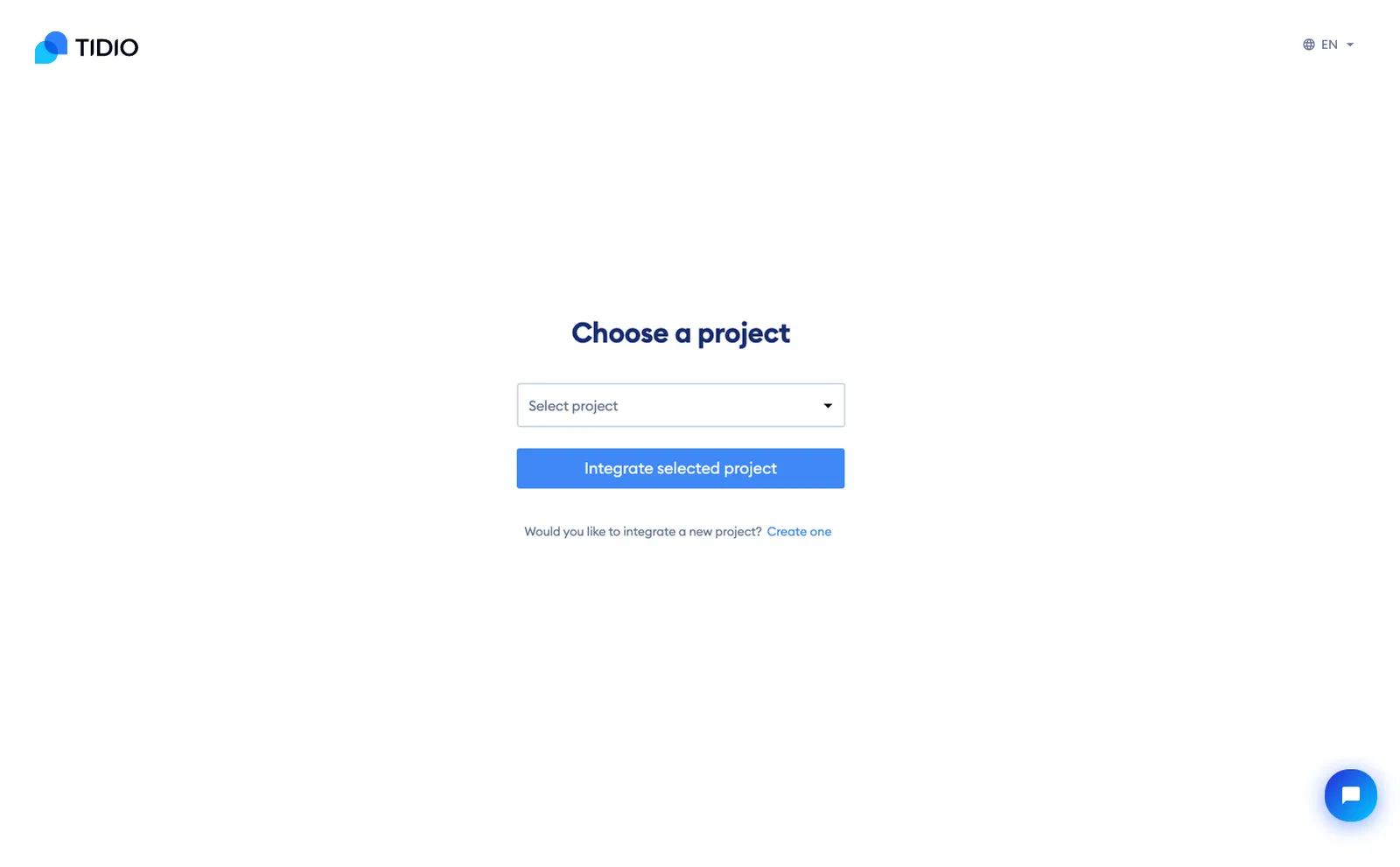
To create a new project in your existing account instead, click Create one. If no project is available to connect, Tidio offers Create a new project. Projects connected to a different platform may be unavailable. WordPress and WooCommerce projects can be used with either of these two platforms:
Thanks to some additional information submitted in the registration tour - we'll adapt the Tidio to your need to improve your experience and help achieve better results.
From now on - the Tidio widget will be visible on your WordPress website