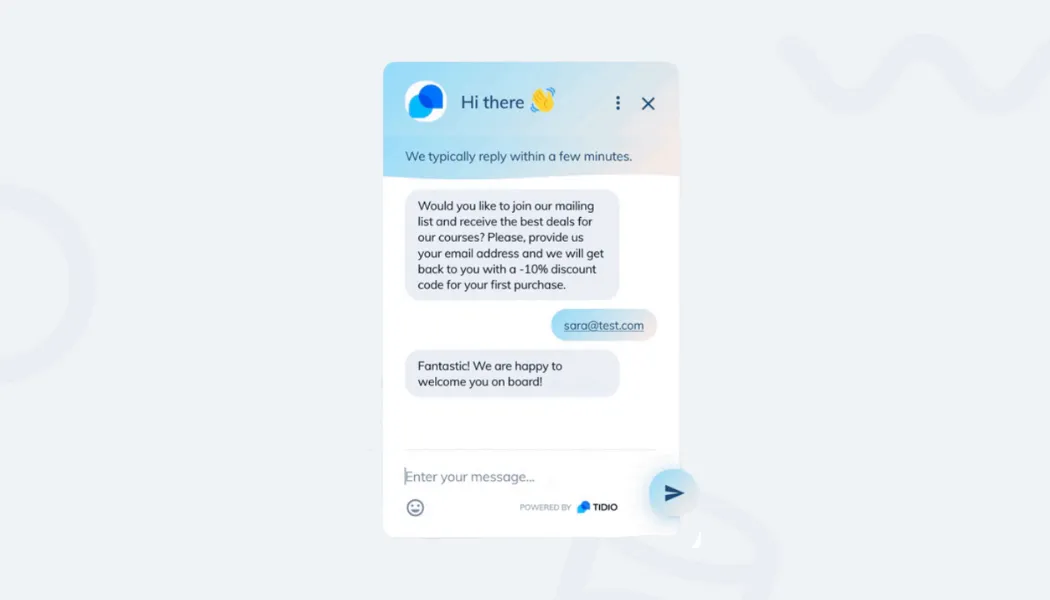
See how to integrate Tidio with your Omnisend account and add subscribers to your Omnisend list.
In this article, you'll learn:
How to integrate Tidio with Omnisend
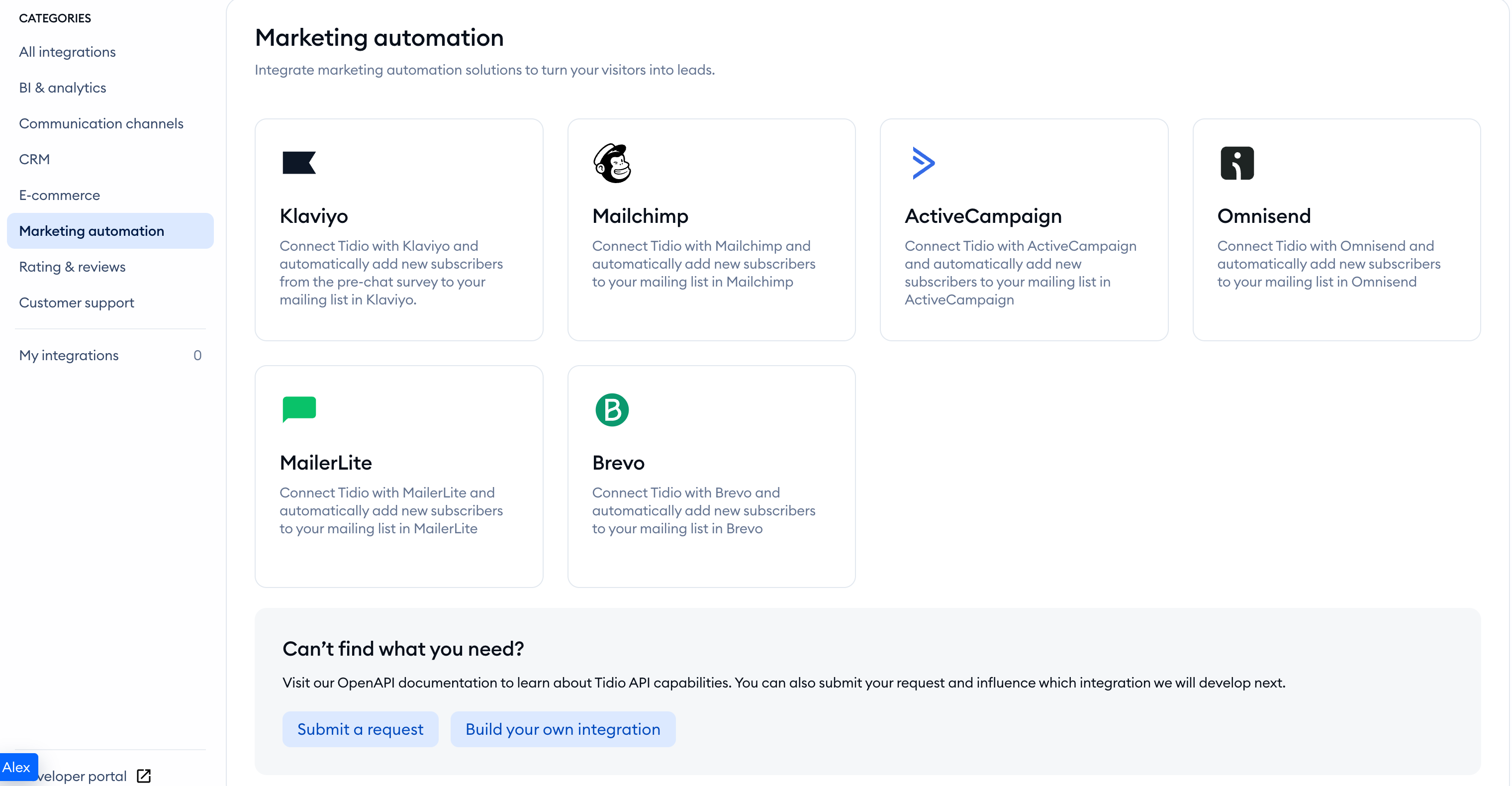
Open your Tidio admin panel and navigate to the Integrations section in the left sidebar. Then, click on the Omnisend tile.
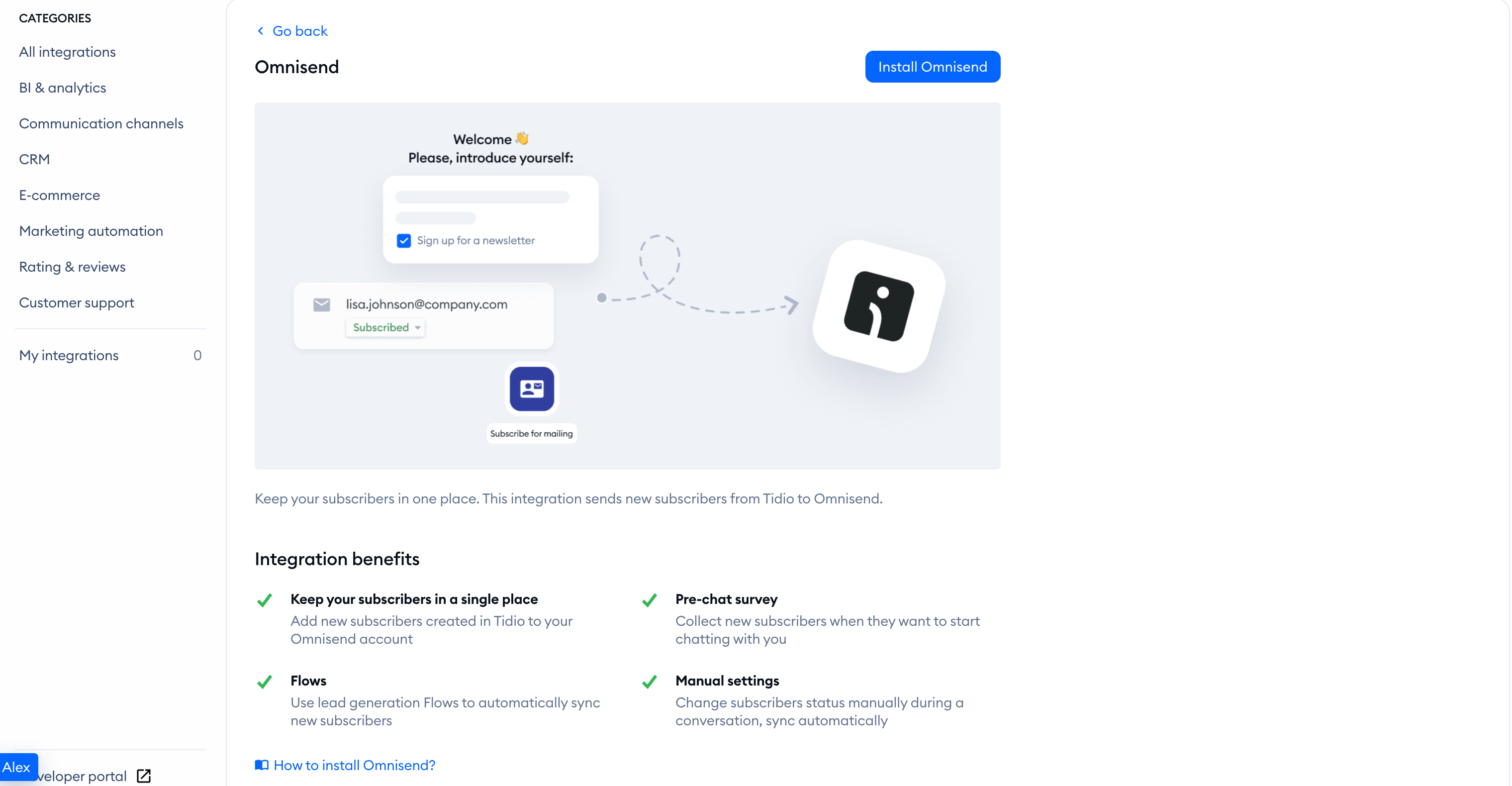
You'll see a window with a summary of all integration benefits. To proceed, click on the blue Install Omnisend button.
Now, you need to create a new connection. To do so, select New authentication.
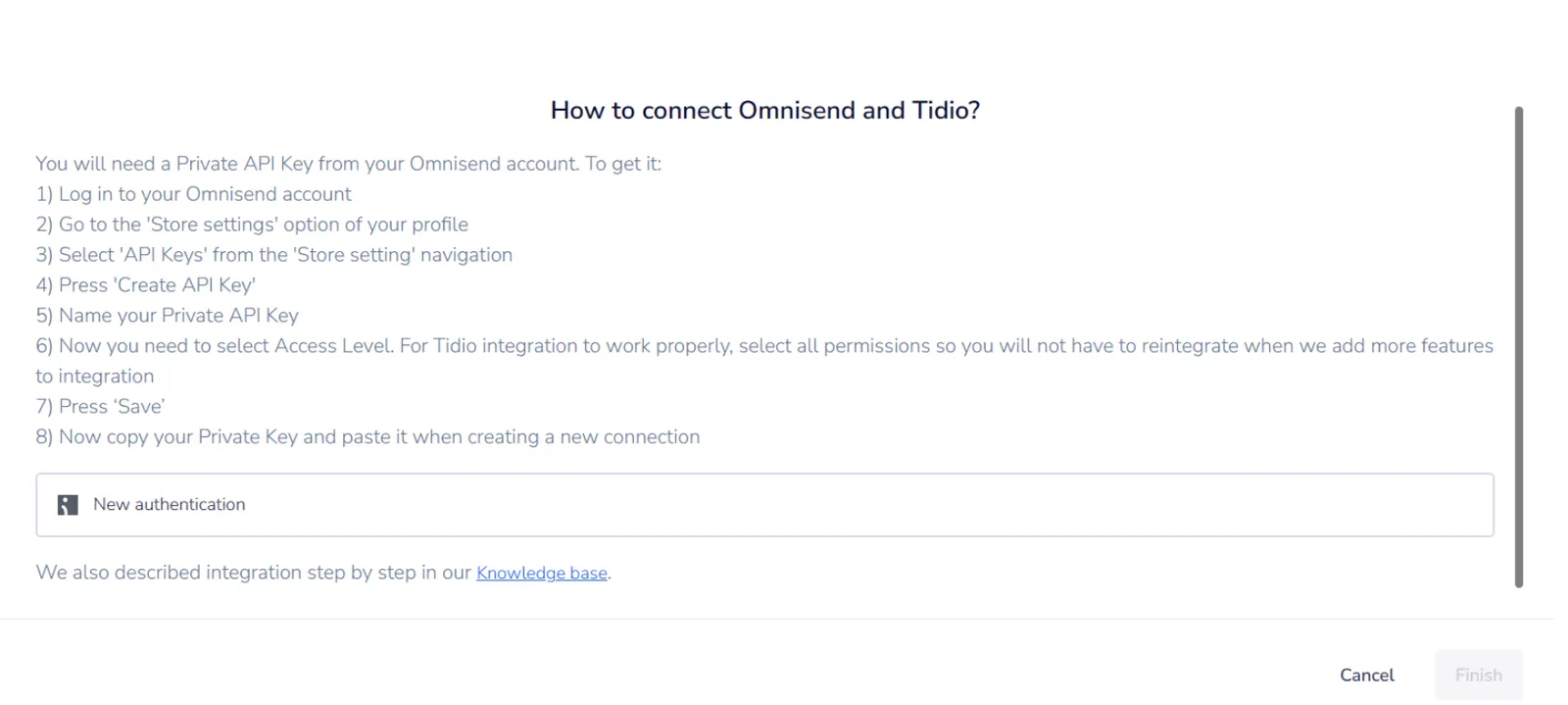
Now, you need to authenticate the connection. You will need a Private API Key from Omnisend to do that. To get it:
- Log in to your Omnisend account
- Go to the Store Settings option of your profile
- Select API keys
- Press Create API key
- Enter the name of the app you are connecting. If Omnisend opens an app setup wizard, follow its instructions
- If you are creating the key manually, choose the permissions required by the connection. Contacts controls access to subscriber data. Do not grant unrelated permissions solely for possible future features
- Click Create API key, then Copy API key
- Now copy your Private Key and paste it when creating a new connection
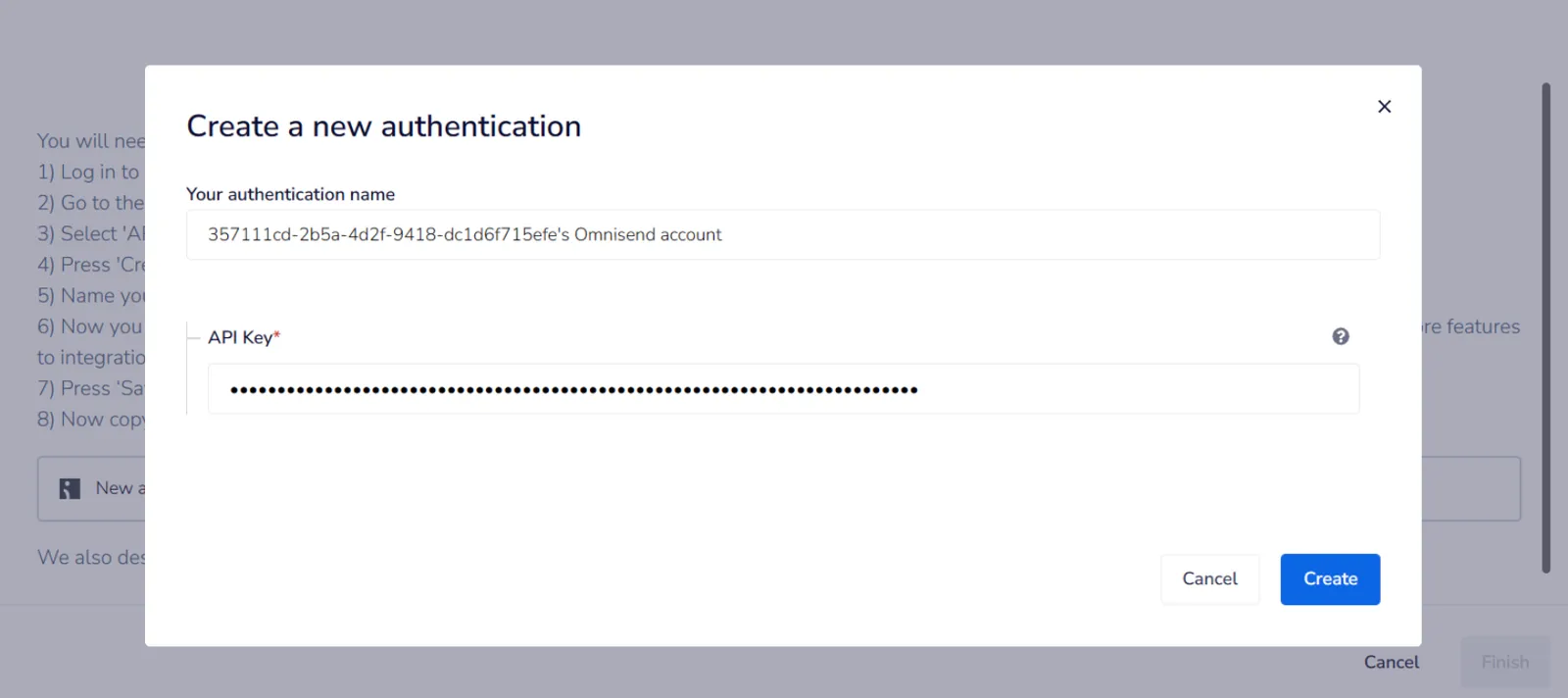
You are all set. Your integration with Omnisend is ready. Now, you can add new subscribers from Tidio to Omnisend.
How to add new subscribers from Tidio to Omnisend
New subscribers are added to Omnisend from Tidio in a few scenarios:
Please note: While Omnisend is connected, Ask your visitor for newsletter permission stays enabled in your pre-chat survey settings. You cannot turn this checkbox off while the integration needs it.
Pre-Chat Survey
When you have the Pre-Chat Survey enabled and a user provides their email address and communication consent, this email will be automatically added to your Omnisend list.

Manual status update
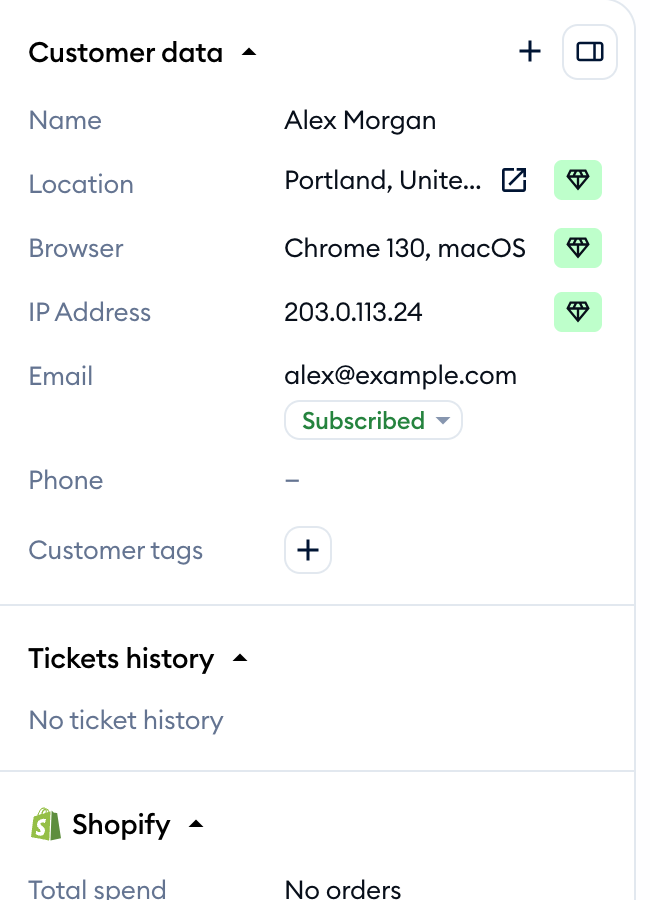
You can change a user's subscriber status manually. When you change it to 'Subscribed,' we will pass the user's email to Omnisend.
Flow
You can add subscribers to Omnisend using a flow and the 'Subscribe for Mailing' node. When you collect an email address using such a flow, we pass it automatically to your Omnisend list.