Tidio's integration with Judge.me lets you manage product and online shop reviews directly from the Tidio panel. Judge.me now supports Shopify only; it has discontinued its non-Shopify apps, including WooCommerce.
In this article, you'll learn:
- How to integrate Tidio with Judge.me
- How to use Tidio and Judge.me integration
- Ask for feedback before a bad review is posted (flow)
- Sending thank you after a good review is posted (flow)
-
Display and reply to new reviews in Tidio
- Extended 60-day trial for enabling Judge.me integration
How to integrate Tidio with Judge.me
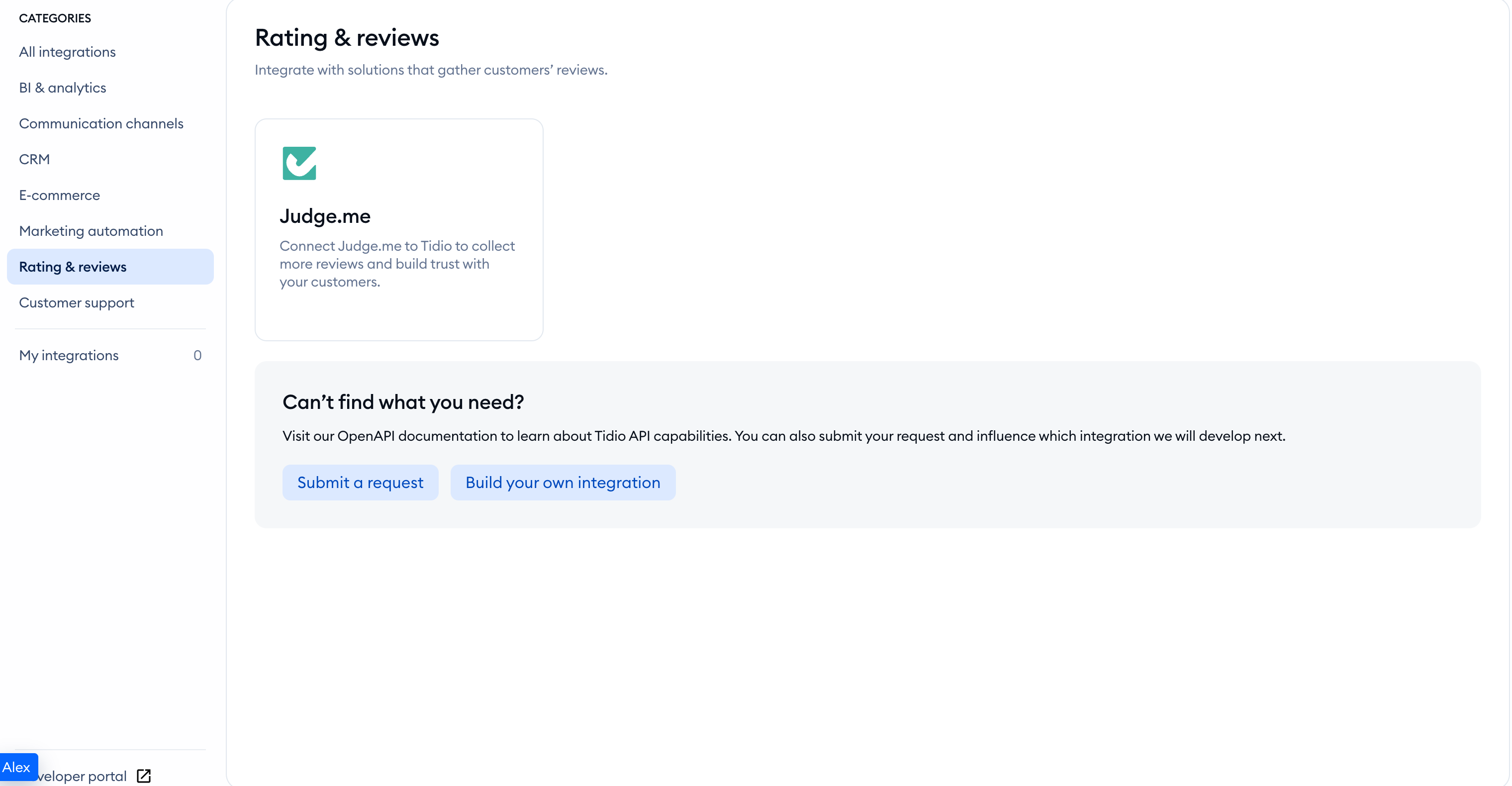
Open your Tidio admin panel and head over to Integrations. Then click on the Judge.me tile:
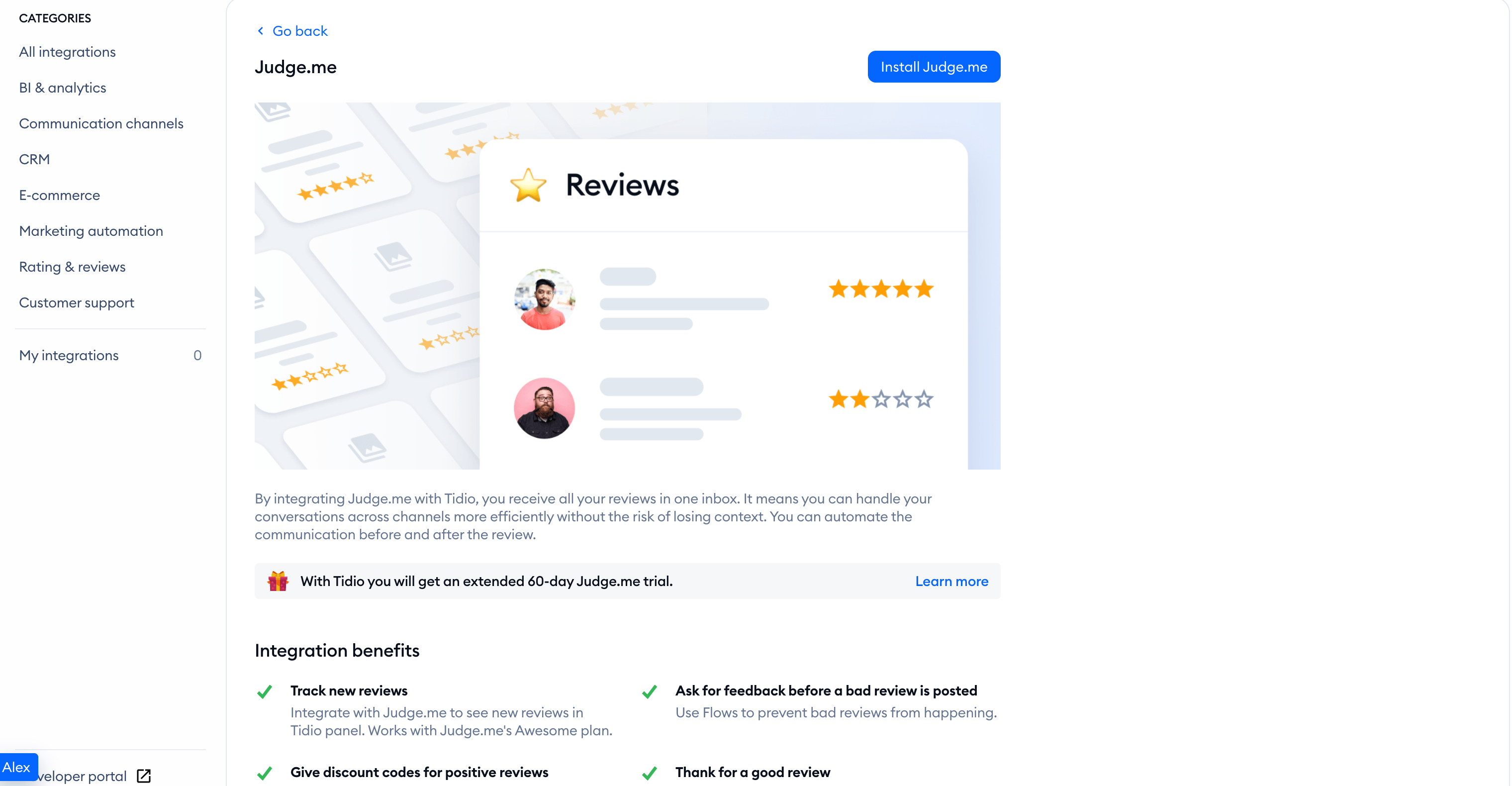
Click on the Install Judge.me button to initiate the connection process.
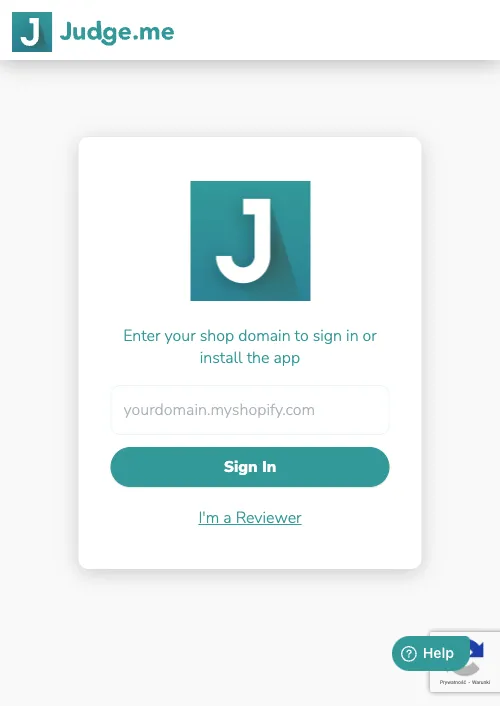
You'll see a new window with Judge.me authentication. Provide your online shop domain name. Then press Sign in.
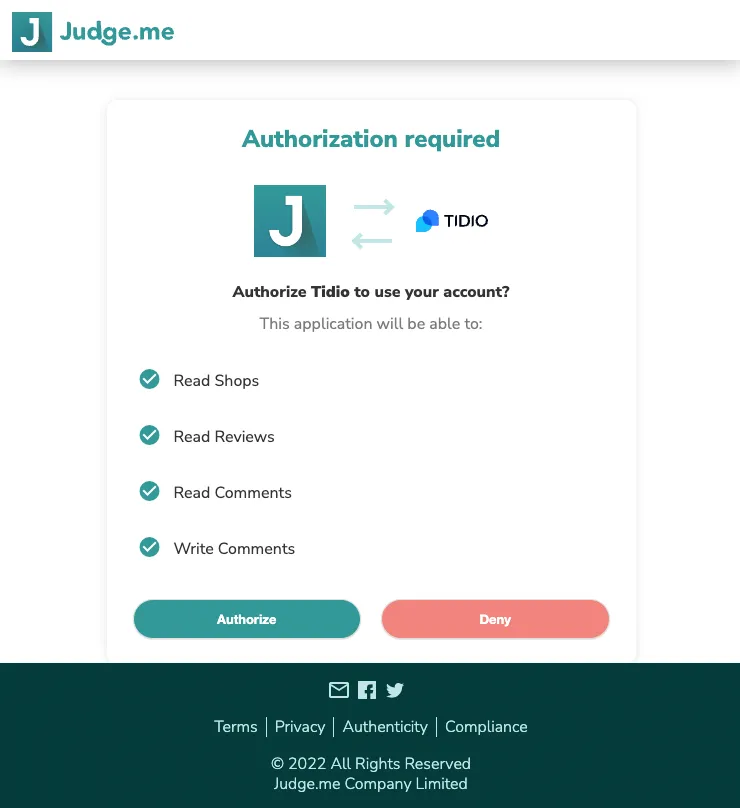
You'll now see the authorization request. Click the Authorize button, and authorization will be done!
You have now integrated your Judge.me account with Tidio.
How to use Tidio and Judge.me integration
Judge.me is a tool for managing your products and online shop reviews. By connecting Judge.me and Tidio, you can:
- Use flows to: clarify bad reviews, thank for a good review
- Display and reply to new reviews in Tidio (requires Awesome plan in Judge.me)
Using flows with Judge.me
When you integrate with Judge.me, you will see new flow templates.
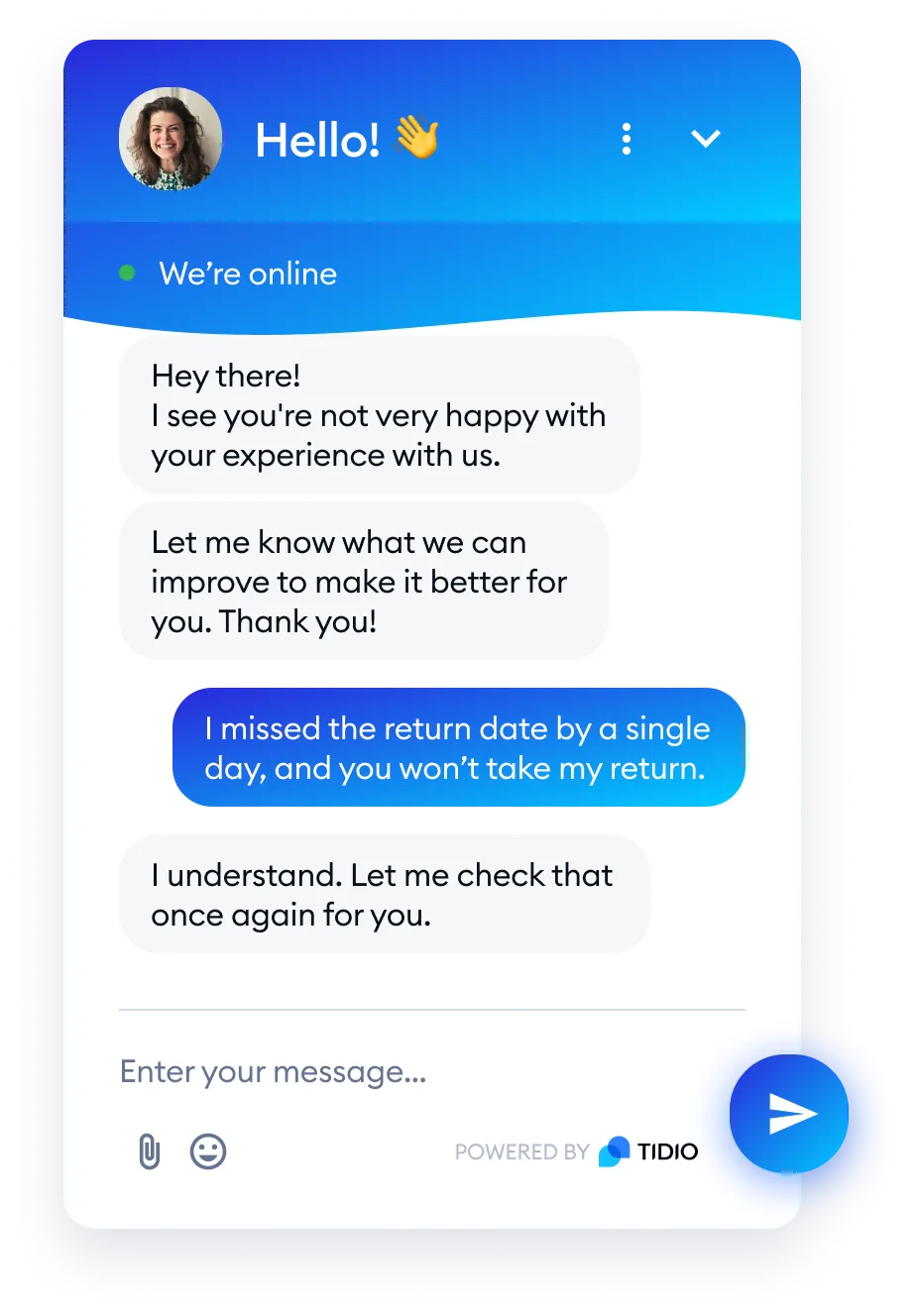
Ask for feedback before a bad review is posted
This template allows you to engage with your customers via live chat before they post a negative review. You can turn a bad experience into an opportunity. The flow launches when a user wants to write a negative review of your product or store. It triggers for all 1-, 2-, and 3-star ratings selected by a user.
Note: In template settings, you can select ratings that trigger this flow.
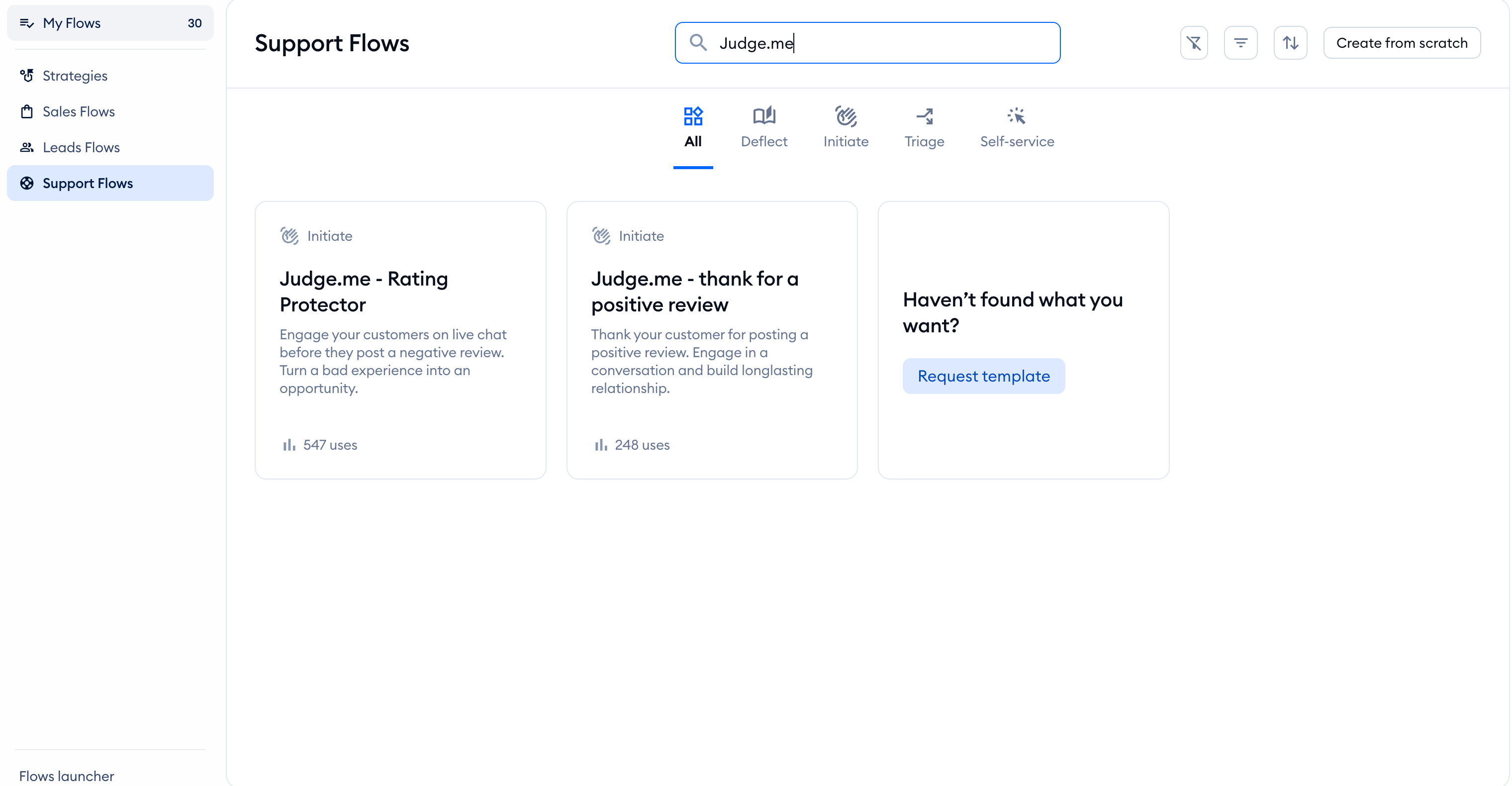
To enable this flow, go to the Flows section and browse for the Judge.me template under Support Flows. Then hover your mouse over it and click Learn more.
Now press Use template. You will be redirected to the flow creator.
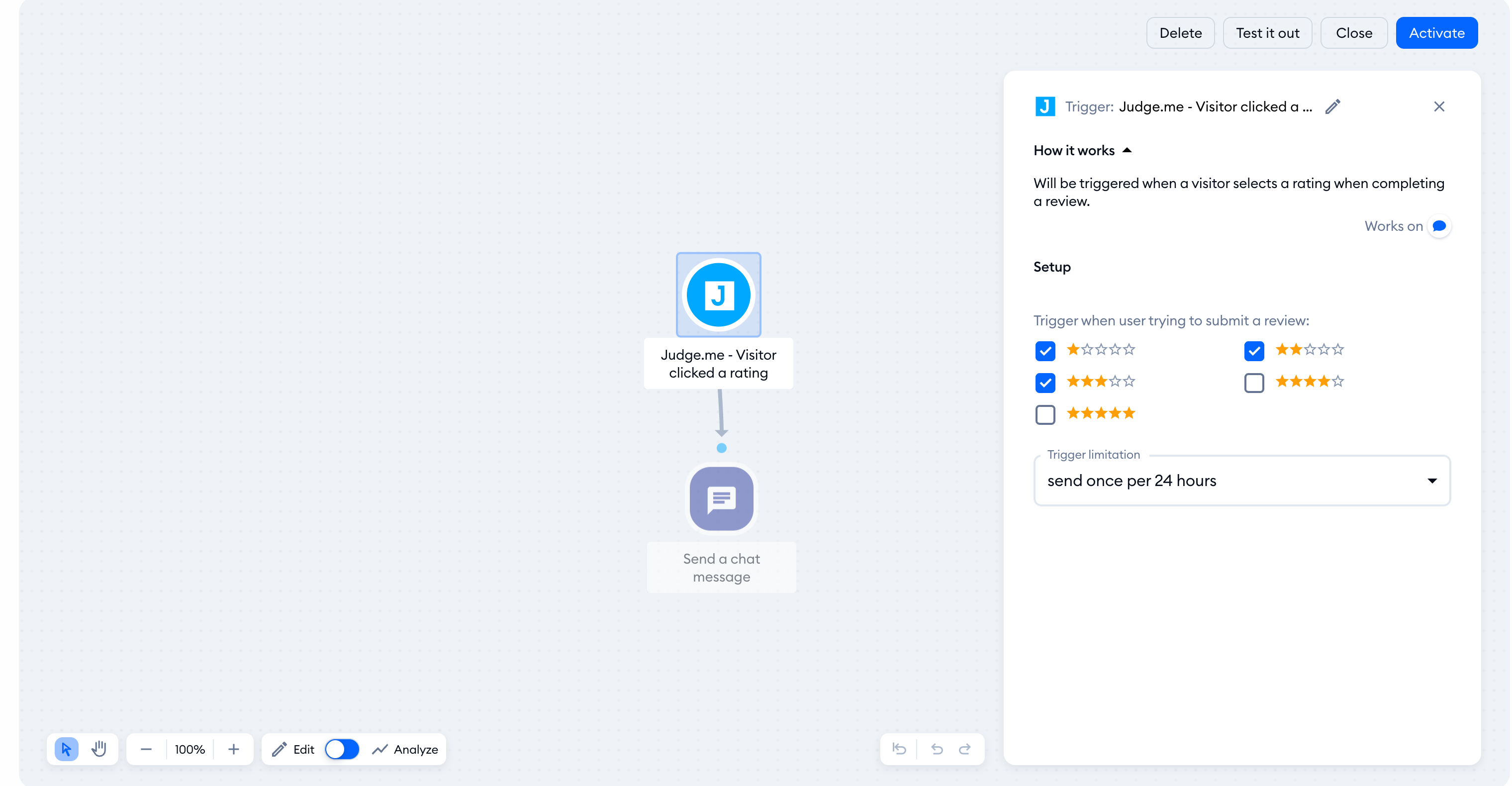
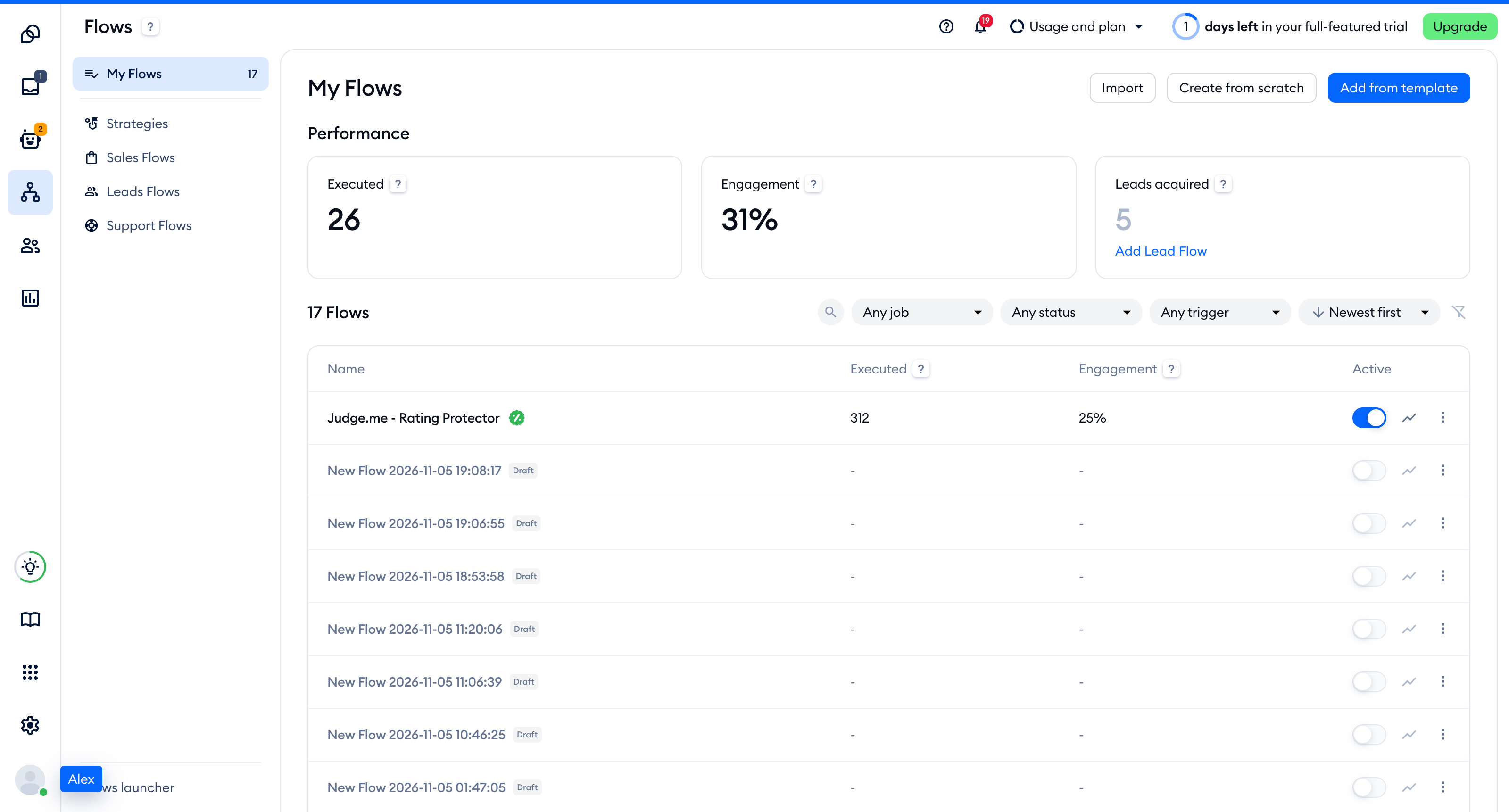
When you finish adjusting the flow, press Activate. Your flow is now active.
Sending thank you after a good review is posted
This flow simply sends a thank you message on a live chat when someone posts a 4- or 5-star review.

To enable this flow, go to the Flows section and browse for the Judge.me template under Support Flows. Then hover your mouse over it and click Learn more.
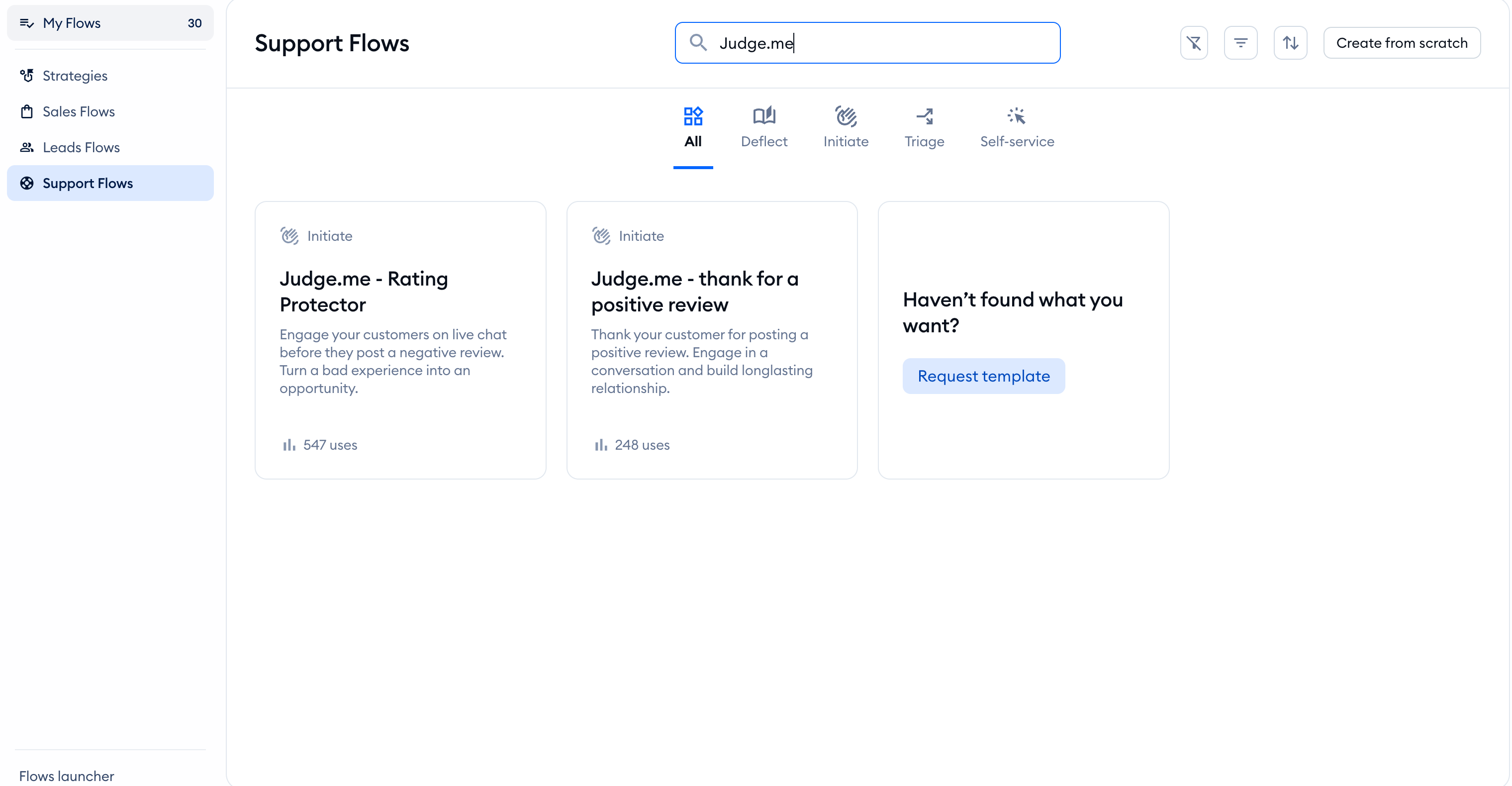
Now, you can just press Use template, and you will be redirected to flow Creator.
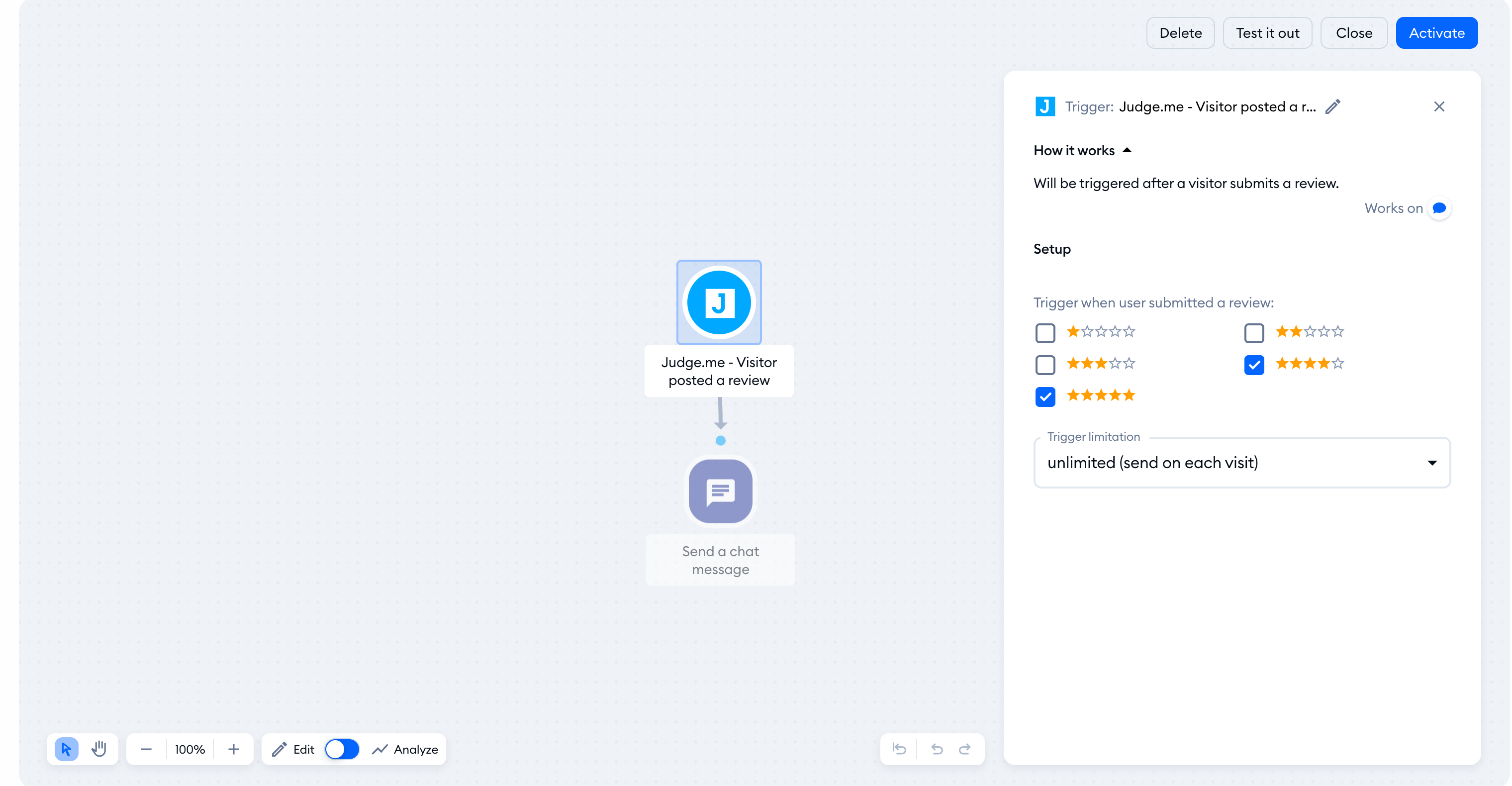
Now, you can adjust the flow and press Activate when the flow is ready. Your flow is now active. The flow will send thank you messages to every 4- and a 5-star rating.
Display and reply to new reviews in Tidio
To display new reviews in Inbox > Feedback > Reviews, you need Judge.me's Awesome plan. Connecting Tidio does not subscribe you to that plan.
Please note: If you upgrade to Awesome after connecting, uninstall the Judge.me integration in Tidio and connect it again to enable review imports.
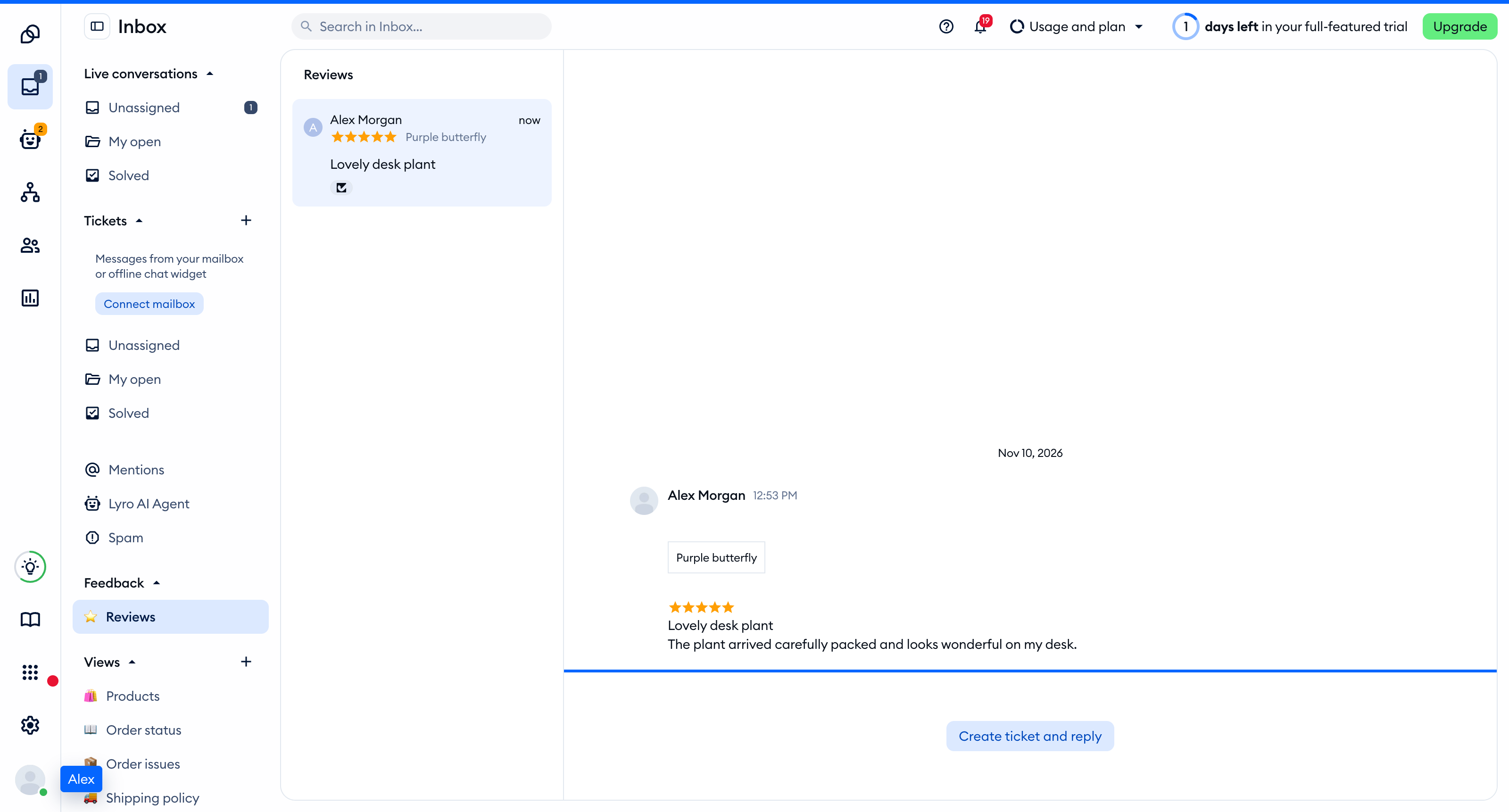
To follow up with your customer on a posted review, click Create ticket and reply. Tidio opens the ticket creation screen with the reviewer's email and review details filled in. Write your reply and submit the ticket:
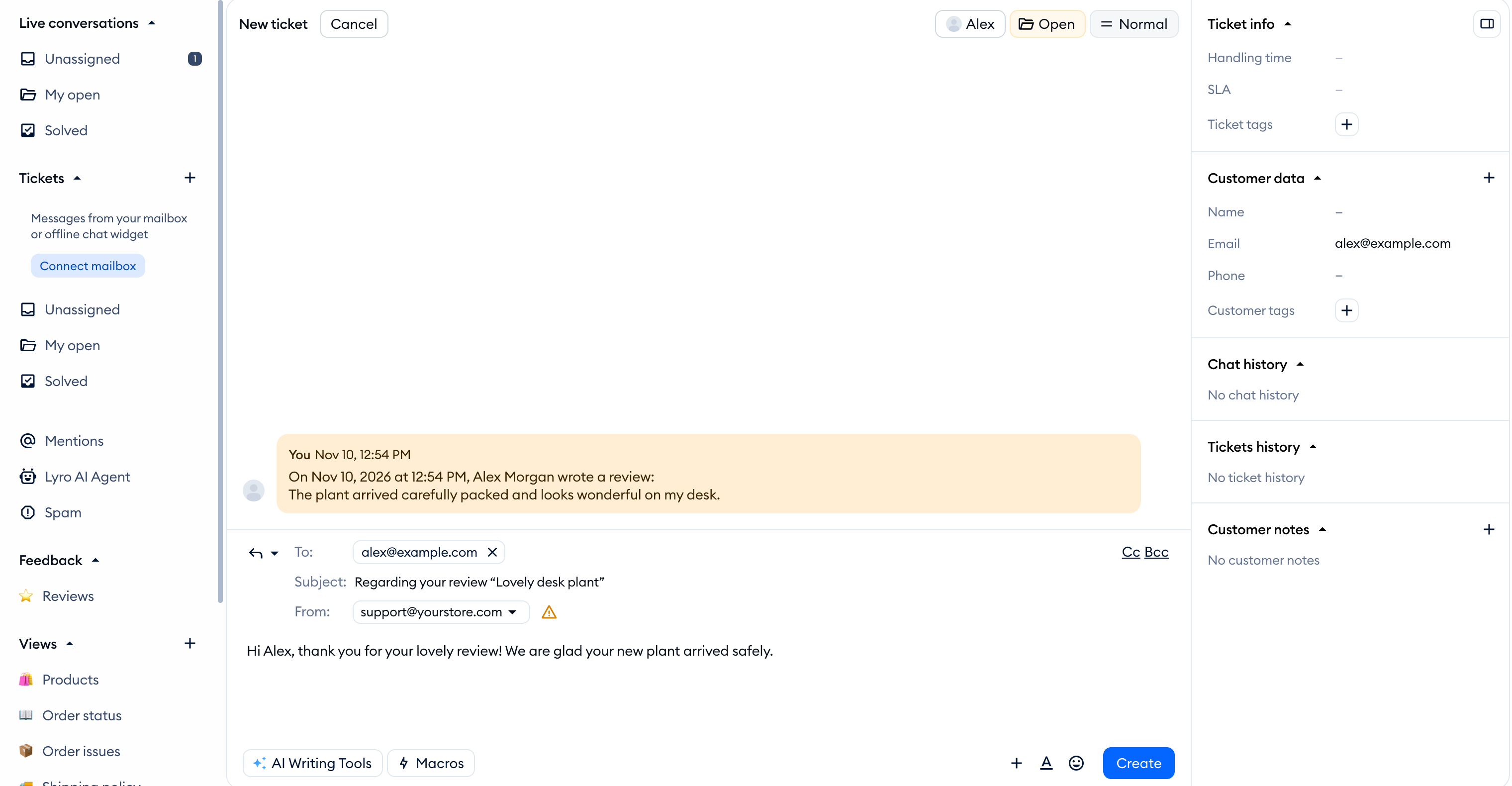
When you submit the ticket, a new ticket will be created, and an email will be sent to your reviewer. You can see the tickets created from reviews in the tickets section.
Extended 60-day trial for enabling Judge.me integration [Shopify]
Tidio and Judge.me integration allow you to manage reviews inside the Tidio panel. However, in order to fully experience Tidio's integration with Judge.me - you need to subscribe to the Judge.me's Awesome plan.
Judge.me offers an extended trial through its Tidio partner page. Before subscribing, check the current eligibility and billing terms on that page.
To claim your extended trial:
- Integrate Tidio and Judge.me (see above on how to do that)
- Go to https://judge.me/free-trial/techpartner-tidio-inapp-60 and claim your extended trial
FAQ’s
Who can claim an extended trial?
Users who are on a Judge.me free plan and have never been on an Awesome plan before.
How long is an extended trial?
Up to 60 days, starting from the day you claim the extended trial.
Does the trial period stack up?
No. 60 days is the maximum time for a trial.
Is it limited to any platforms? Check the eligible platforms on the Judge.me trial page before subscribing.
How to claim it?
Go to https://judge.me/free-trial/techpartner-tidio-inapp-60 , sign up for an Awesome Plan, and receive a prolonged trial.
Is it free?
Yes. However, you need to confirm your Awesome Plan subscription before claiming an extended trial.
When will I be charged?
You will be charged for an Awesome Plan after 60 days extended trial.
Can I cancel the Awesome plan subscription?
Yes, you can cancel your subscription anytime within the 60-day extended trial.
Will I lose my account?
No. You will stay on a free plan if you cancel your subscription. However, new reviews will not be passed to Tidio.
