Use the older Hubspot integration to send contacts to HubSpot straight from a chat conversation, or update to the current integration for automatic contact syncing and chat transcripts.
Please note: The legacy integration is only listed if it is already installed. You cannot set up a new legacy connection. For a new connection, follow Integration with HubSpot.
In this article, you'll learn:
Updating the legacy Hubspot integration
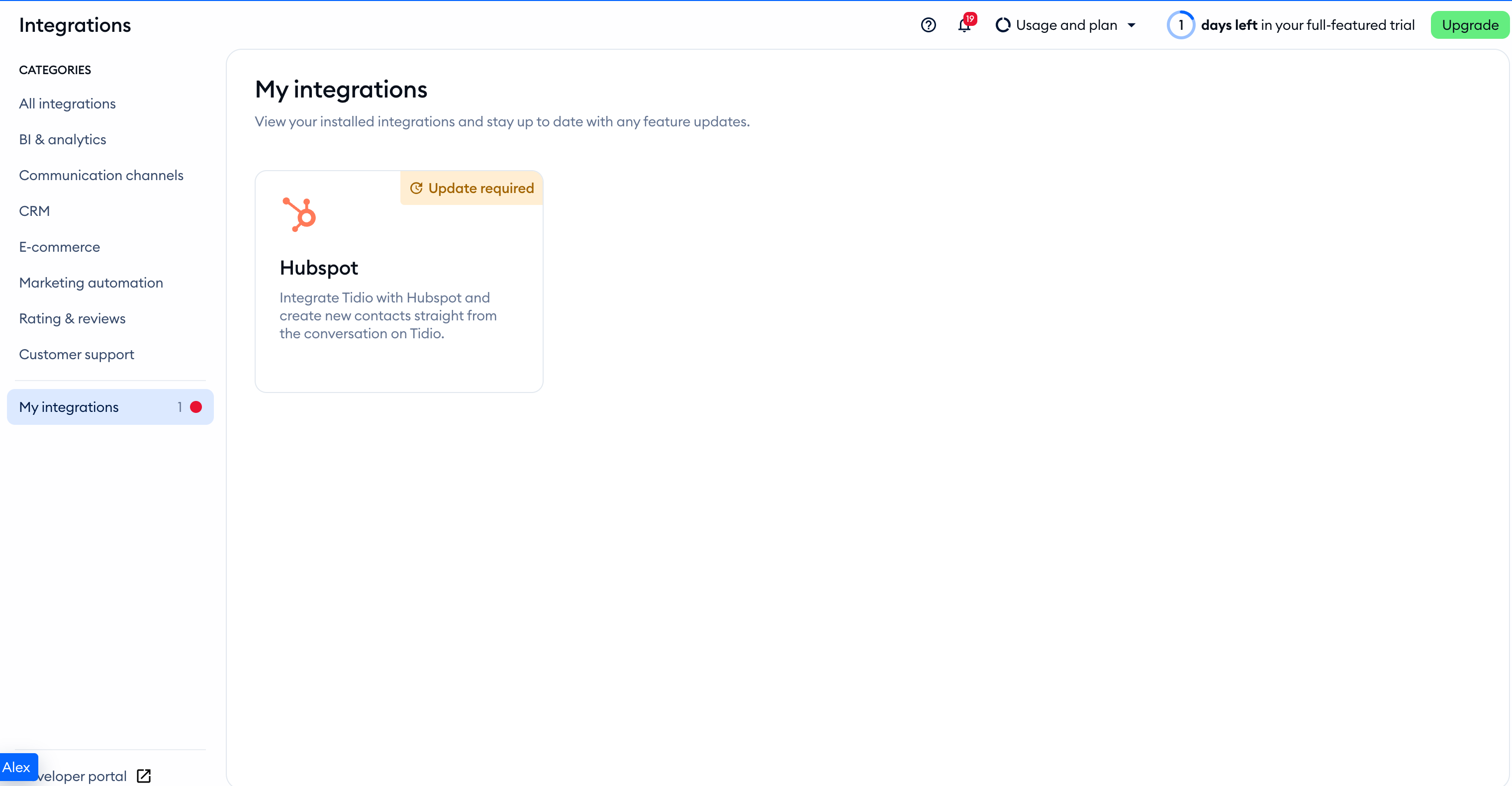
Open Integrations in the left sidebar, then click on the installed Hubspot tile:
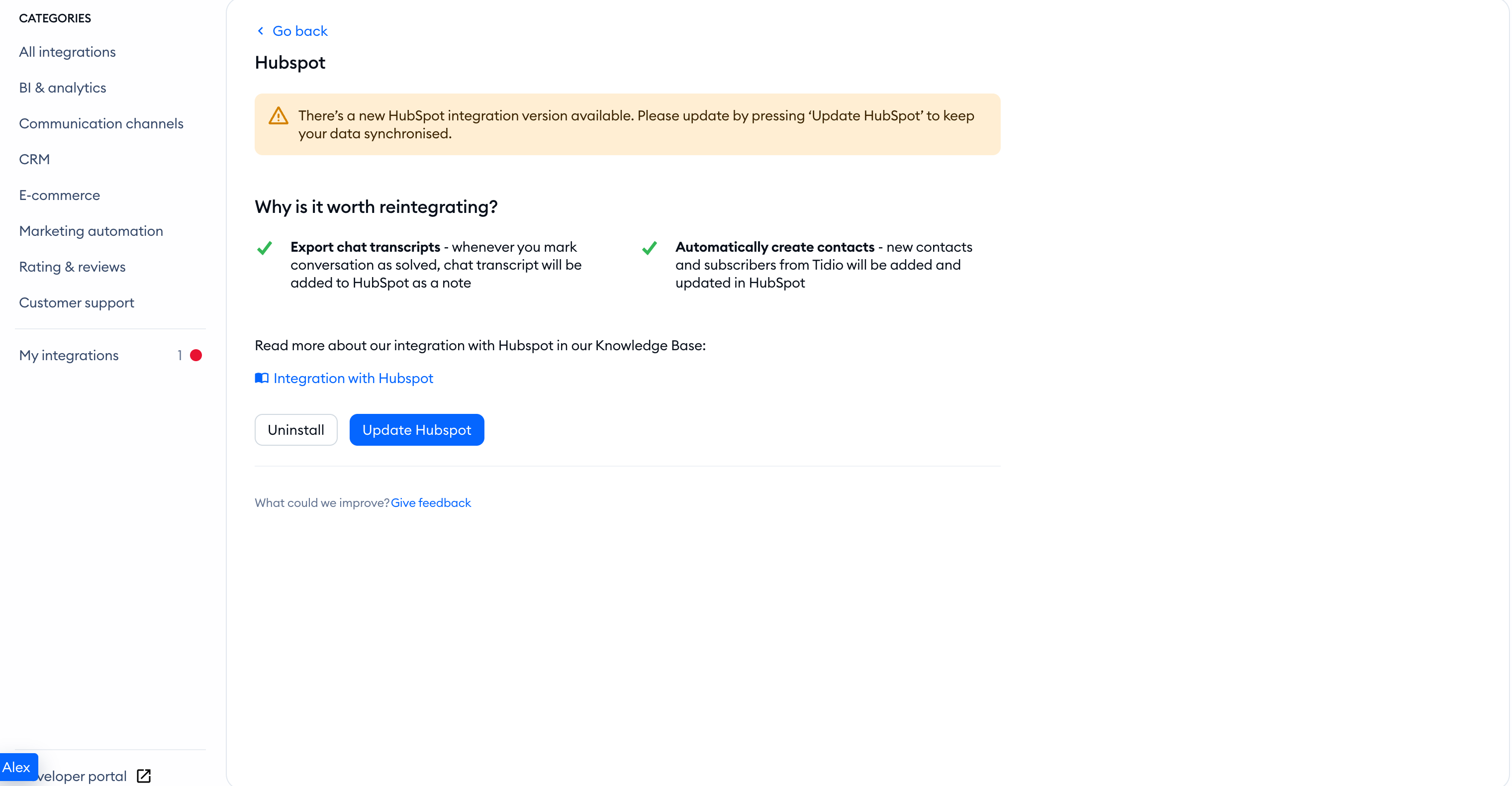
The legacy integration page now offers Update Hubspot, rather than a new installation. Click it to open the current connection wizard:
Follow the HubSpot connection guide to authenticate your account and map contact properties. After the update succeeds, Tidio removes the old integration.
About the older private-app setup
The older connection used a Private App in HubSpot. HubSpot no longer allows new legacy private apps to be created. Existing legacy apps remain supported. This explains an existing legacy setup; it is not the current installation procedure:
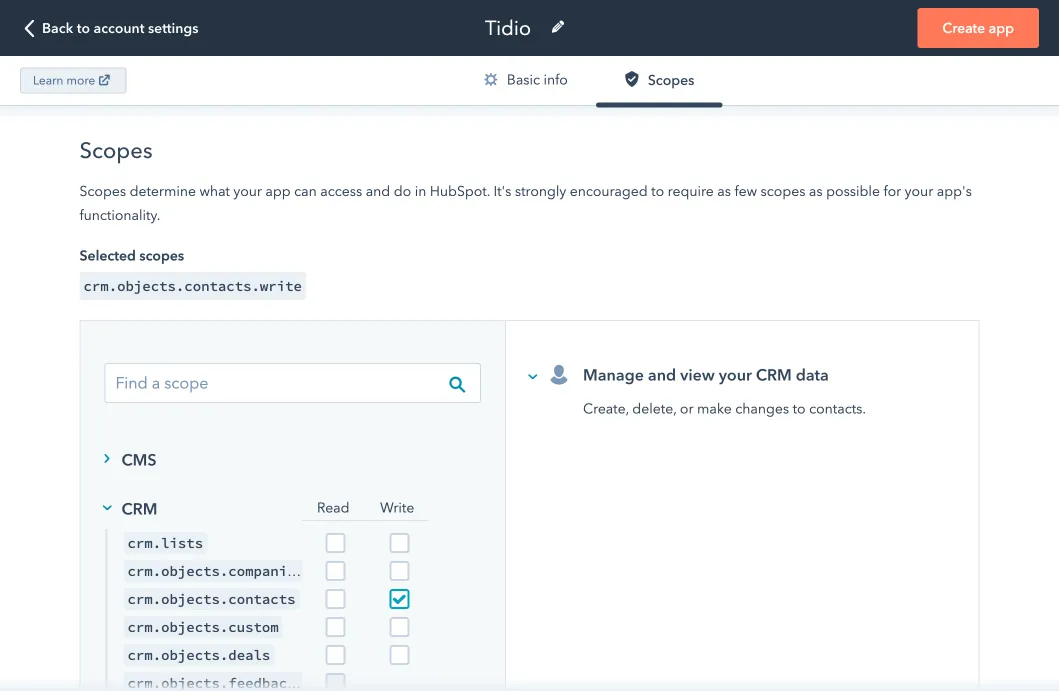
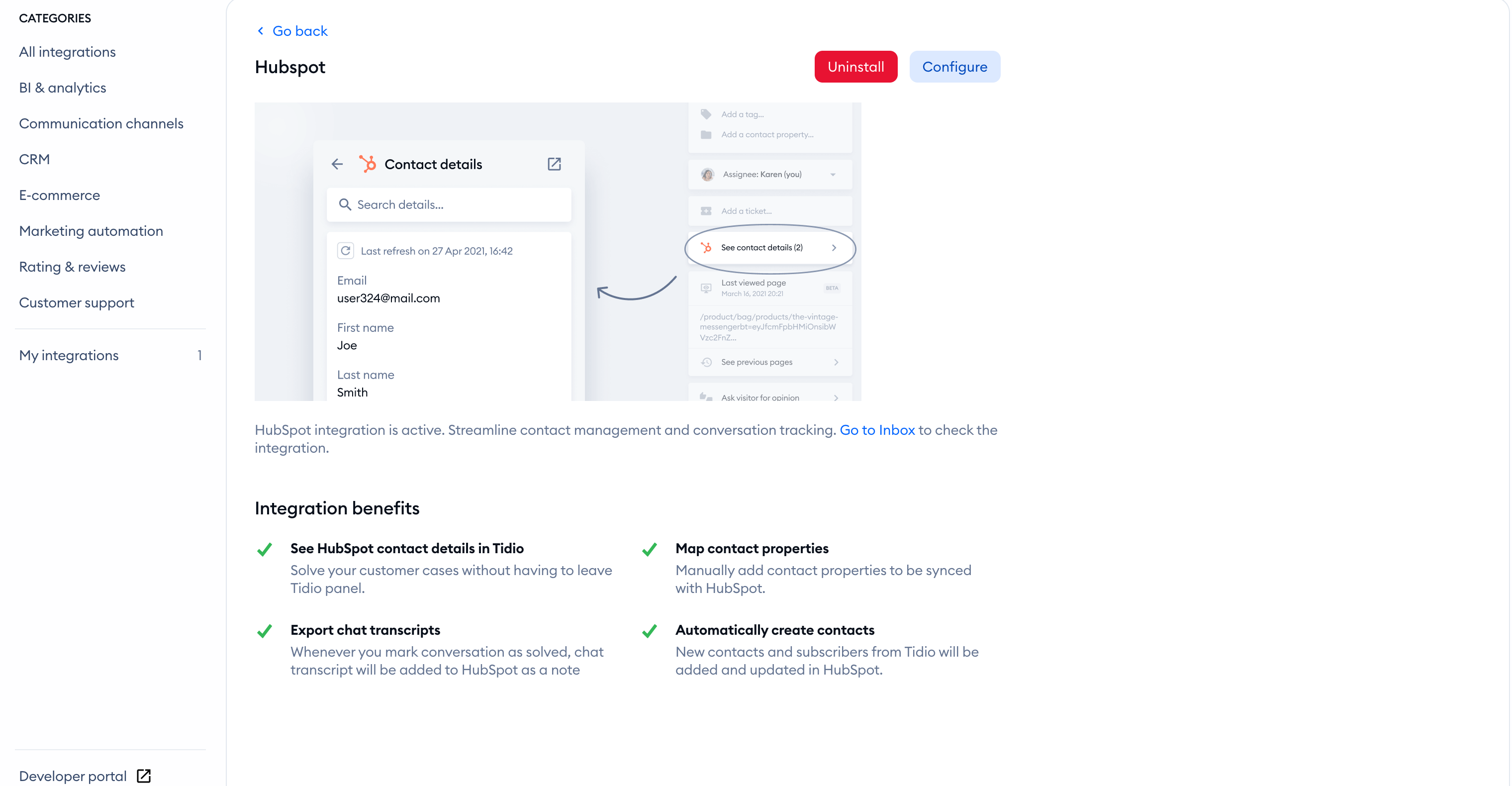
The older credential screen below is no longer the new-install path. Once you complete the update, the current integration offers Configure to reopen its connection wizard:
Sending contacts to HubSpot
While the legacy integration remains installed, open the chat conversation with the contact you want to send. Click on the three-dots menu:
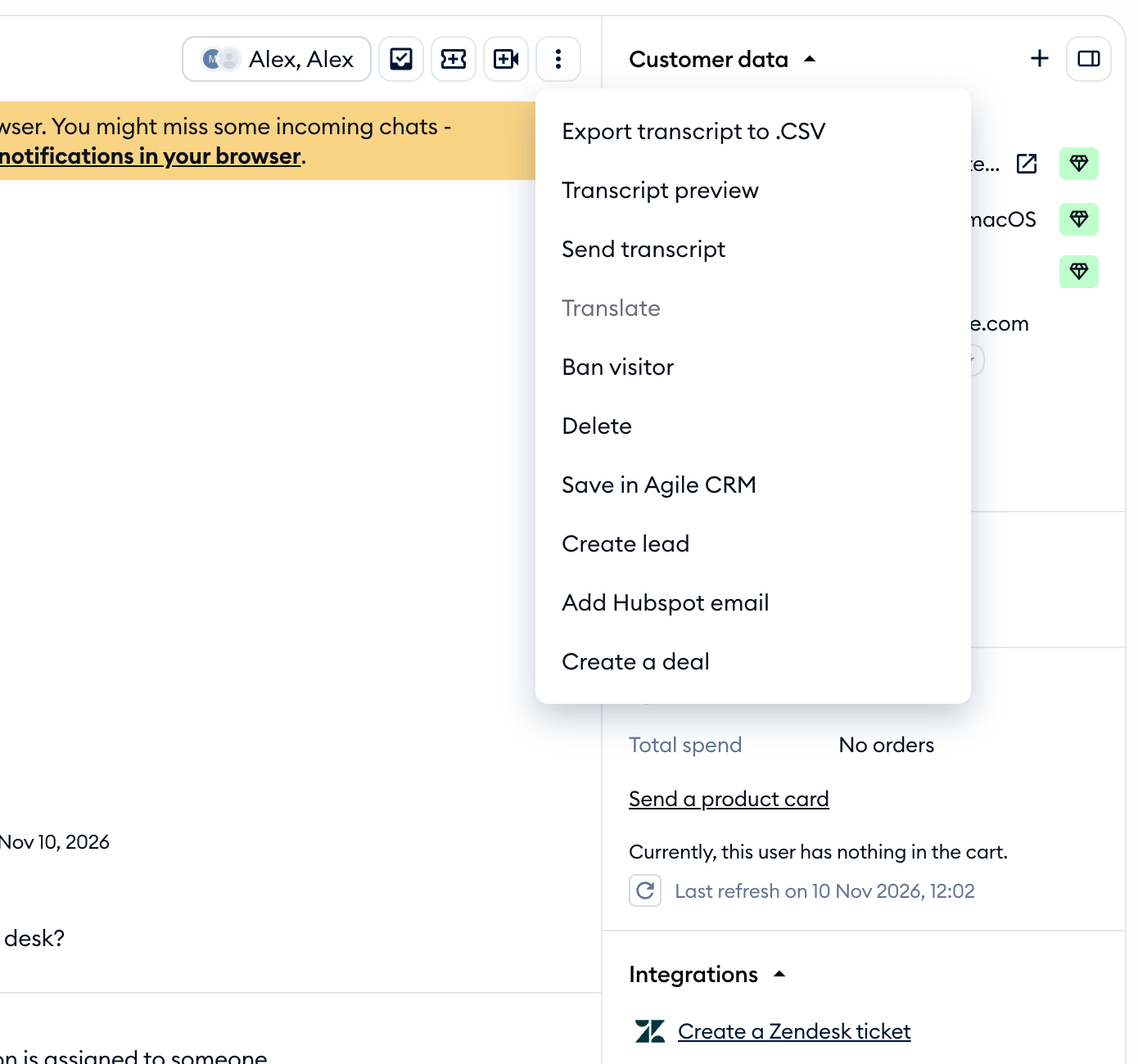
Make sure the contact has an email address in Tidio, or the integration action will be unavailable. Click on Add Hubspot email to send the contact to HubSpot. The action uses the visitor's email address. This manual legacy action is different from the automatic contact syncing in the current integration.
